
ABBYY FineReader PDF
The smarter PDF solution for digital document efficiency
Description
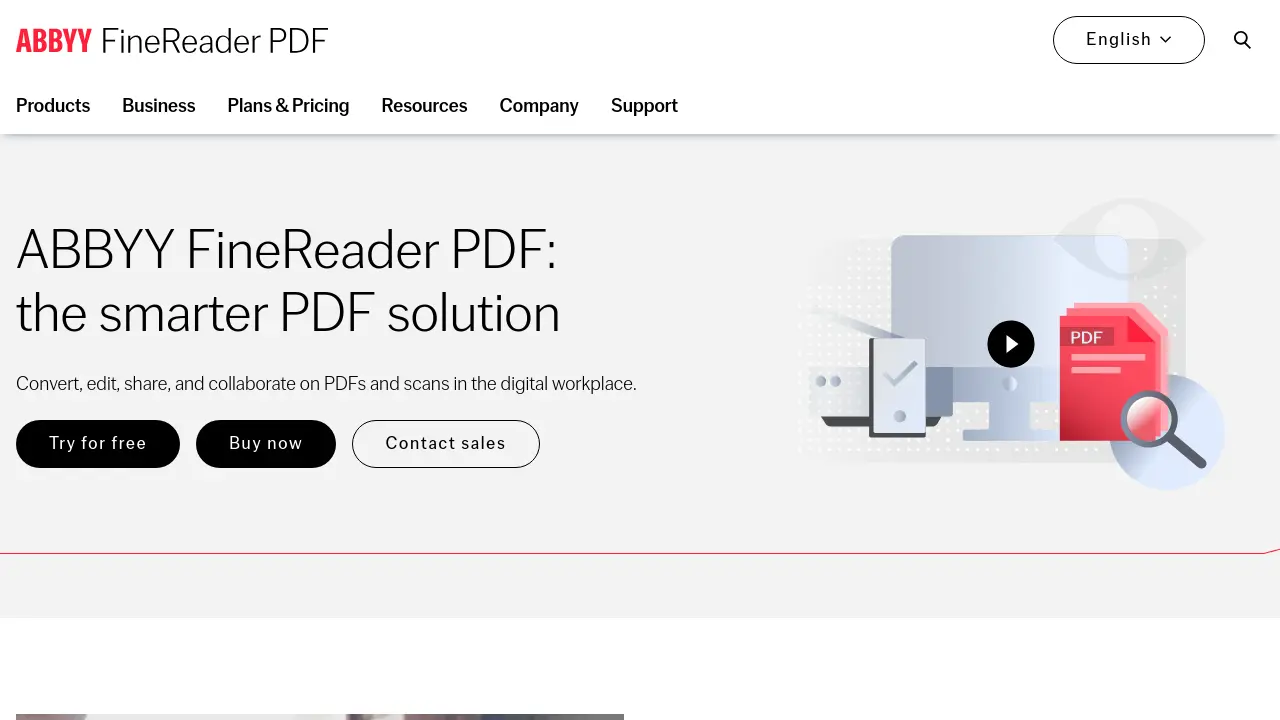
ABBYY FineReader PDF is a professional software suite designed to help users maximize efficiency in managing, editing, and securing digital and scanned documents. Leveraging advanced AI-based OCR technology, FineReader PDF makes digitizing, converting, retrieving, and collaborating on documents simple and accurate.
Trusted by millions worldwide, this platform provides versatile capabilities for businesses and individuals looking to optimize their document workflows, ensure compliance, and enhance productivity across various formats and languages.
Key Features
- AI-based OCR: Highly accurate text recognition for scanned and image-based documents
- PDF Editing: Create, edit, and organize PDF files effortlessly
- Fillable PDF Forms: Build and edit interactive forms with ease
- Document Comparison: Detect changes between different file formats, including scanned documents
- Digital Signatures and Protection: Sign, secure, and password-protect PDFs
- Batch Conversion: Automate document digitization and format conversion
- Microsoft Office Integration: Convert and export PDFs to Word, Excel, and other formats
- Automated Workflow: Use HotFolder for scheduled, high-volume processing
- Multi-platform Support: Available for Windows, Mac, and iOS
- Multi-language Recognition: Processes documents in 198 recognition languages
Use Cases
- Digitizing paper archives for digital storage and retrieval
- Editing and updating contracts or legal documents
- Converting scanned PDFs into editable Word or Excel files
- Comparing different versions of documents for discrepancies
- Creating fillable application forms or surveys
- Batch processing large volumes of invoices or statements
- Collaborating on proposal documents with remote teams
- Securing and signing sensitive PDF files
Frequently Asked Questions
What product category does ABBYY FineReader PDF (for Windows) belong to?
FineReader PDF (for Windows) is a document productivity application that meets the needs of individual users, SMBs, and enterprises in both PDF and OCR software sectors.
Who are the main competitors of FineReader PDF?
Main competitors include Kofax Power PDF, IRIS ReadIris, Adobe Acrobat, Nitro Pro, Foxit PhantomPDF, Soda PDF, and WonderShare PDFelement.
What licensing types are available for FineReader PDF?
Licensing options include Standalone, Per Seat, Remote User, Concurrent, and Site License for Windows; only Per Seat is available for Mac.
Can I try FineReader PDF before purchasing?
Yes, a 7-day free trial is available with no payment required.
Is FineReader PDF available for Mac users?
Yes, there is a FineReader PDF for Mac version with the same OCR capabilities but a limited PDF feature set compared to the Windows version.
You Might Also Like

Colorful
PaidCreate Stunning Photos & Videos in Minutes

Hamming AI
Contact for PricingLaunch trustworthy AI voice agents in weeks

Enago Read
FreemiumAI-Powered Literature Review: Faster, Deeper, Smarter

HeadshotsbyAI
PaidProfessional AI Headshot Generator

SEO PowerSuite
FreemiumRankings, on-page, backlinks, and reports — all in one easy-to-use toolkit.