
AI Room Planner
Free AI-powered room redesign and visualization.
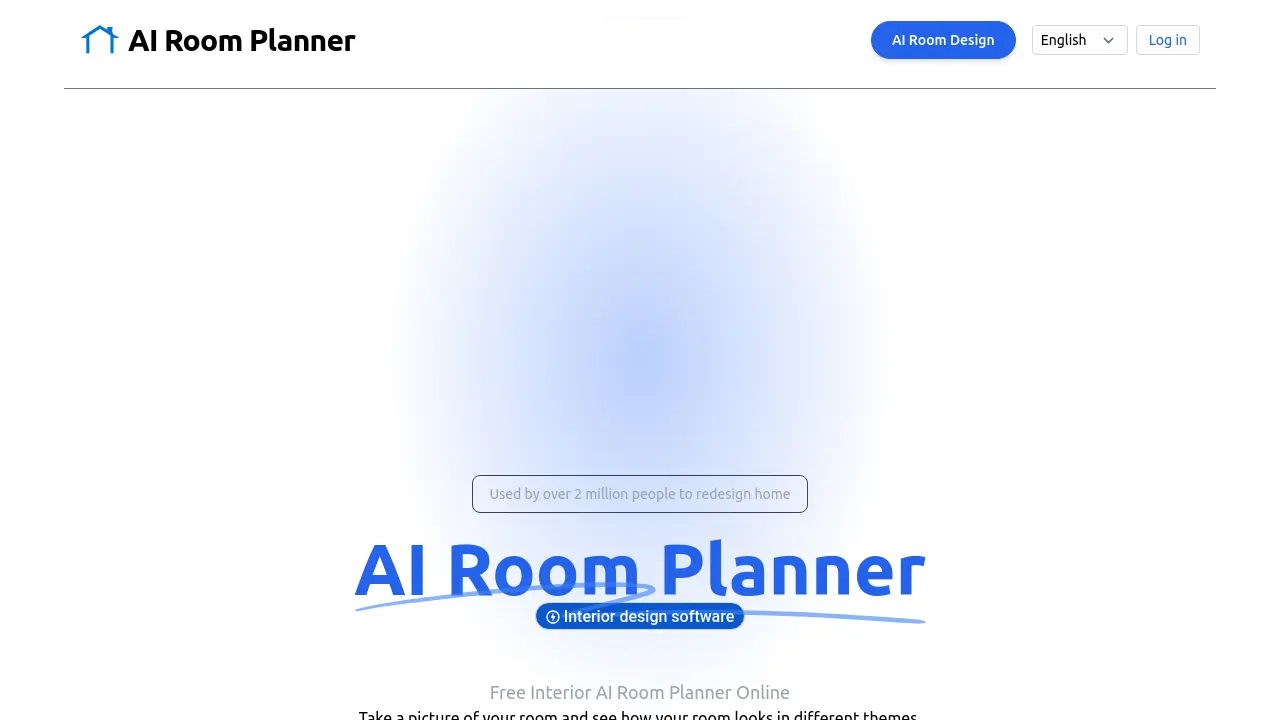
Description
AI Room Planner is a free online interior design tool available at roomaiplanner.com, designed to help users visualize potential redesigns for their home or office spaces. It utilizes artificial intelligence to generate new room concepts based on a user's uploaded photo. Users can easily experiment with different aesthetics by selecting from various themes and room types provided by the platform.
The process is straightforward: upload a clear picture of the room, choose a desired style (like Modern, Minimalist, or Vintage), and select the type of room (such as Living Room, Bedroom, or Office). The AI then processes the image and generates a visualization of how the room could look with the chosen theme applied. This service is offered completely free of charge and does not require users to create an account or log in, making it accessible for quick design explorations.
Key Features
- AI-Powered Redesign: Generates new room designs from user photos using AI.
- Multiple Themes: Offers various design styles including Modern, Minimalist, Professional, Tropical, and Vintage.
- Room Type Selection: Caters to different spaces like Living Room, Dining Room, Office, Bedroom, Bathroom, and Gaming Room.
- Photo Upload: Users upload a picture of their current room to start the redesign process.
- Instant Visualization: Quickly processes images and generates redesigned room concepts.
- Completely Free: 100% free to use with no hidden costs.
- No Login Required: Accessible without needing to create an account or sign in.
Use Cases
- Redesigning home interiors
- Visualizing different room styles before committing
- Planning room makeovers and renovations
- Designing office spaces
- Experimenting with various interior design themes
- Generating quick design ideas for inspiration
Frequently Asked Questions
What if I don't have a clear picture of my room?
Before you use AI Room Planner, try to take a photo during the day when natural light is abundant. Ensure that the room is tidy and the camera is steady to capture a clear image. Then the Interior AI Room Planner will work effortlessly.
Can I change my theme or room type after uploading the picture?
Yes, you can experiment with different themes and room types before finalizing your room design with AI Room Planner. You can try several themes to see which one works best.
Is the Interior AI Room Planner free to use?
Yes, the Interior AI Room Planner is completely free, allowing you to redesign your room without any cost.
How long does AI Room Planner take to generate a new room design?
The Interior AI Room Planner roomaiplanner.com for home design and office design processes your image quickly, usually within a few seconds, depending on the complexity of the room design.
You Might Also Like

Text Behind Image Editor
FreeEasy online text behind image tool – 100% data safety guaranteed

Poppy AI
PaidThe Multiplayer AI for Viral Content Creation & Research

fluxaiweb.com
FreemiumTransform text descriptions into stunning visuals with professional-grade quality.

LEGALFLY
Contact for PricingThe secure legal AI associate

Euverify
Free TrialInstant UKCA & EU Product Compliance, Simplified