
AI Video Editor
Edit and generate professional videos with AI in minutes.
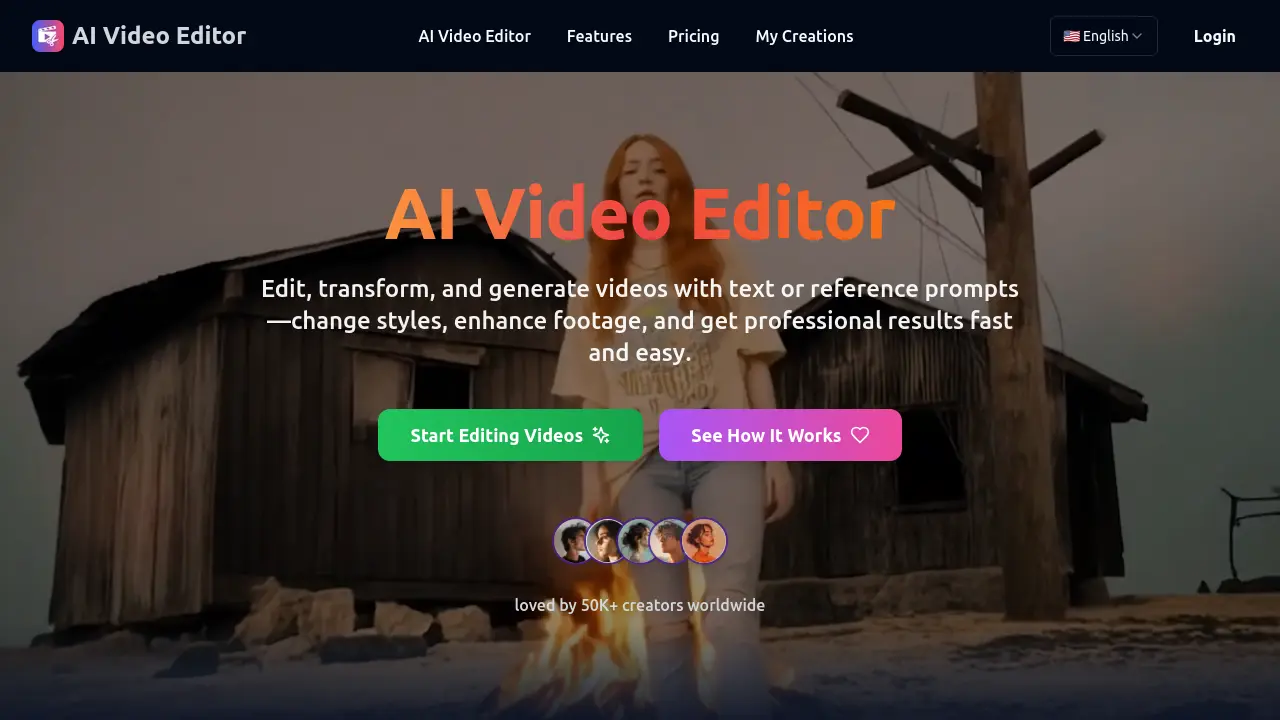
Description
AI Video Editor is a cloud-based tool designed to simplify video editing and generation through advanced artificial intelligence. Users can effortlessly restyle footage, replace objects or characters, and modify camera perspectives by providing simple text prompts or reference materials.
Without requiring professional skills or powerful hardware, the platform makes it possible to achieve cinematic results in a fraction of the time compared to traditional editing. This makes it ideal for both beginners and experienced creators looking to produce polished content for social media, marketing, or film projects.
Key Features
- Intelligent Style Transformation: Restyle footage with cinematic looks, artistic filters, or branded aesthetics using AI.
- Object and Character Editing: Add, remove, or replace people and items within scenes while preserving natural shadows and motion.
- Dynamic Camera Angles: Change perspectives or simulate smooth camera movements for cinematic effects.
- Environment and Background Modification: Modify or replace backgrounds seamlessly to fit creative needs.
- Lighting and Visual Enhancements: Automatically adjust exposure, sharpen details, and enhance motion for professional video quality.
- Text-to-Video & AI Generation: Generate new scenes or videos from simple text prompts through advanced generative AI.
Use Cases
- Creating professional-quality marketing videos
- Generating cinematic social media content
- Correcting or updating footage without reshoots
- Producing branded video content
- Transforming environments or backgrounds for storytelling
- Enhancing low-quality video material
- Text-to-video creative projects
Frequently Asked Questions
What is an AI Video Editor?
An AI Video Editor is a platform that uses artificial intelligence to edit and generate videos automatically, enabling users to transform styles, replace objects, adjust camera angles, and enhance quality using text or reference prompts.
Can I replace objects or people in a video?
Yes, AI Video Editor allows you to add, remove, or replace objects and characters while preserving natural motion, lighting, and perspective, eliminating the need for reshoots.
Does the AI Video Editor change camera angles?
Absolutely. The platform enables users to simulate smooth camera movements, zoom-ins, and dramatic angle changes for a professional cinematic look.
Do I need powerful hardware to use it?
No. All processing occurs in the cloud, so you can generate high-quality videos from your browser without needing advanced hardware.
Can I use the generated videos commercially?
Yes, the AI Video Editor allows commercial use of your output, supporting marketing, advertising, content creation, and professional video production.
You Might Also Like

The Trip Boutique AI
Contact for PricingThe AI Brain for Travel Businesses

VidMage
FreemiumAI Face Swap Online – Instantly Transform Your Photos & Videos

Brax
Free TrialManage All Your Native Ads From a Single Dashboard

Site CoPilot
PaidWordPress Support, Hosting, and Maintenance to help you take flight!

AdOperator
Usage BasedSmart Ad Network for Traffic Monetization & Lead Generation