
Alex
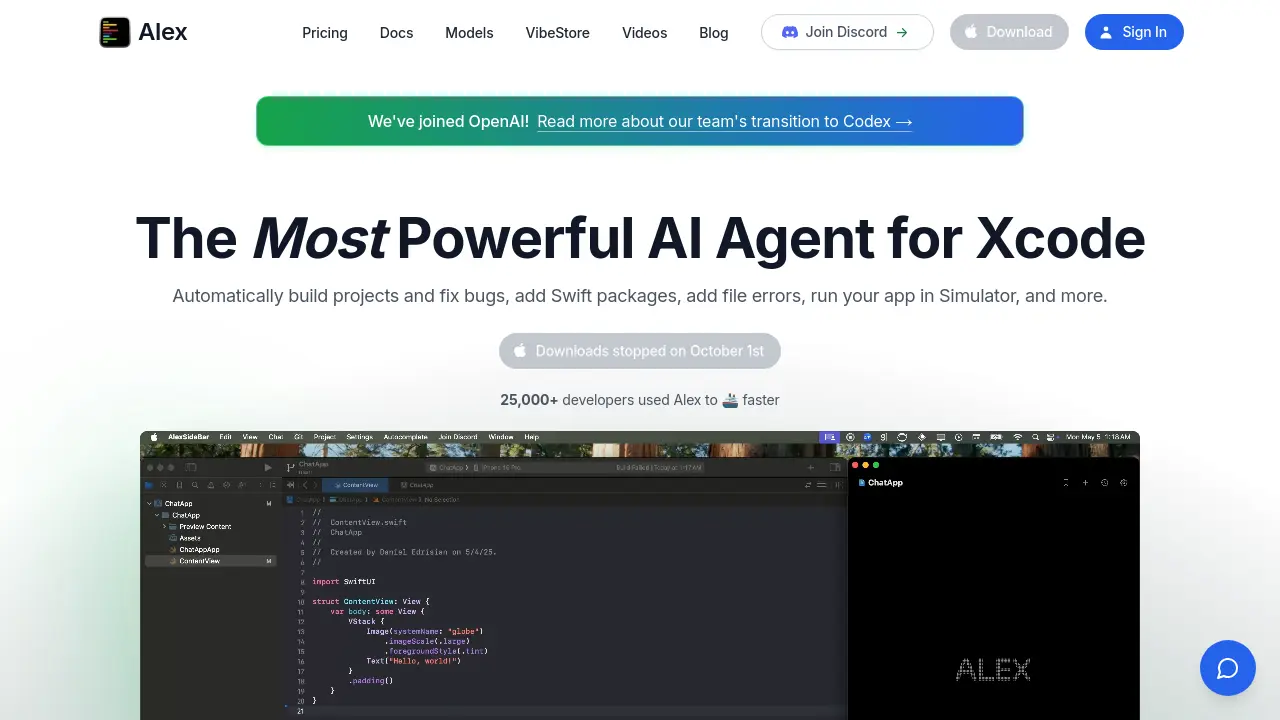
The Most Powerful AI Agent for Xcode
Description
Alex is an AI-powered assistant designed specifically for Xcode, enabling iOS developers to build projects, fix bugs, add Swift packages, and run apps in Simulator with ease. It streamlines the development workflow by delivering features such as AI-driven debugging, smart code completion, seamless code manipulation, and instant code search, while providing robust privacy by processing all sensitive data locally.
Supporting integration with both local and hosted AI models, Alex allows developers to automate repetitive tasks, generate Swift code from images, and quickly manage packages or commands without leaving the Xcode environment. None of your code or project data is collected or stored externally, ensuring a private and secure development experience optimized for speed and efficiency.
Key Features
- Autofix Errors with AI: Automatically detects and fixes Swift and Xcode errors using AI-powered debugging.
- AI Autocomplete: Boosts Xcode coding speed with advanced AI-driven code completion activated by typing and tabbing.
- Inline Code Replacements: Allows users to replace lines of code inside files using a simple command.
- Add Lines from Xcode: Instantly chat with selected code in Xcode to generate lines or explanations.
- Auto-Add SPM Packages: Navigates Xcode’s UI to automatically add Swift Package Manager dependencies.
- Local Model Support: Runs AI models locally for free, ensuring privacy and offline use.
- AI Image-to-Code Generator: Generates Swift or UIKit code instantly from dragged images.
- Semantic Code Search: Searches entire Xcode projects semantically to find functions, variables, and files.
- Web Search Agent: Searches Google for coding answers directly within the workflow.
- Terminal Command Execution: Runs terminal commands in projects through the assistant.
Use Cases
- Fixing Swift and Xcode errors automatically
- Accelerating app development with smart autocomplete
- Generating Swift code from images for UI development
- Managing and adding Swift package dependencies
- Searching codebases quickly for functions or variables
- Running terminal commands from within Xcode
- Improving code accuracy with inline replacements
- Utilizing private local models for secure AI coding tasks
Frequently Asked Questions
How do chat credits work in Alex?
On paid plans, you receive a set number of chat credits each month, with each AI message or agent follow-up deducting one credit. You can purchase top-ups for additional messages, and top-ups roll over while monthly credits do not.
How is image generation billed in Alex?
Each generated image costs 2 chat credits, and every additional image increases the cost by one credit per image.
How does Alex protect my code and data?
Alex does not relay your code through external servers and allows you to use any OpenAI-compatible endpoint, including local models. All sensitive data, such as chat history and custom prompts, are stored locally and not collected or trained on.
Can I use my own AI models with Alex?
Yes, you can override the AI model endpoints in Alex to use your own compatible models, including local options for increased privacy.
Is there a device limit on Alex plans?
The Unlimited plan has a 1 device limit, while information about other plans’ device limits is not specified.
You Might Also Like

Journalizr
FreeYour thoughts, your way.

ClearWork
FreemiumUnderstand How Work Gets Done and Transform with AI

Warestack
FreemiumThe Agentic AI for enterprise grade DevOps compliance

Logomaker
FreeFree, open-source tool for creative text-based logo design and animation.

Feathery
FreemiumAI-Powered Forms and Workflows for Automated Data Intake