
BackupMyCalendar
Automated, secure backups for your online calendars.
Description
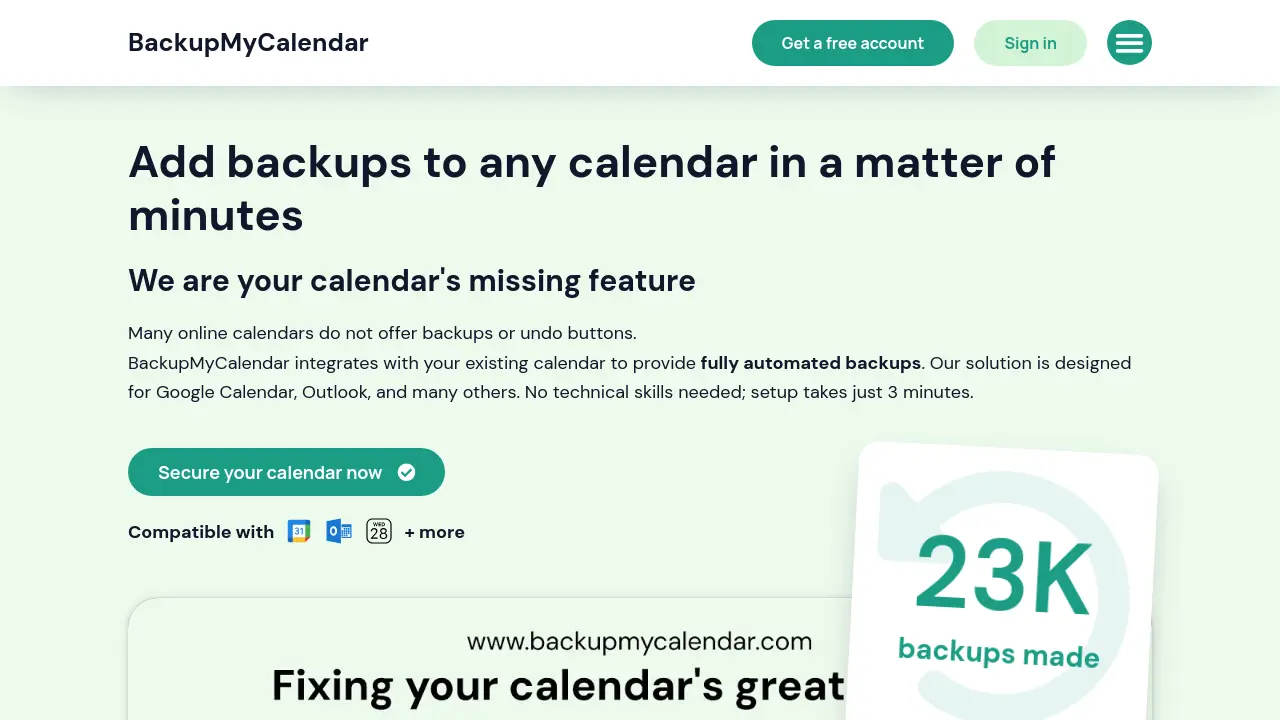
BackupMyCalendar seamlessly integrates with your existing online calendar, delivering fully automated backups without requiring any technical expertise. Supporting Google Calendar, Microsoft Outlook, Apple iCloud, and other .ics-based platforms, the service ensures your schedule is always protected with GDPR-compliant storage in the EU.
With a quick 3-minute setup and no need to share your calendar password, users can enjoy regular, secure backups and easily restore or download their data whenever needed. BackupMyCalendar offers peace of mind for individuals and professionals seeking reliable calendar data protection.
Key Features
- Wide Compatibility: Supports all online .ics-based (iCal) calendars including Google, Outlook, and iCloud.
- Fully Automated Backups: Schedules and performs backups automatically without manual intervention.
- Simple 3-Minute Setup: Fast and easy onboarding with step-by-step guides.
- Security by Design: No calendar password required and no changes made to your original calendar data.
- GDPR-Compliant Storage: Ensures data privacy and security with storage in the EU.
- Access Anywhere: Retrieve your backups from any location, anytime.
- Free & Unlimited Restores: Restore your calendar as often as needed at no extra cost.
- Regular Backup Intervals: Choose between weekly (free) and hourly (paid) backup frequencies.
- Manual Backups: Paid plans allow up to 50 manual backup slots.
- Always-Free Tier: Infinite free trial for basic functionality.
Use Cases
- Backing up Google Calendar automatically
- Restoring lost or deleted calendar events
- Scheduling automated backups for Outlook Calendar
- Protecting iCloud Calendar data
- Managing personal and work calendars securely
- Exporting backups for organizational records
- Ensuring calendar compliance with GDPR
- Reducing risk of data loss from accidental changes
Frequently Asked Questions
How does BackupMyCalendar keep my data safe?
BackupMyCalendar follows strict security practices, offers GDPR-compliant storage in the EU, and never requests your calendar password to ensure your data's privacy and safety.
What calendars are supported?
BackupMyCalendar is compatible with all online .ics-based (iCal) calendars, including Google Calendar, Microsoft Outlook Calendar, and Apple iCloud Calendar.
Do I need to provide my calendar password?
No, BackupMyCalendar does not require your calendar password to connect and backup your data.
How often are backups made?
On the free tier, backups are made once per week. Paid plans offer backups as frequently as once per hour.
Can I download my backups at any time?
Yes, you can always download your backed-up calendars whenever you need them.
You Might Also Like

Magai
PaidAll Your Favorite AI Models in One Place—Seamless, Powerful, Unified.

AIQuire
FreemiumUnlock Hidden Insights & Make Smarter Decisions with AIQuire

Recorded Future
Contact for PricingAI-Powered Cyber Threat Intelligence and Defense

Linfo.ai
FreemiumAI-powered insights and mind maps from any content.

Penguin AI
Free TrialYour Comprehensive Hub for Streamlined AI-Driven Content Generation.