
Boomerang Inbox Pause
Take control of your email and reclaim your focus with Inbox Pause.
Description
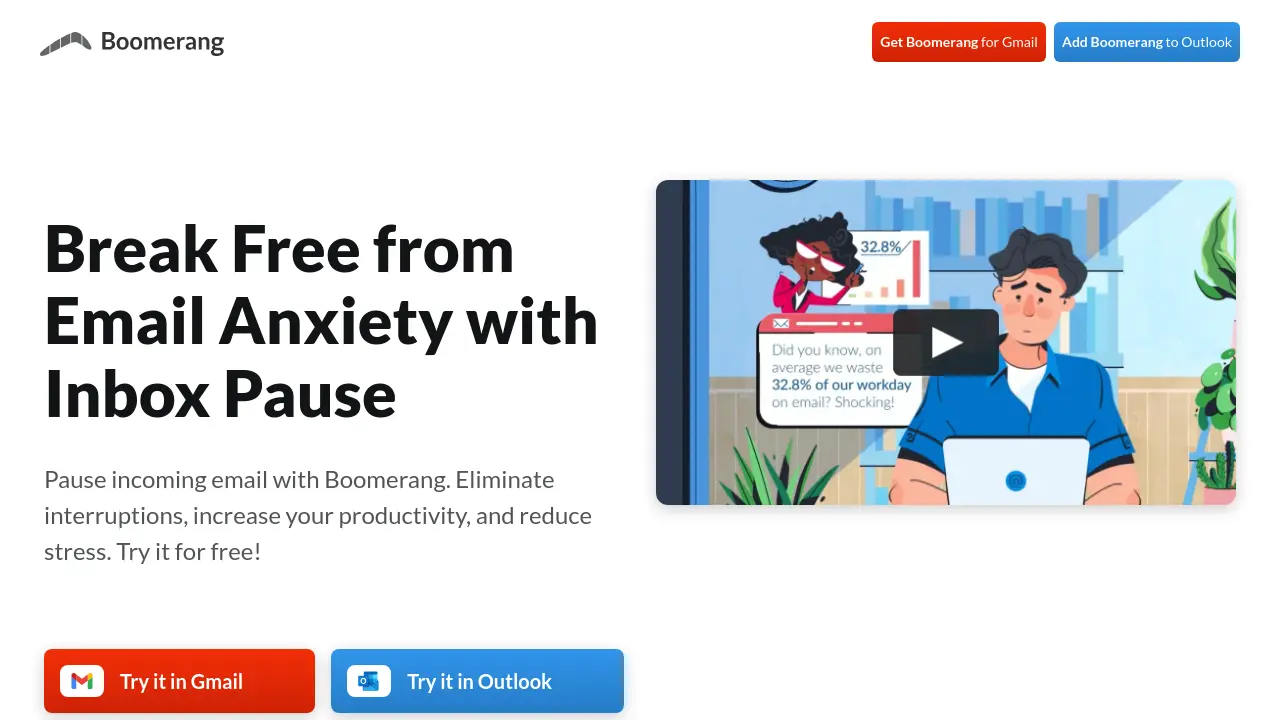
Boomerang Inbox Pause empowers users to control when they receive new emails, enabling a distraction-free workflow. By allowing individuals and teams to pause incoming messages, customize delivery schedules, and set important exceptions, Inbox Pause helps safeguard focus time, maintain work-life balance, and prevent burnout—all while working seamlessly across web and mobile platforms.
Designed for flexibility, this solution integrates with Gmail, Outlook, and Boomerang's apps on iOS and Android, letting users enforce boundaries, automate email delivery, and stay in charge of their inbox anywhere. Its features are tailored to boost productivity and support individual as well as organizational wellness.
Key Features
- Inbox Pause: Temporarily halt incoming emails to limit distractions
- Scheduling: Set specific times for pausing and resuming email delivery
- Batch Delivery: Receive emails in grouped intervals instead of constant notifications
- Exceptions: Allow important messages through based on sender or keywords
- Cross-Device Sync: Inbox pause applies across all connected devices
- Override Options: Temporarily adjust pause settings to suit urgent needs
- Integration: Available on Gmail, Outlook, iOS, and Android platforms
Use Cases
- Reducing workplace email interruptions
- Scheduling email-free focus periods
- Protecting after-hours downtime from work emails
- Supporting organizational wellness policies
- Improving team productivity and engagement
- Managing email overload for remote workers
Frequently Asked Questions
How does Inbox Pause work?
Inbox Pause lets you control when emails arrive in your inbox by pausing incoming messages and delivering them on a schedule that you set.
Can I use Inbox Pause with Gmail and Outlook?
Yes, Inbox Pause is available as an extension for Gmail and as an add-in for Outlook, as well as through the Boomerang app on iOS and Android.
Is it possible to set exceptions for important emails?
Yes, you can set delivery exceptions for specific email addresses, domains, or keywords to ensure important messages reach you even when your inbox is paused.
Will pausing my inbox sync across my devices?
When you use Inbox Pause on an email account, the pause applies across all devices, so you remain interruption-free wherever you check your email.
Can I override my Inbox Pause schedule when needed?
Yes, you can temporarily override your pause schedule to either extend focus time or immediately receive new messages as required.
You Might Also Like

Kanverse
Free TrialZero-Touch Intelligent Document Processing with AI Agents

AI Story Book Editor
FreemiumUnleash your creativity in writing and audiobook production

Kamili
FreemiumEnhance your website with friendly, AI-powered guidance

AI Shorts Generator
FreemiumAI-Powered Automation for Instant Short Video Generation.

Quicktools by Picsart
Free50+ Free AI-Powered Text, Image, Design & Utility Tools