
Color.io
AI Powered RAW Image Processor And 3D LUT Creator
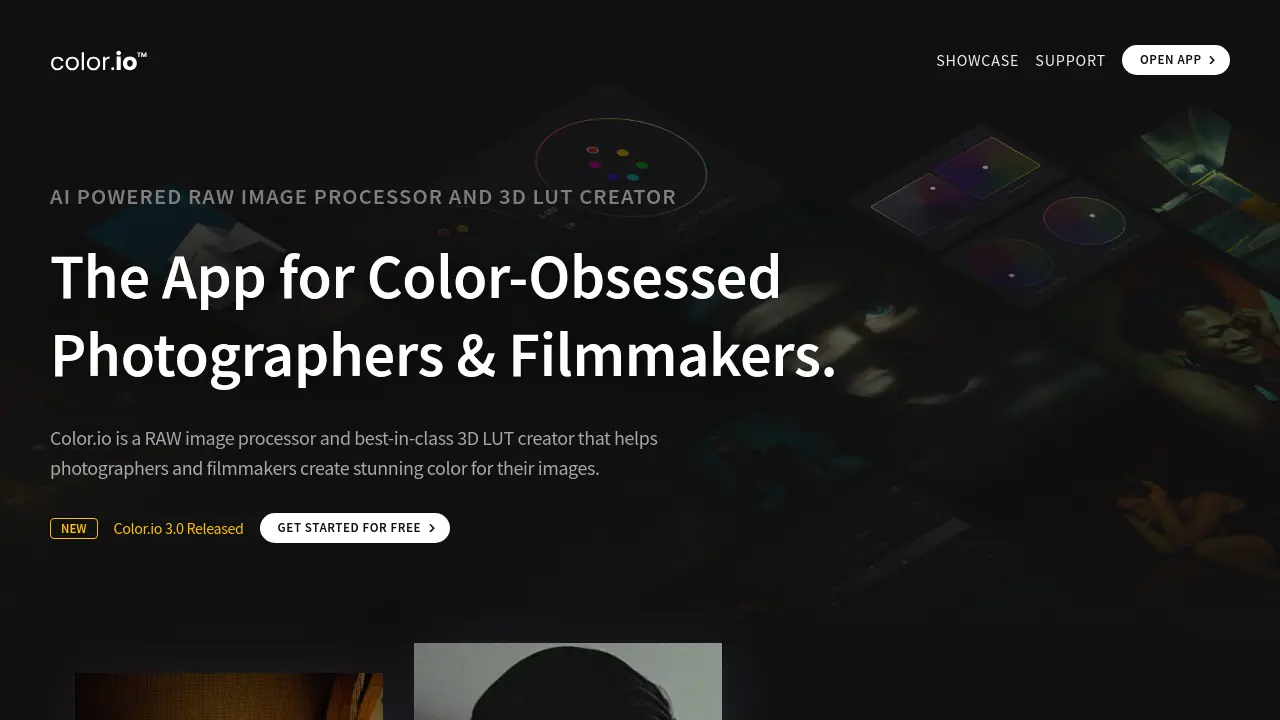
Description
Color.io is a sophisticated RAW image processor and versatile 3D LUT creator designed for photographers, filmmakers, and colorists who seek exceptional control over color in their visual projects. It empowers users to develop RAW images within an ultra-wide, log-encoded color space, akin to high-end cinema cameras, facilitating cinema-quality color grading for photography workflows. The platform also excels in creating fully color-managed 3D LUTs, enabling seamless look transfer across a wide array of third-party photo and video editing applications, ensuring consistent color representation on different devices and software.
The tool integrates an analog grading engine that simulates the light response of film, providing natural, film-like color and texture processing. Key features include AI Color Match for instant look transfer from reference images, physically accurate film halation and advanced grain emulation for authentic analog aesthetics, and intuitive Color Curves and Refraction Wheels for precise color manipulation. Color.io supports project-based editing for efficient organization, batch processing, and synchronization of edits across multiple images, streamlining the workflow for visionary creators.
Key Features
- LOG Based RAW Processing (Cinema RAW™): Processes raw images in an ultra-wide, log encoded color space for cinema-quality color grading.
- 3D LUT Creator & Export: Create and export fully color managed 3D LUTs for software like DaVinci Resolve, Premiere Pro, Photoshop, and Lightroom.
- Color Match AI: AI-driven color grading that extracts color, contrast, and brightness from reference images for instant look transfer and 3D LUT export.
- Film Halation Emulation (HalationFX): Physically accurate simulation of orange-red highlight flaring characteristic of analog film.
- Advanced Film Grain Emulation: Reconstructs images pixel-by-pixel with synthetically generated film grain for an organic, film-like texture.
- Analog Color Curves & Refraction Wheels: Intuitive, non-linear color controls for precise adjustments to density, brightness, and color stability.
- Project Based Editing & Batch Processing: Organize, batch edit, synchronize, and export hundreds of RAW files and 3D LUTs efficiently.
- Real-Time Scopes Overlays: Grade with precision using histograms, waveforms, vectorscopes, and masks for live analysis.
Use Cases
- Achieving cinematic color grades for photography and videography.
- Creating and applying custom film emulation looks to digital images.
- Developing consistent visual styles across a series of photos or film stills.
- Transferring color aesthetics from reference images or film stills to new projects using AI.
- Generating 3D LUTs for on-set monitoring and post-production workflows in various editing software.
- Processing RAW photos with an emphasis on analog film characteristics.
- Batch color grading and exporting large sets of images for lookbooks or photo essays.
Frequently Asked Questions
What is Color.io, and who is it for?
Color.io is a color grading app built for photographers, filmmakers, and visual storytellers. Designed for creators who care deeply about color and aesthetic nuance, it lets you create LUTs, match film color styles, and transform your images without the clutter of traditional grading software. Whether you're editing RAW stills or building LUTs for video, Color.io has the tools to get you twice the results in half the time.
Can I match the color and tone of a film still or reference photo?
Yes, perfectly. With Color Match AI, you can automatically match the color palette and tone curve of any reference image to your own. This is ideal for shot-to-shot consistency, cross-project film emulation, and look transfer from screen grabs or stills.
Does Color.io support RAW photos and professional formats?
Absolutely. Color.io supports nearly all major RAW file types (Canon, Nikon, Sony, Fuji, etc.), plus formats like HEIC, TIFF, PNG, AVIF, DPX, and more. It’s built to handle high-res stills and digital negatives without loss, preserving full dynamic range for professional grading.
Is batch editing & export possible?
Yes, and it’s fast. With project sync via Copy & Paste, and shortcuts like Apply Edit to Project, you can grade a single image and apply that look across hundreds instantly. Batch Export is intuitive and works for images and 3D LUTs.
Can I export LUTs for Resolve, Premiere, Lightroom, or my camera?
Yes, Color.io allows you to export 3D LUTs in formats compatible with DaVinci Resolve, Adobe Premiere, Final Cut Pro, Lightroom/ACR (XMP), ARRI, RED, Sony, Panasonic, Unreal Engine, and many more. These LUTs are open-standard and work nearly everywhere.
You Might Also Like

HyperWrite
FreemiumAI-powered writing with web search and citations

AI Background Remover
FreeEasily remove and swap image backgrounds for free.

SlidesAI
FreemiumAI Powered Text To Presentation Tool

restorePhotos.io
FreemiumRestoring old photos using AI for everyone.

Voz AI Note Taker
OtherRecord, Transcribe, Summarize, and Chat with Your Audio & Video Content