
CutWord
Edit While You Shoot
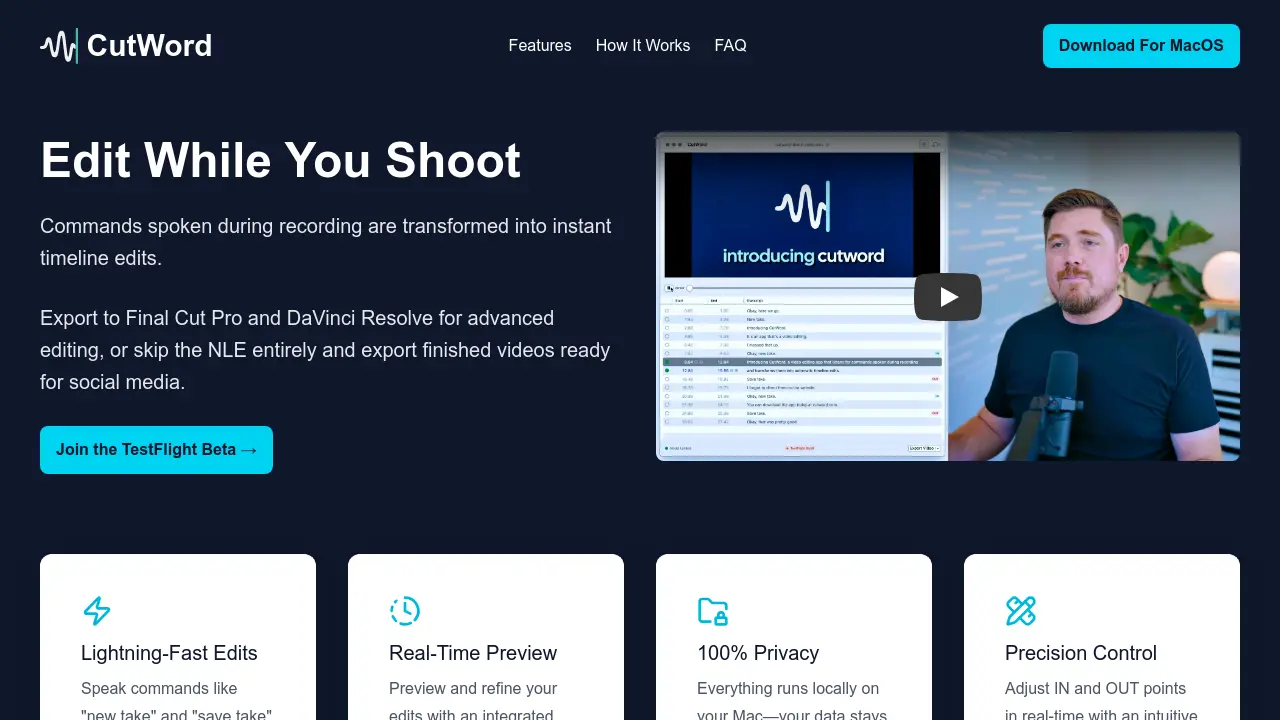
Description
CutWord is a next-generation video editing application for Mac that enables users to make instant timeline edits simply by speaking commands while recording. By leveraging speech recognition and intelligent transcript generation, CutWord streamlines the editing process without modifying your original video files.
With CutWord, users maintain complete privacy, as all processing occurs locally on devices powered by an Apple M1 chip or newer. The tool provides real-time previews, intuitive frame-level control, customizable command words, and supports one-click export to professional editors like Final Cut Pro and DaVinci Resolve, or as finished videos ready for sharing.
Key Features
- Edit While You Shoot: Commands spoken during recording are transformed into instant timeline edits.
- Lightning-Fast Edits: Speak commands like 'new take' and 'save take' to mark edits instantly.
- Real-Time Preview: Integrated video player shows exactly what the final edit will look like.
- 100% Privacy: All data processing occurs locally on your Mac.
- Precision Control: Adjust IN and OUT points in real time with an intuitive interface.
- Export Options: Export to FCPXML for Final Cut Pro, DaVinci Resolve, or as ready-to-share video files.
- Offline Functionality: Runs entirely offline once models are downloaded.
- Customizable Commands: Users can edit IN/OUT phrases in the settings menu.
- Metadata-Only Timelines: Does not alter original video files.
- Supports All Framerates and Resolutions: Maintains original specs on export.
Use Cases
- Rapid video editing during recording sessions
- Efficient timeline marking for interviews or vlogs
- Fast social media video preparation without advanced NLEs
- Speech-to-edit workflow for podcasts or tutorials
- Exporting professional edits to Final Cut Pro or DaVinci Resolve
- Offline editing for enhanced privacy
Frequently Asked Questions
Can I preview my edits before exporting?
Yes. CutWord includes an integrated video player that lets users preview their entire edit in real time and make adjustments as needed.
Does CutWord edit my original video files?
No. CutWord creates metadata-only timelines, preserving the original video footage intact.
What export options are available?
CutWord offers flexible export options including FCPXML for Final Cut Pro or DaVinci Resolve, exporting as a single edited video, or as individual segments.
Do I need ongoing internet connectivity to use CutWord?
No. After the Speech to Text model is downloaded, CutWord functions entirely offline to ensure full privacy.
Can I customize the command words?
Yes, command words for IN and OUT points can be edited within the settings menu.
You Might Also Like

Snapshot
FreemiumTurn raw data into real impact with AI-powered context.

Weezly
Free TrialAI Sales Video Platform to 10X Your Sales

Aitarget Tech
Contact for PricingAI-Powered Creative Platform for Scalable Social Ads

B2storefront
FreemiumBlazing Fast Headless eCommerce Storefront without Vendor Lock-In

Lovevoice
FreemiumTransform your text into natural-sounding speech with AI technology