
Dynamic Dummy Image Generator
Create customizable placeholder images instantly via URL.
Description
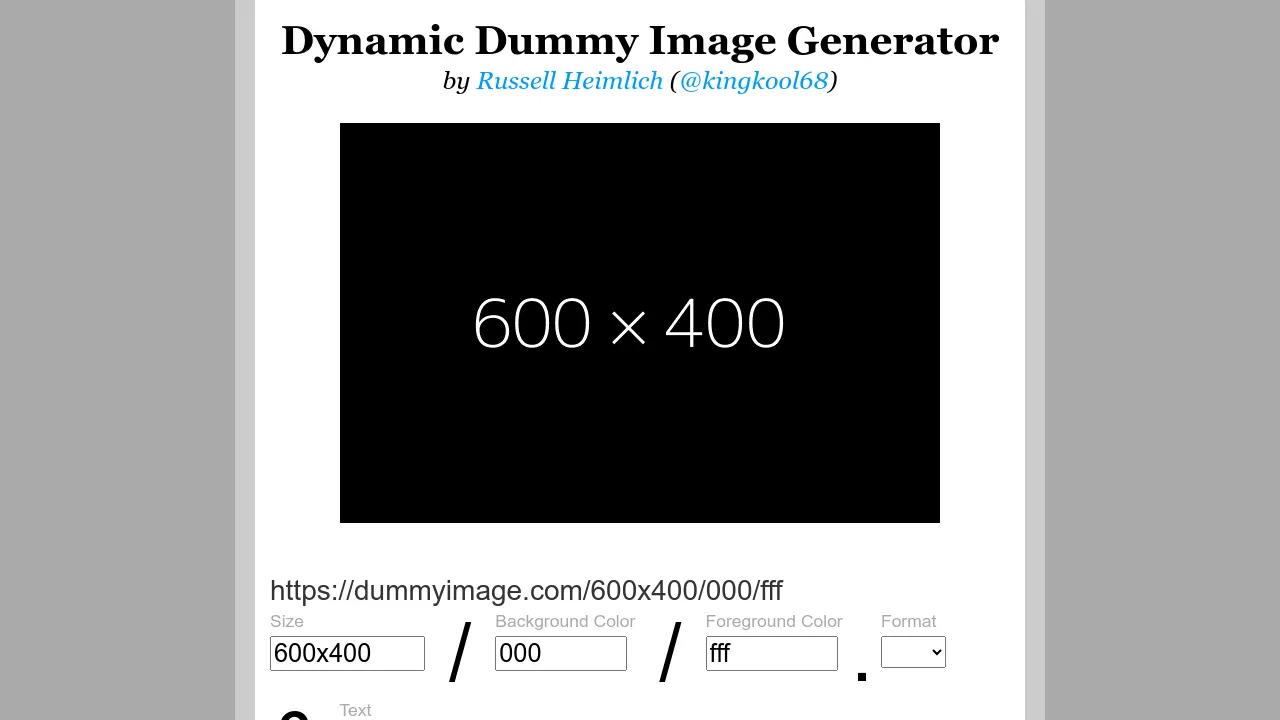
Dynamic Dummy Image Generator is a tool that lets users quickly generate customizable placeholder images by modifying parameters directly in the image URL. It supports various dimensions—including widths, heights, and aspect ratios—as well as background and text color customization using hex codes. Users can also choose among PNG, JPG, and GIF formats, and display custom text on their images.
This tool is ideal for web developers and designers who need instantly generated image placeholders for mockups, UI prototypes, or testing layouts. The service is free to use, open source, and does not require registration or downloads. All images are generated on demand and can be used in any project or workflow.
Key Features
- On-the-fly image generation via URL parameters
- Custom image sizes with support for width, height, and aspect ratio
- Adjustable background and text colors with hex shortcuts
- Supports PNG, JPG, and GIF formats
- Add custom overlay text to images
- Standard image sizes for ads and screens included
- Open source with MIT license
Use Cases
- Quick placeholder images for website development
- Prototyping UI layouts with custom sizes
- Testing responsive images in design mockups
- Generating placeholder images for Flash preloaders
- Visual debugging for frontend workflows
Frequently Asked Questions
How do I create a dummy image with specific dimensions?
Enter the desired width and height in the URL like https://dummyimage.com/300x200, or use width only for a square. Ratios are also supported, for example, https://dummyimage.com/640x4:3.
Can I change the background or text color?
Yes, specify the background and text color as hex codes in the URL, such as https://dummyimage.com/300/ffffff/000000. The background is optional and defaults to gray, text color defaults to black.
What image formats are supported?
You can generate images in GIF, JPG, or PNG formats by adding the file extension to the URL, such as https://dummyimage.com/300.png.
Is it possible to add custom text to the placeholder image?
Yes, add custom text by appending &text=Your+Text at the end of the URL. The default text is the image's dimensions.
Is Dynamic Dummy Image Generator free to use?
Yes, the tool is completely free and open source under the MIT License.
You Might Also Like

SourceForge
FreeThe Complete Software Platform

DataChat
Free TrialThe no-code, gen AI analytics platform that enables speed to insights.

Pushground
Usage BasedPush Notifications Ads, More Conversions.

PageTest.AI
FreemiumSmarter website content testing with AI

AI Manga Translator
FreemiumTranslate Raw Comics & Manga With One Click