
Expose
Share local web services via secure tunnels
Description
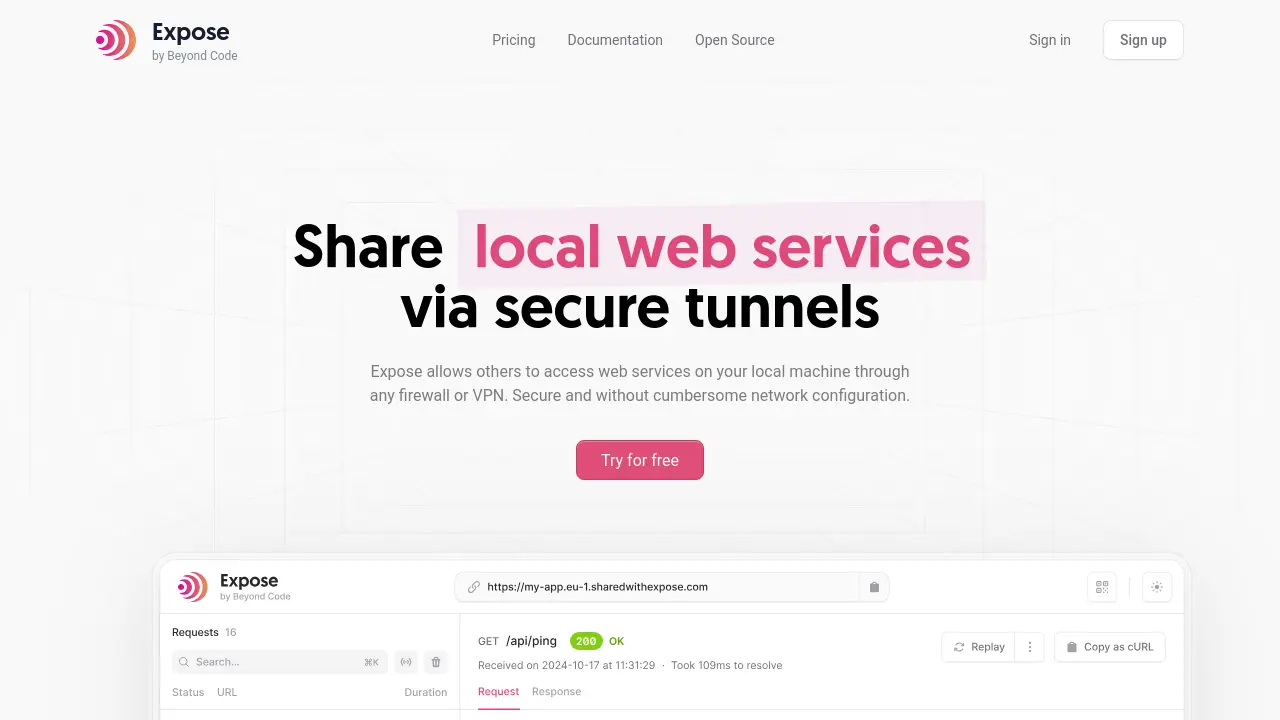
Expose is a platform designed for developers to securely share web services running on their local machines via encrypted tunnels. The managed service at expose.dev handles SSL certificates, team access control, and provides a global network of servers to ensure fast and reliable connections. Users can avoid complex firewall or router setups and still grant access to their local environments for testing, feedback, or API callbacks.
Expose also offers an open-source core that can be self-hosted, with features that support teams and freelancers alike. It streamlines mobile device testing, webhooks, and seamless collaboration, making local development instantly accessible from anywhere.
Key Features
- Secure Tunnels: Share local web services through encrypted connections
- TLS/SSL Encryption: Automatic management of certificates for secure access
- Access Control: Manage and restrict who can access shared URLs
- Global Server Network: Fast connections via a distributed infrastructure
- Custom Domains: Use your own domains and reserved subdomains
- Persistent URLs: Maintain the same URLs for ongoing projects
- Webhook Replay: Receive and replay webhooks on your local machine
- Open Source Core: Host on your own infrastructure if preferred
Use Cases
- Testing webhooks from payment providers and external APIs
- Sharing local development environments for client or team review
- Mobile device testing without deploying online
- Providing remote access to localhost for pair programming
- Collaborative feedback on in-progress projects
- Bypassing firewall or VPN restrictions during development
Frequently Asked Questions
Do I need to fiddle with my router?
No – Expose creates a connection between their servers and your machine, so you do not need to open any ports. Visitors access Expose infrastructure, not your machine directly.
Will it work even though I am behind a firewall?
Yes – the connection between Expose infrastructure and your machine works even if you are behind a firewall. The connection is temporary and only shares a specific port.
Do I need PHP installed locally to run Expose?
Yes – Expose ships as a binary but is written in PHP and requires PHP to be installed on your machine.
What is your refund policy?
Expose generally offers refunds within 14 days of purchase. Contact support if you are not satisfied.
Can I get an invoice?
Yes – Paddle, the payment provider, will send you an invoice after your purchase. You can also download invoices from your account.
You Might Also Like

E-Commerce AI
Usage BasedCreate professional product photos by AI generative technology with just a click

Gpt4o.so
FreemiumAccess GPT-4o and Thousands of AI Tools for Free

Puppy AI
Pay OnceTransform Your Pet's Photos into Stunning Portraits
SantaGPT
OtherGenerate AI Art by Holding Santa Coin

Revosheets
FreemiumOffline-First, Powerful Connected Spreadsheet