
Focu
The Mindful Productivity App
Description
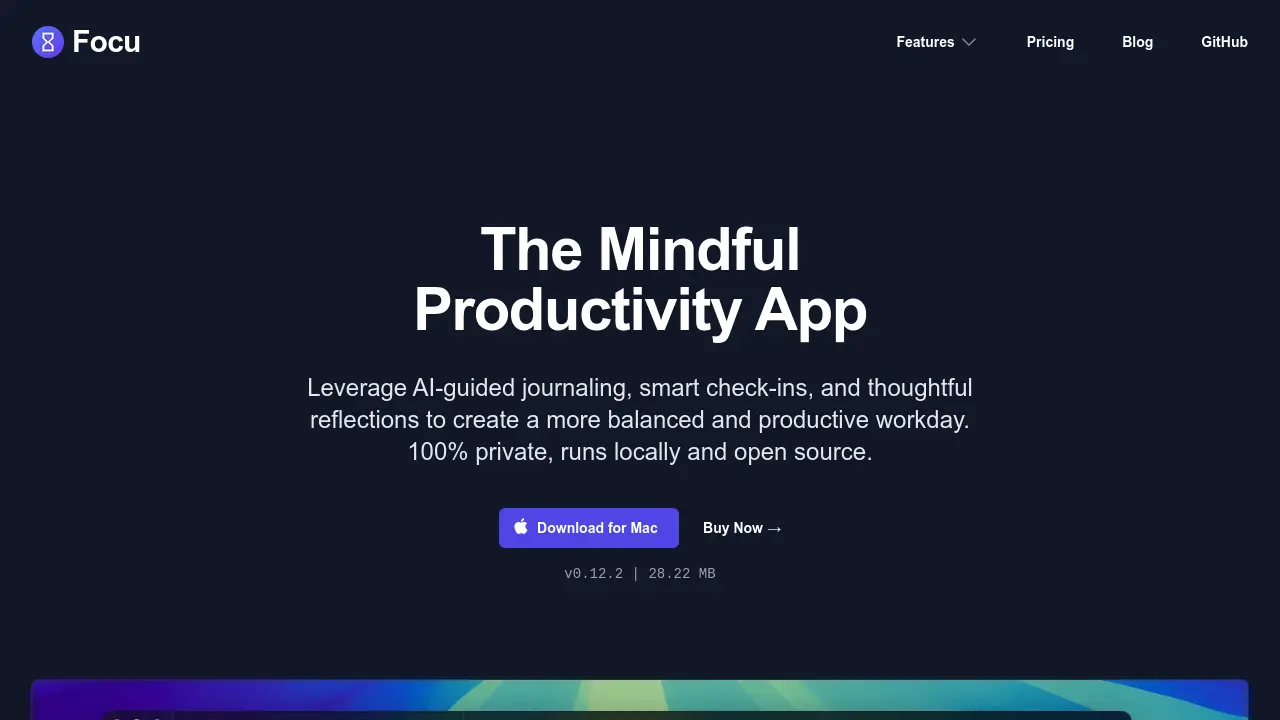
Focu is an AI-powered productivity application designed for Mac users seeking a more mindful and balanced approach to their workday. It integrates AI-guided journaling, smart check-ins, and thoughtful reflections to assist users in maintaining focus and enhancing productivity throughout their day. The app aims to create a supportive environment where users can plan, execute, and reflect on their work effectively.
A key aspect of Focu is its commitment to user privacy, as the application runs entirely locally on the user's device, including all AI processing. This ensures that sensitive data remains secure and under user control. Focu also offers practical features such as AI-driven task extraction from conversations, an integrated Pomodoro timer accessible from the menu bar, and the flexibility to use either local AI or connect to cloud AI services like OpenAI or OpenRouter with a personal API key. It supports both dark and light modes and is an open-source project.
Key Features
- AI-guided journaling: Leverage AI for mindful journaling sessions to gain clarity and insights.
- Smart Check-ins: Initiate check-ins manually or schedule periodic prompts for reflection and progress tracking.
- Focus Page: A centralized page combining a task list with an integrated Pomodoro timer to maintain concentration.
- AI Task Extraction: Automatically extracts actionable tasks from your conversations and adds them to your to-do list.
- Menu Bar Pomodoro Timer: A discreet and always accessible Pomodoro timer located in the Mac menu bar.
- Keyboard Shortcuts: Enhance productivity and minimize mouse usage with a comprehensive set of keyboard shortcuts.
- Data Protection & Local Storage: All data, including AI processing, stays on your device, with automatic backup options to locations like iCloud.
- Customizable AI Options: Works out-of-the-box with local AI, and supports cloud AI via OpenAI or OpenRouter using your own API key.
- Privacy First Design: Ensures 100% privacy as the application and AI processing run completely locally on your Mac.
- Open Source: The application is open source, allowing for transparency and community contributions.
- Dark & Light Mode: Automatically adapts to your system's appearance or allows manual selection of dark or light mode.
Use Cases
- Kickstart Your Day: Assisting individuals who struggle to get started with the right thing to work on.
- Find Your Focus: Helping users who get easily distracted to refocus and maintain concentration on tasks.
- Stay on Track: Supporting users in adhering to their daily goals and managing their progress.
- Timely Reminders: Providing gentle nudges and reminders throughout the day for tasks or well-being check-ins.
- Clear Your Mind: Facilitating mental decluttering and reflection to wind down after work or during breaks.
- Keep a Journal: Enabling users to consistently keep a journal of their day, thoughts, and achievements.
Frequently Asked Questions
What is Focu?
Focu is a mindful productivity app for Mac designed to help users create a more balanced and productive workday through AI-guided journaling, smart check-ins, and thoughtful reflections. It operates 100% privately, runs locally, and is open source.
What AI options does Focu support?
Focu works out of the box using local AI. It also offers support for cloud AI services like OpenAI or OpenRouter if users provide their own API key for these services.
On which devices can I use Focu?
Focu is currently available for Mac devices. You can download it directly for your Mac from the website.
How does Focu respect my privacy?
Focu respects user privacy by running completely locally on the user's machine. All user data, including any AI processing, stays on the device and is not sent to external servers.
How does Focu protect my data?
Focu protects user data by ensuring it never leaves the user's device. The app also provides features for automatic data backups to a user's preferred location, such as iCloud, with easy import and export options.
You Might Also Like

SBI Wayforge™
Contact for PricingGrowth Intelligence for B2B Companies That Cannot Afford to Guess

prompt-assist.com
OtherProfessional AI prompt engineering for coding assistants.

GiftNes
Free TrialBoost Sales with Tailored Recommendations

Omi
FreemiumIntelligent vendor and document management made for modern teams

Hurd.ai
FreeEffortless AI Transcription and Note-Taking for Every Conversation