
FocuSee
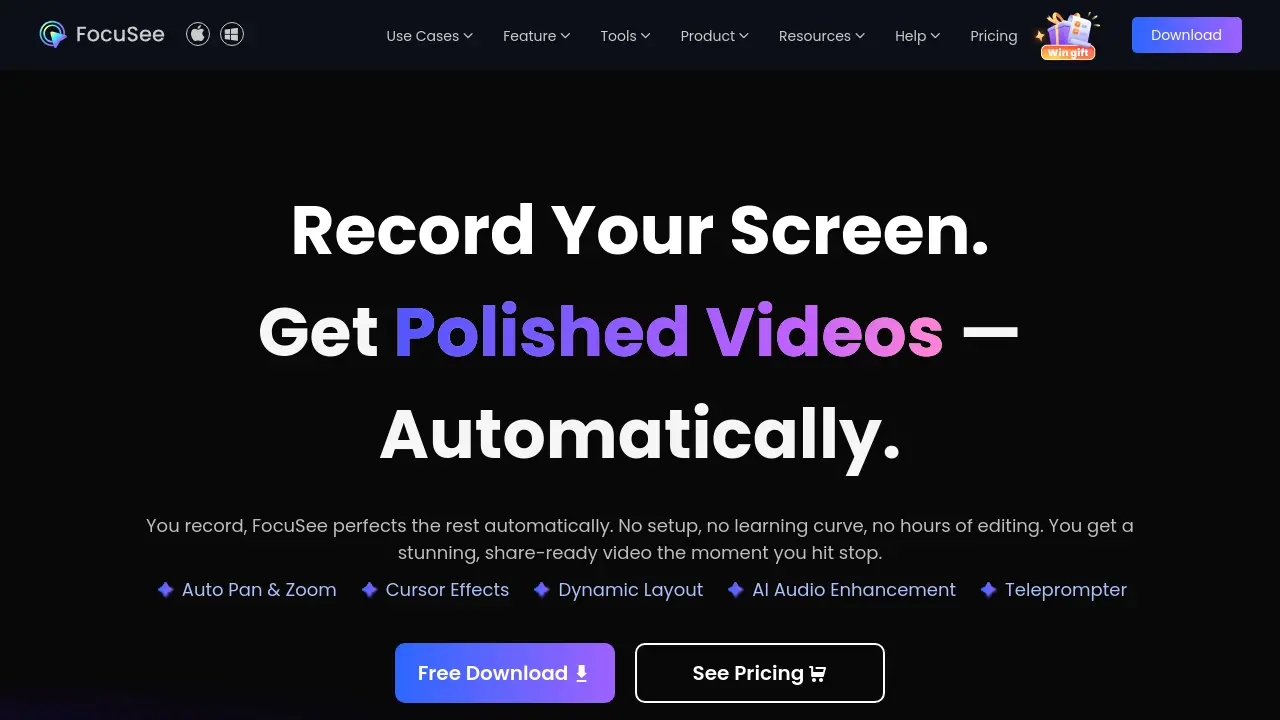
Record Your Screen. Get Polished Videos — Automatically.
Description
FocuSee is an advanced screen recording tool that uses AI to automate video editing and enhance your content instantly. Designed for Mac and Windows, it enables users to produce polished, share-ready videos as soon as they finish recording, eliminating the complexities of manual editing.
With intelligent features such as auto pan and zoom, dynamic camera layouts, customizable cursor effects, AI-driven subtitles, and noise-free audio enhancement, FocuSee streamlines the entire creation process. It also includes privacy tools like background removal, virtual avatars, and quick blur masking to ensure high-quality, brand-consistent videos for tutorials, demos, presentations, and more.
Key Features
- Auto Zoom & Cursor: Automatically emphasizes mouse actions and guides viewer attention with professional zoom and cursor tracking.
- AI Subtitle: Generates accurate subtitles in over 50 global languages with over 98% accuracy.
- Add Watermark: Enables brand protection and identity by adding unique watermarks to videos.
- AI Virtual Avatar: Creates a digital presenter for privacy, brand identity, or camera-shy users.
- Filler & Silence Cut: Detects and removes awkward pauses and filler words automatically.
- Audio Enhancement: AI-powered voice enhancement and background noise reduction for studio-quality sound.
- Background Removal: Blurs or replaces webcam backgrounds with studio-quality visuals without a green screen.
- Camera Layout: Offers dynamic layouts like picture-in-picture and full screen for versatile video presentation.
- Teleprompter: On-screen script guidance for fluent, confident recordings.
- 3D Motion & Motion Blur: Adds tilt, perspective, and cinematic motion blur effects for visual impact.
Use Cases
- Demo Video
- Tutorial Video
- Product Demo
- Marketing Video
- Reaction Video
- Promo Video
- Pitch Video
- Presentation Video
- Product Launch Video
- Explainer Video
- Online Course Content
- Social Media Shorts
Frequently Asked Questions
What is FocuSee and how does it work?
FocuSee is an AI-powered screen recorder that automatically edits recordings with auto zoom, mouse movement tracking, cursor highlighting, silence removal, AI audio enhancement, and more, producing professional-looking videos without complex manual editing.
Is FocuSee available on Mac and Windows?
Yes, FocuSee supports both macOS and Windows platforms.
Why is FocuSee different from other screen recorders?
FocuSee instantly auto-polishes recordings by analyzing screen actions and applying features like auto zoom, 3D motion, dynamic camera layouts, captions, spotlights, background removal, and audio enhancement, eliminating manual post-editing.
Is my data private when using FocuSee?
Yes, by default recordings are saved locally, cloud upload is optional and protected, and sensitive features are processed on your device to ensure privacy and security.
Can I record my mobile device with FocuSee?
Yes, FocuSee supports recording iOS and Android devices by connecting via USB, offering the same auto-polishing features as desktop recording.
You Might Also Like

Swiftask
Usage BasedThe Complete AI Platform: Aggregator, No-Code Agents, Enterprise Governance

SmartBarrel
Contact for PricingThe most accurate time tracking solution in construction

integrations.digital.ai
Contact for PricingUnify, secure, and generate predictive insights across the software delivery lifecycle.

ScrapeSync
Usage BasedScrape the web, Sync your flow: Empower your insights today!

HelpMoji
PaidYour AI-Powered Software Bug Fixer for Mobile Apps