
HeiTech
AI Voiceover, Dubbing & Translation in 140+ Languages
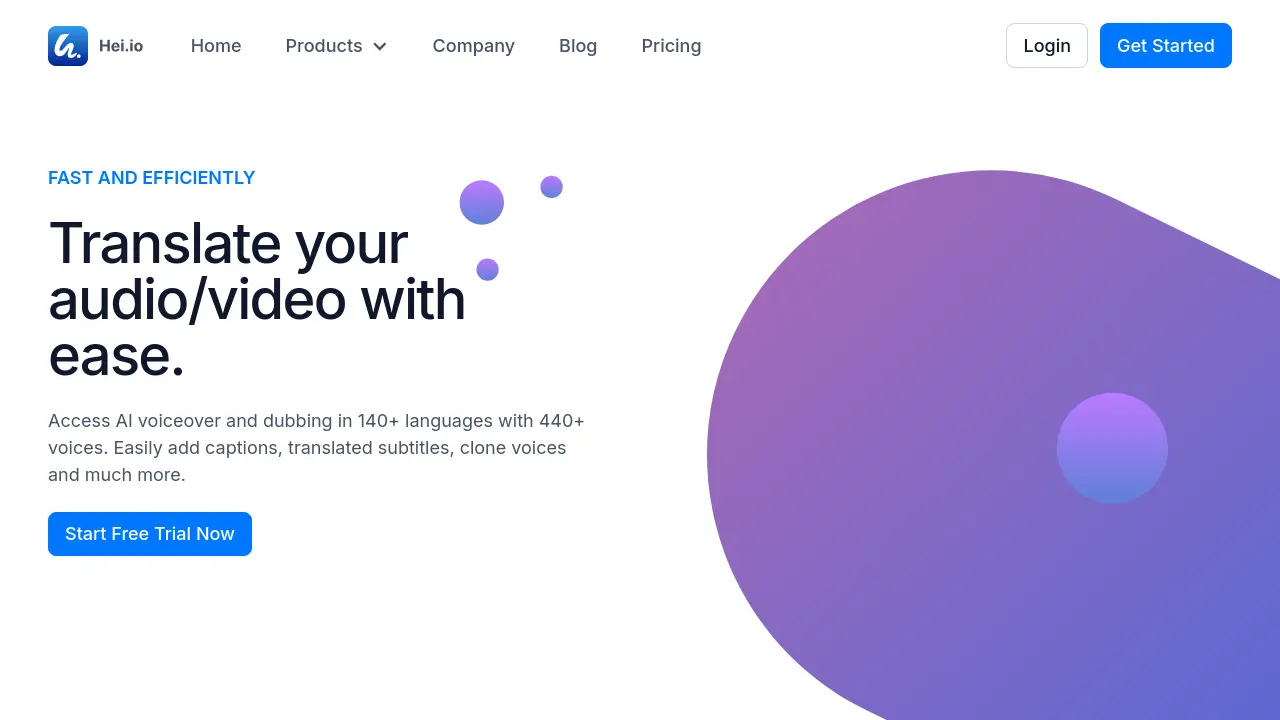
Description
HeiTech is a professional AI-based solution for translating and dubbing audio and video content in over 140 languages. Users can easily generate realistic AI voiceovers, create auto captions and translated subtitles, and export their projects in a range of formats, all while streamlining the localization and editing process.
The platform supports advanced features like voice cloning, automatic synchronization, and an intuitive all-in-one video editor, catering to content creators, marketers, and teams seeking efficient, high-quality multilingual content production.
Key Features
- AI Voiceover: Generate natural-sounding voiceovers in 140+ languages with 440+ voices
- Automatic Captioning: Auto-generate and synchronize captions and subtitles
- Video and Audio Translation: Translate content quickly with up to 90% accuracy
- Voice Cloning: Retain the original voice’s essence across multiple languages
- All-in-One Video Editor: Edit, dub, and export videos with integrated tools
- Export Options: Download projects in MP4, MP3, and SRT formats
- Multi-Format Upload: Support for direct files, YouTube links, SRT/VTT imports
- Lip Sync (Coming Soon): Automated syncing of audio and video for seamless dubbing
Use Cases
- Localizing YouTube videos for global audiences
- Creating marketing content with multilingual voiceovers
- Auto-captioning and translating social media videos
- Producing onboarding and tutorial videos in multiple languages
- Generating product demo videos for diverse markets
- Subtitle and dubbing creation for educational content
Frequently Asked Questions
How many languages does HeiTech support?
HeiTech supports translation, voiceover, and dubbing in over 140 languages.
Can I clone my own voice for dubbing across languages?
Yes, HeiTech’s Voice Cloning feature allows you to retain your original voice’s essence when translating content into multiple supported languages.
Does HeiTech automatically generate captions and subtitles?
HeiTech provides automatic captioning and subtitle generation, including synchronization with audio and video content.
What export formats does HeiTech offer?
You can export your processed videos in MP4, MP3, and SRT formats.
Can I use HeiTech with YouTube videos?
Yes, you can upload content from your computer or via a YouTube link directly into HeiTech.
You Might Also Like

EmojiZoo
FreeAI Emoji Finder: Intelligent Emoji Search Engine

FaceSwapPorn
Freemium100% Free AI Face Swap Porn Maker

Resume.io
FreemiumWrite your story with the ultimate resume builder

AI Image Describer
FreemiumDescribe Any Image with AI Precision

YardFlip
PaidSee Your Dream Yard Before You Build It