
ImgGood
Your Smart AI Photo Editor
Description
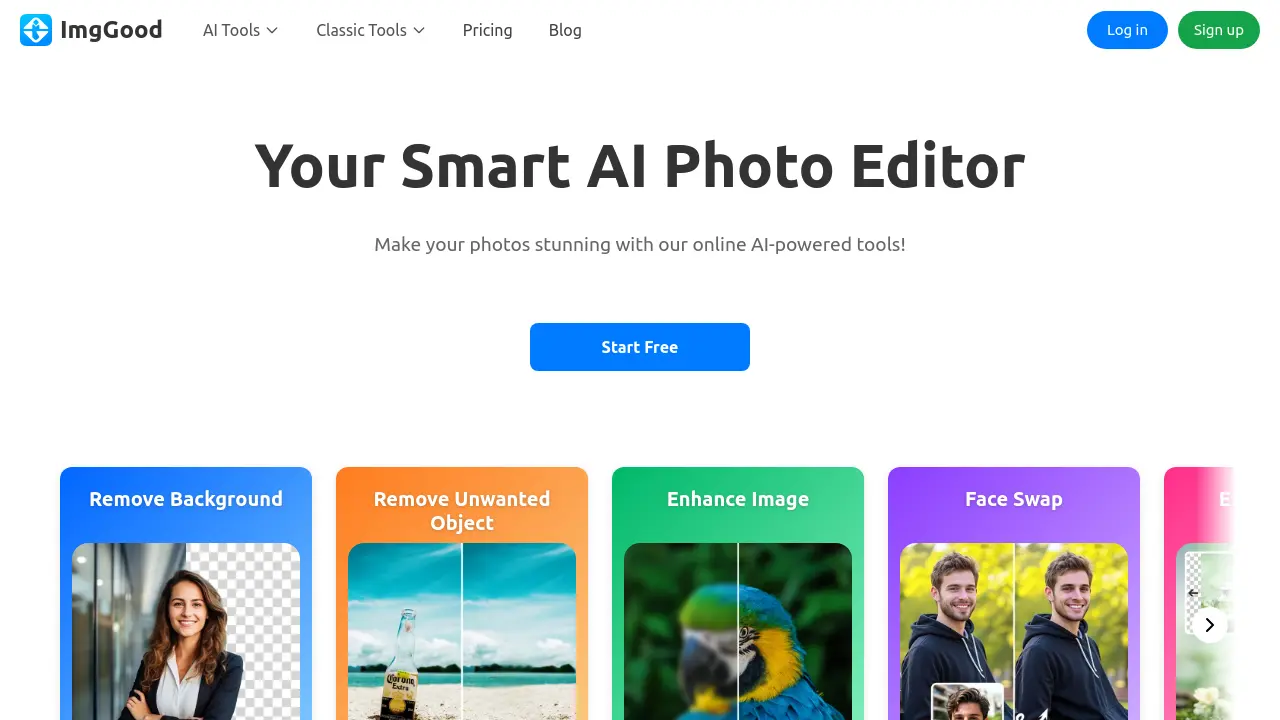
ImgGood is an advanced online photo editor that leverages artificial intelligence to simplify complex image editing tasks. Users can quickly remove backgrounds, enhance photo resolution, eliminate unwanted objects, colorize old photographs, and make creative modifications such as face swapping or hairstyle changes.
The platform offers both individual and batch editing capabilities, allowing users to process multiple images with ease. Accessible from any device through a web browser, ImgGood is designed to provide high-quality results with minimal effort, making it an ideal choice for those seeking powerful and intuitive photo editing solutions.
Key Features
- Background Remover: Quickly removes backgrounds from images with high precision
- Image Upscaler: Enhances photo clarity and resolution for sharper images
- Object Remover: Erases unwanted objects using advanced AI detection
- Colorize Photo: Transforms black-and-white images into colored versions
- Image Enhancer: Sharpens and restores detail in low-quality photos
- Face Swap: Swaps faces within images for creative edits
- Hairstyle Changer: Updates hairstyle appearance instantly
- Hair Color Changer: Alters hair color for visual experimentation
- AI Image Extender: Expands images intelligently beyond original borders
- Photo to Sketch: Converts photos to hand-drawn style sketches
- AI Style Transfer: Applies artistic styles to images
- AI Image Generator: Creates new images from text or prompts
- Bulk Background Remover: Processes background removal on multiple images simultaneously
- Bulk Crop, Resize, Convert: Automates mass image editing and format conversion
Use Cases
- Batch remove backgrounds from product photos
- Enhance old or blurry family pictures
- Erase unwanted objects from travel or event images
- Colorize black-and-white historical photos
- Create social media content with creative face swaps
- Prepare visually optimized imagery for e-commerce listings
- Convert images to artistic sketch or styled formats
- Process multiple marketing images in bulk
Frequently Asked Questions
What is ImgGood photo editor?
ImgGood is an online image editing tool that uses advanced AI technology for removing backgrounds, upscaling images, removing unwanted objects, and colorizing black-and-white photos.
Is ImgGood free to use?
Yes, ImgGood offers a free plan with basic features, and users can upgrade to the Pro plan to unlock all features.
Can I use ImgGood on my mobile phone?
Yes, ImgGood can be accessed and used in your mobile device’s browser.
What are credits used for?
Credits are needed for certain image features and bulk background removal; Pro plan members receive credits each month.
Is the subscription auto-renewed?
Yes, subscriptions are automatically renewed but can be canceled anytime in your account settings.
You Might Also Like

Akooda
Contact for PricingEnterprise Intelligence that securely searches across your company’s data for unparalleled insights.

GrubbyAI
FreemiumHumanize AI text & bypass AI detectors

locusextension.com
OtherView details...

Solutions for Growth
Contact for PricingMarketing Solutions for Growing Businesses

Giftr
FreeAI-powered gift brainstorming