Inventra
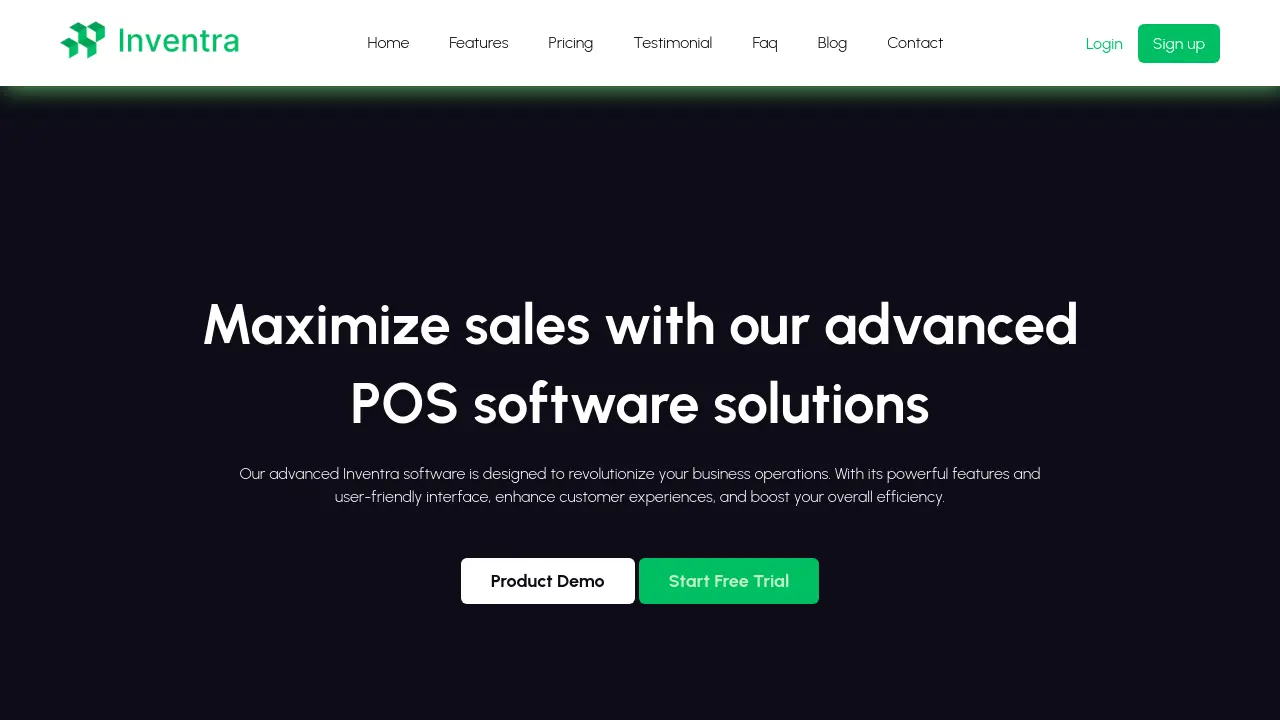
Maximize sales with advanced POS software solutions
Description
Inventra offers a powerful, user-friendly POS software platform built to transform and streamline business operations efficiently. Its intuitive interface and robust features enable businesses to manage transactions, inventory, and reporting with ease, helping to enhance customer satisfaction and operational productivity.
With Inventra, organizations of any size can benefit from secure payment processing, advanced analytics, and a modern dashboard, supporting the needs of retail, hospitality, and various service industries. The software focuses on simplicity, cost-effectiveness, and adaptability, making it suitable for diverse business environments.
Key Features
- Inventory Management: Analyze and organize large volumes of business stock data quickly and accurately
- Sales & Payment Process: Handle sales transactions and payment processing efficiently with high accuracy
- Report and Analysis: Generate insightful reports and conduct in-depth business analysis
- Secure Fast Transaction: Ensure fast, secure, and reliable transactions within the system
- Modern User Dashboard: Access an attractive and intuitive dashboard for easy navigation and oversight
- Easy Setup: Quick installation with no IT knowledge required
- Cost Effective: Affordable pricing plans for various business sizes
- Barcode Scanning: Enable streamlined product scanning for rapid checkouts
- 24/7 Support: Access round-the-clock customer support services
Use Cases
- Retail store point of sale management
- Restaurant and cafe order processing
- eCommerce business transaction handling
- Salon and spa appointment and sales tracking
- Grocery store checkout and inventory control
- Convenience store sales analytics
- Hotel and hospitality billing solutions
- Multi-location business transaction centralization
Frequently Asked Questions
Can I Integrate the POS System with My Online Store?
You should consider your business needs and available features. Researching options will help you find a POS system that integrates with your online store and supports customer rewards and promotions.
Do I Need Special Training to Use a POS System?
Choosing a POS system with a user-friendly interface reduces the need for specialized training. Research options to match your business requirements and review feedback from other businesses.
What Kind of Sales Analytics Does a POS System Provide?
A POS system provides sales analytics based on your business type, size, and required features. Reviewing different systems and feedback helps ensure the analytics meet your needs.
How Can I Choose the Right POS System for My Business?
When choosing a POS system, consider your business type, size, budget, required features, and future growth potential. Research different systems and customer reviews to make an informed choice.
You Might Also Like

Gait
FreemiumCode Faster with AI, Without All the Guesswork

DeskDingo
FreemiumAI-Enhanced Live Chat & Help Center Software

Userpilot
Free TrialLeverage user insights & in-app engagement to drive adoption, retention, and revenue.

Scribe Medix
Free TrialAI Medical Scribe for Effortless Clinical Documentation

Photoeval
FreemiumHow Attractive Am I? Attractiveness Test Using AI and Human Ratings