
Kamara AI
AI-powered code reviews and development inside your GitHub workflow.
Description
Kamara AI was an automated code assistant designed to work within GitHub, helping development teams improve code quality, enhance security, and keep documentation up to date. With seamless integration as a GitHub App, it provided full-context code analysis, intelligent suggestions, and knowledge retention throughout the development lifecycle.
Although Kamara AI is no longer active, its advanced features included actionable PR suggestions, automated documentation, and AI-driven code reviews, all aimed at making software teams more efficient and secure within their existing workflows.
Key Features
- Full-Context Intelligence: Analyzes complete repositories to understand code patterns and project conventions.
- Superhuman Code Review: Detects bugs, performance issues, and security vulnerabilities with actionable suggestions and explanations.
- AI-Implemented Pull Requests: Converts issue descriptions into working code with complete PRs and tests.
- Living Documentation: Automatically updates and generates documentation as code evolves, with context-aware explanations.
- Knowledge Preservation: Remembers project decisions and technical context across team changes.
- Seamless GitHub Integration: Operates directly within GitHub via one-click app installation, requiring no configuration changes.
Use Cases
- Automated pull request creation
- Intelligent code review within GitHub
- Automatic updating of project documentation
- Preservation of team knowledge during onboarding or handoff
- Detection and patching of security vulnerabilities
- On-demand context-aware assistance on issues and PRs
Frequently Asked Questions
How did Kamara access repositories?
Kamara was installed as a GitHub App, granting access to selected repositories after user authorization.
Was code secure with Kamara?
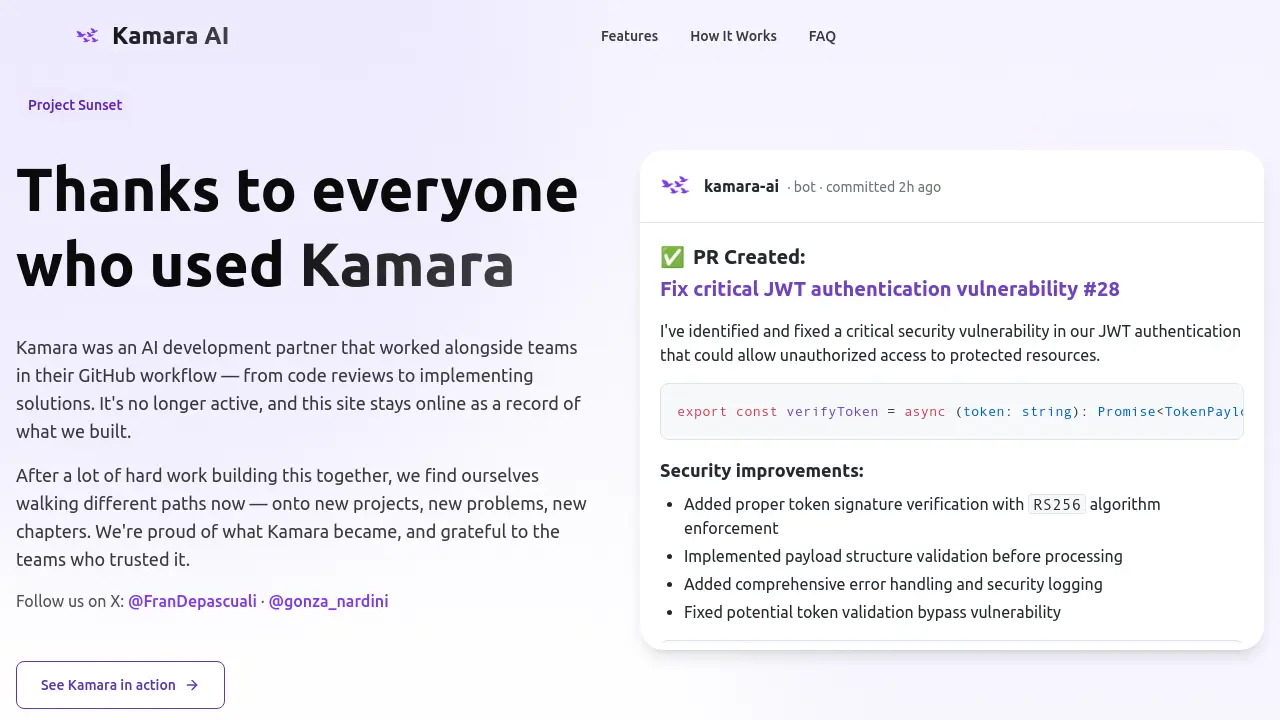
Kamara implemented security measures such as proper token verification, payload validation, error handling, and security logging to protect code and user data.
What GitHub permissions did Kamara require?
Kamara required permissions only for the repositories explicitly selected by users during the installation process on GitHub.
Could Kamara work on private repositories?
Yes, Kamara could operate on private repositories, provided it was granted the necessary access through the GitHub installation process.
You Might Also Like

Slicker
Usage BasedRecover payment failures and maximize recurring revenue

Chroma AI
Usage BasedGenerate gradients based on your mood

Tarotia
FreemiumAI-Powered Online Tarot Readings for Guidance and Self-Discovery

FotoMedley
Usage BasedTurn your photos into custom activity pages and art.

ImgToVideoAI
PaidConvert images to stunning videos with advanced AI technology.