
Microsoft SAM TTS
Classic Microsoft SAM voice from Windows XP in your browser
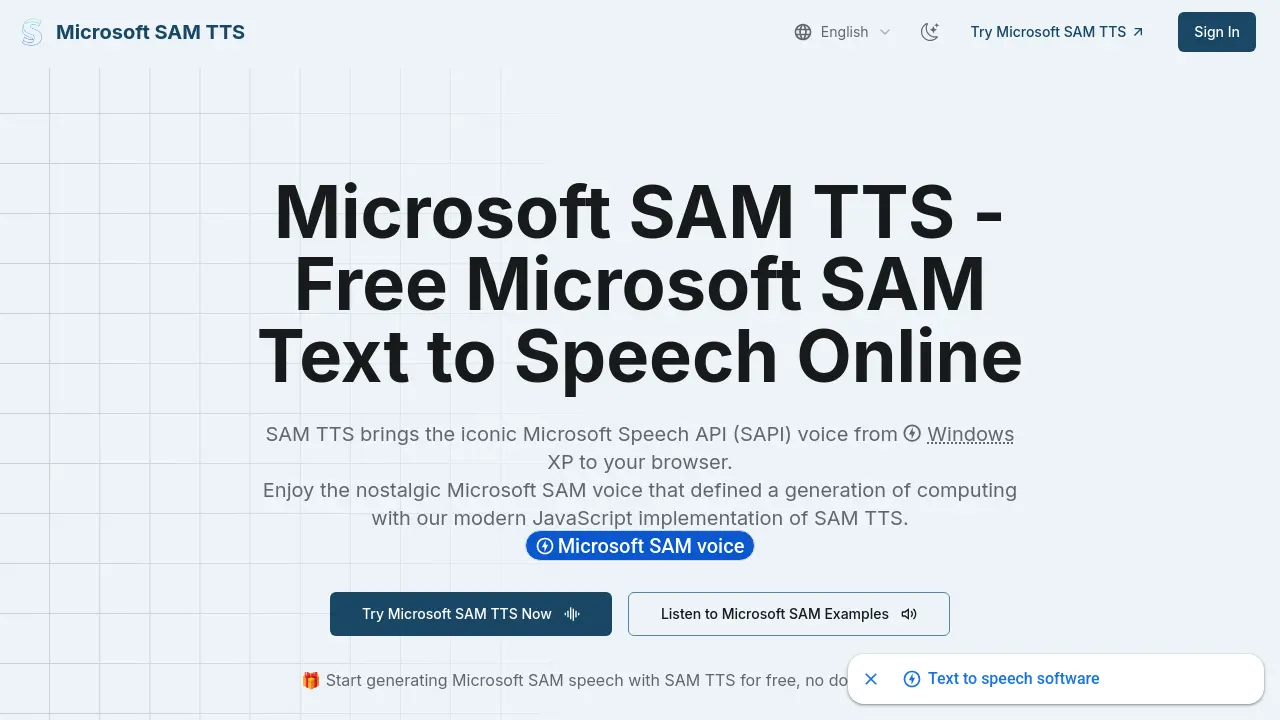
Description
Microsoft SAM TTS recreates the original Windows XP speech synthesizer in a browser-based interface, allowing anyone to experience the nostalgic Microsoft SAM, Mike, and Mary voices with modern conveniences. Users can input text, fine-tune parameters like pitch and speed, preview audio instantly, and download speech as WAV files, all without downloads or external dependencies.
Designed for simplicity and performance, this JavaScript-driven tool brings back a distinctive era of computing by providing lightweight, cross-platform text-to-speech functionality. Developers and creators can seamlessly integrate the voice in projects using the included JavaScript API, while enjoying full control over voice customization and audio output.
Key Features
- Authentic Microsoft SAM Voice Synthesis: Faithfully reproduces the original Windows XP computer voice using JavaScript.
- Customizable Speech Parameters: Adjust pitch, speed, mouth, and throat settings for tailored voice output.
- Multiple Voice Presets: Includes Microsoft Sam, Mike, Mary, BonziBUDDY, Adult Male/Female variants, and robotic voices.
- Lightweight Implementation: Under 100KB of JavaScript with no external dependencies required.
- Browser-Based Operation: Runs entirely in the browser, supporting Chrome, Firefox, Safari, and mobile devices.
- No Download Required: All features accessible online without installation.
- Audio Playback & Download: Instantly play text-to-speech output or download as WAV files.
- Developer API: Simple JavaScript integration for speech synthesis, audio playback, and WAV generation.
- Cross-Platform Compatibility: Works seamlessly on desktop and mobile browsers.
- Nostalgic Interface: Classic presets and sound effects to evoke the Windows XP era.
Use Cases
- Adding vintage Microsoft SAM narration to creative projects
- Integrating classic speech in games and applications
- Generating downloadable TTS audio for presentations
- Enabling browser-based text-to-speech for accessibility
- Content creation with nostalgic computer voices
- Producing educational materials with unique voice characters
Frequently Asked Questions
What is Microsoft SAM Text-to-Speech?
Microsoft SAM (Speech Articulation Module) was originally included with Windows XP as part of the Microsoft Speech API (SAPI). The modern SAM TTS JavaScript implementation brings this classic voice to your browser, providing the distinctive speech synthesis of early Windows computing with added modern features.
How does Microsoft SAM TTS work?
Microsoft SAM TTS uses a phoneme-based synthesis system to convert input text into phonetic sounds and then generates audio waveforms, allowing users to adjust parameters like pitch, speed, mouth, and throat before listening to or downloading the speech output.
What types of text work best with Microsoft SAM TTS?
Microsoft SAM TTS is optimized for standard English text and common words, producing the clearest output with short to medium-length sentences. Technical terms or unusual names may require phonetic input for best results.
Can I use Microsoft SAM TTS in my own projects?
Yes, Microsoft SAM TTS is designed for easy integration into websites, games, applications, and creative projects, with options to play audio directly or download WAV files for both personal and commercial use.
Is there an API available for Microsoft SAM TTS developers?
Yes, a simple JavaScript API is provided for developers to integrate Microsoft SAM TTS, enabling text-to-speech conversion, audio playback, buffer generation, and WAV file creation with minimal code.
You Might Also Like

RockettAI
FreemiumAI-powered tools for teachers: save time, enhance teaching.

Vectorency
Pay OnceStop Renting Design Assets. Own Them—Forever.

Unwink.AI
Free TrialTransform Customer Feedback into Actionable Insights

Taskera
FreemiumSimplify Project and Task Management

News Minimalist
FreemiumAll news ranked by significance