
NewMail AI
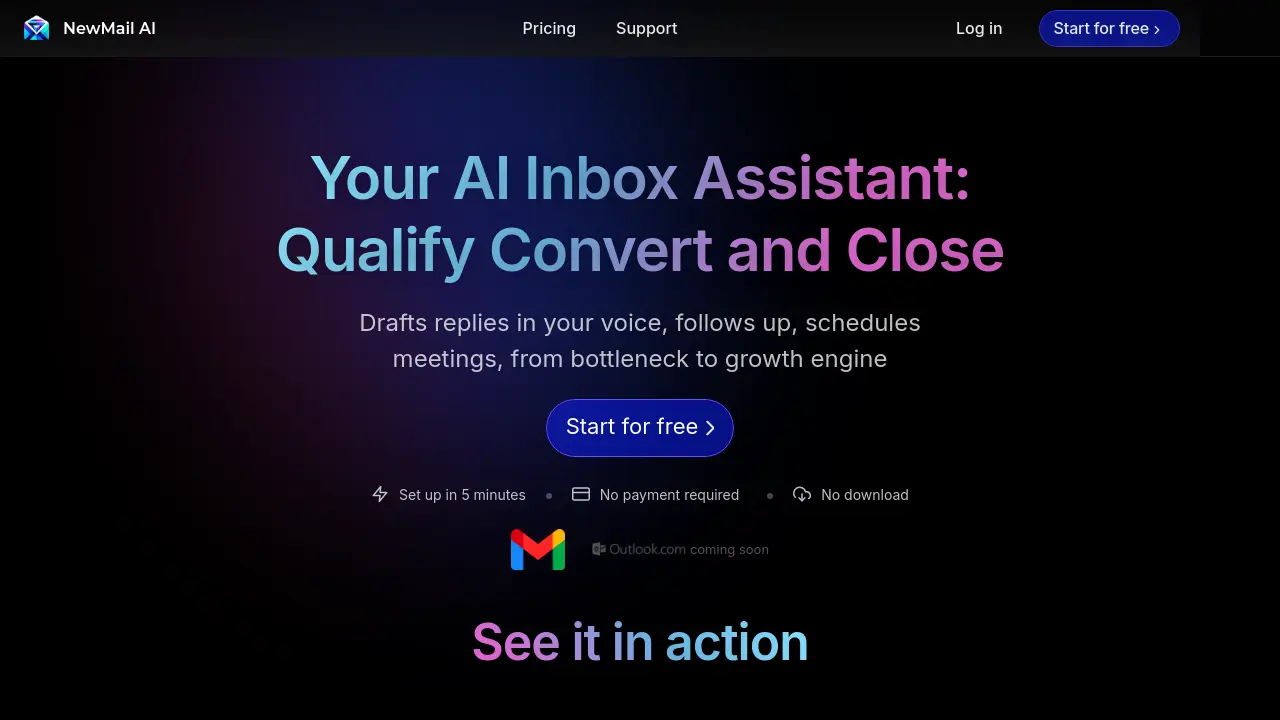
Your AI Inbox Assistant: Qualify Convert and Close
Description
NewMail AI functions as an intelligent assistant directly within your existing email client, such as Gmail or Apple Mail, eliminating the need for a new interface or learning curve. It aims to transform your inbox from a bottleneck into a growth engine by automating various email-related tasks.
The tool automatically drafts high-quality email replies based on context and in your unique writing style, allowing for personalized attention at scale. It provides daily briefings summarizing important information and schedule updates, helps prioritize emails according to your preferences, and tracks actionable items from emails in a linked to-do list. Additionally, NewMail AI offers intelligent tagging for better organization and simplified scheduling features. It emphasizes a privacy-centric design, stating it doesn't store email content and holds Google Security Certification.
Key Features
- Smart drafts: Automatically drafts high-quality email responses based on context and user's voice.
- Daily briefings: Provides daily summaries of important information, schedule updates, and links.
- Personalized priority: Ranks incoming emails based on user-defined priorities.
- Actionable insights: Automatically tracks tasks derived from emails in a linked to-do list.
- Intelligent tagging: Organizes emails using smart folders for easy retrieval.
- Simplified Scheduling: Manages calendar events directly from the inbox.
- Gmail & Apple Mail Integration: Works within existing email clients with no new interface.
- Privacy-centric design: No email/task/calendar storage; Google Security Certified; data not used for AI training.
Use Cases
- Automating email reply drafting to save time.
- Prioritizing important emails in a cluttered inbox.
- Tracking tasks and action items mentioned in emails.
- Organizing emails efficiently with smart tags.
- Streamlining meeting scheduling via email.
- Getting daily summaries of key emails and schedule updates.
- Scaling personalized email communication.
- Reducing time spent on mundane email tasks.
You Might Also Like

Loti AI
FreemiumTake charge of your digital self with Loti AI.

integranxt.com
Contact for PricingHuman Expertise. Intelligent Technology. Reliable Publishing Solutions.

StockHero
Free TrialAutomated Stock Trading Bot Software

Copyfactory
FreemiumB2B copywriting platform for sales teams and agencies

Pyze
Contact for PricingAutomate Operational Excellence with Low Code Process Intelligence