
NextStep
The refreshingly simple process management tool
Description
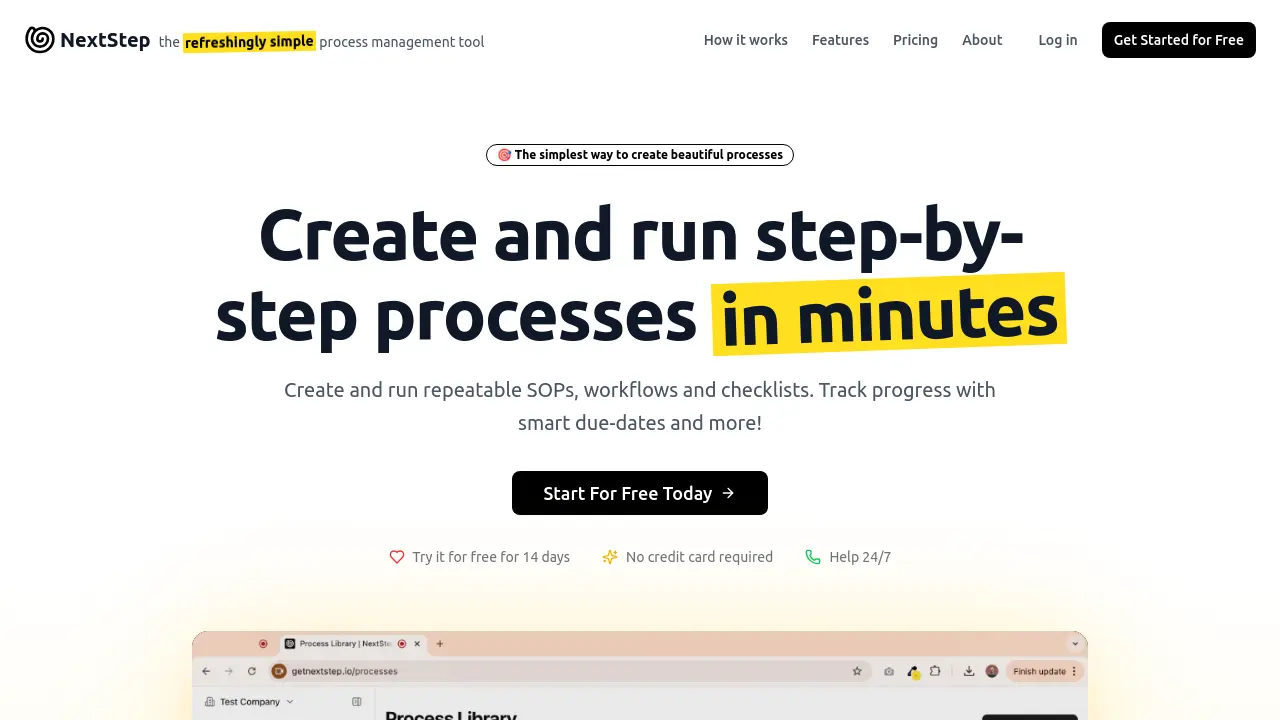
NextStep provides a streamlined solution for managing repeatable business processes, enabling users to create step-by-step workflows quickly with or without AI assistance. Its clean, intuitive interface empowers teams to run, monitor, and improve their processes, ensuring consistency and efficiency across a variety of business functions.
With real-time analytics, automation features, and collaborative sharing options, NextStep is built for teams seeking a practical approach to process execution and continual improvement, without the complexity of traditional enterprise tools.
Key Features
- AI-Assisted Process Creation: Quickly build workflows with AI suggestions or from scratch.
- Dynamic Due Dates: Automatically calculate task deadlines based on dependencies and completion.
- Customizable Form Fields: Create rich, tailored data collection forms using drag-and-drop elements.
- Conditional Logic: Lock tasks until prerequisites are completed and prevent skipping critical steps.
- Run Processes from a Link: Allow anyone to run a process via a simple shared link, no login needed.
- Share Running Processes: Invite guests for real-time collaboration on active workflows with access controls.
- Recurring Scheduled Processes: Automate processes to run daily, weekly, monthly, or custom patterns.
- Real-Time Analytics: Monitor usage, track team progress, and optimize processes for efficiency.
- Visual Dependency Indicators: Highlight task dependencies and completion states within processes.
- Seamless Workflow Integration: Easily share and coordinate processes across teams and external partners.
Use Cases
- Standard operating procedure (SOP) execution
- Business workflow automation
- Checklist management
- Customer onboarding
- Internal audits and compliance tracking
- Client collaboration on processes
- Recurring team meetings or reviews
- Task delegation and progress tracking
Frequently Asked Questions
What is the difference between a Creator and a Guest in NextStep?
A Creator can build and manage processes, delegate tasks, manage teams, view analytics, schedule processes, and participate in workflows, while Guests can participate in processes without needing an account and do not have management capabilities.
Can I invite people outside my organization to participate in processes?
Yes, you can share running or published processes with unlimited guests for free via shared links or direct invites, allowing both internal and external collaboration.
Is a credit card required to start the free trial?
No, you can start the 14-day free trial without providing a credit card.
What happens if I need more than 5 creators on my plan?
If you need more than 5 creators, you should contact the NextStep team directly for custom arrangements.
You Might Also Like

Shuppi
Usage BasedKeep more of what you create. Flat 50¢ fee per sale.

Monster Quest : AI tutor
FreeLEVEL UP WITH YOUR MONSTERS Master studies, win in sports, make friends—anything’s possible!

InboxPlus
FreemiumYour AI SDR That Closes Inbound Leads — 24/7

One Model
Contact for PricingPeople Analytics Your Way

My-Legacy.ai
FreemiumThe Most Secure, All-In-One Life And Inheritance Planning Platform