
PaletteMaker
Generate AI Color Palettes and Visualize Them Instantly
Description
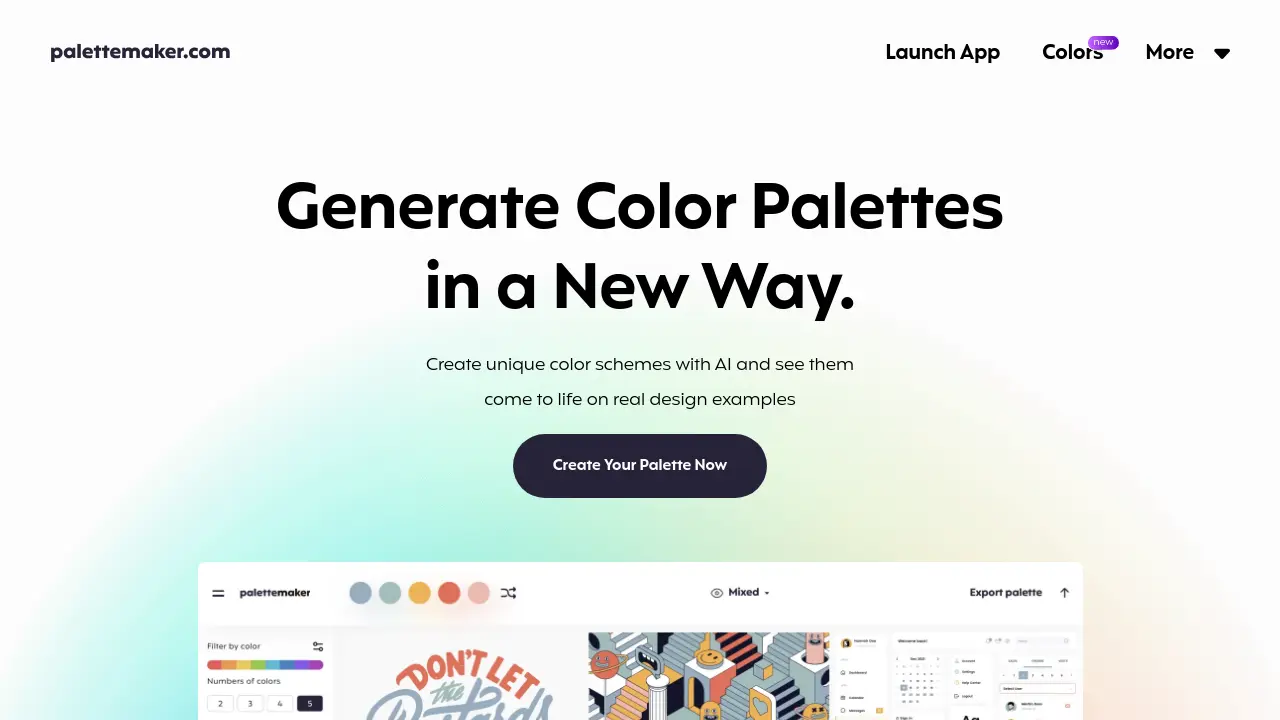
PaletteMaker offers a novel approach to creating unique color schemes using artificial intelligence. This tool allows creative professionals and color enthusiasts to generate palettes and immediately see how they perform in practical applications. Users can test color combinations across various design examples, including logo design, UI/UX interfaces, patterns, and posters, providing valuable context for color choices.
Designed by professional designers, PaletteMaker emphasizes ease of use for both designers and non-designers. It provides features for checking how colors interact in different graphic design scenarios and allows filtering of AI-generated palettes based on color tone and the number of colors desired. The platform also supports manual adjustments and offers robust export options for seamless integration into design workflows.
Key Features
- AI Color Palette Generation: Create palettes with AI, filtering by tone and number of colors.
- Real Design Visualization: See how color schemes work on examples like logos, UI/UX, patterns, and posters.
- Palette Customization: Manually adjust palettes by randomizing, changing, or deleting individual colors.
- Multiple Export Formats: Export palettes for Procreate, Adobe ASE, Image, and Code.
- Diverse Creative Field Examples: Test colors across logo, UI design, posters, illustrations, and more.
- Free Access: Use all features completely free of charge, forever.
Use Cases
- Generating color schemes for branding projects.
- Testing color palettes for UI/UX design mockups.
- Creating harmonious colors for illustrations and posters.
- Finding color inspiration for graphic design work.
- Exporting palettes for direct use in design software like Procreate or Adobe suite.
- Learning about color theory and application.
Frequently Asked Questions
How to use PaletteMaker?
Your main color palette is on the top (or bottom for mobile devices). Browse color schemes on the left panel. When you select a palette, it applies on top. You can play with 'randomize' colors, change colors individually, or delete each color cell. PaletteMaker works with 5, 4, 3, and 2-color palettes automatically.
Is it really free to use?
Yes, This is a 100% free web app for every color lover out there, all the current features are free forever.
Is it suitable for non-designers?
Yes, PaletteMaker was specifically crafted so both designers and non-designers can have fun using it.
How come your color palettes never have black and white color?
When creating color palettes, black and white are not typically considered colors in graphic design. This is because they often serve as the background or text color on websites, or as elements surrounding the design.
How to create color palette in PaletteMaker?
It's quite easy. Please refer to the 'How to Create Color Palette' quick guide on the website if you need help.
You Might Also Like

Crosshatch
Free TrialThe internet's first personalized AI gateway

INSTAVID AI
Usage BasedCreate stunning AI-powered short videos in SECONDS

Tinybird
FreemiumShip faster with Managed ClickHouse®

Tendenci
PaidThe Open Source Association Management System

Andy AI
Contact for PricingChart an OASIS in under 15 minutes