
PangoBright
Effortlessly control monitor brightness on Windows for dark environments.
Description
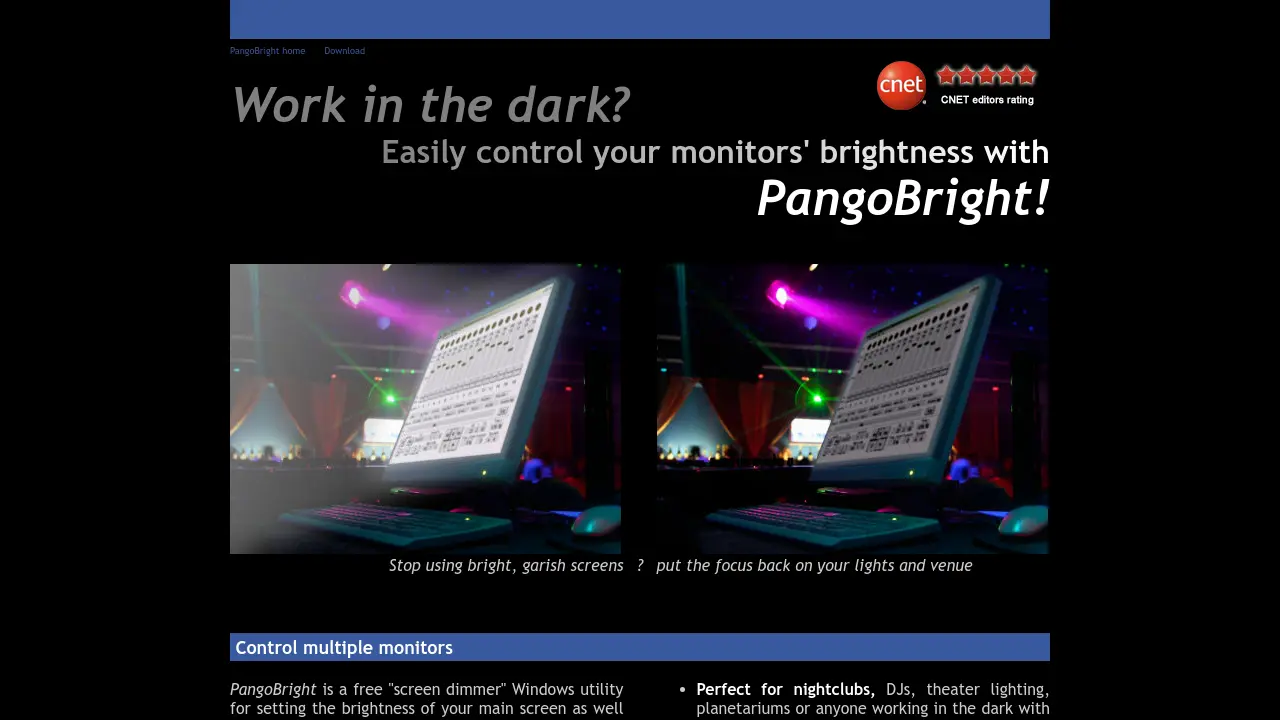
PangoBright is a lightweight screen dimming utility for Windows designed to help users adjust the brightness of their main screen and external monitors. Operating seamlessly from the system tray, it offers quick, simple controls for dimming one or multiple monitors, making it especially useful in environments where excess screen brightness can distract or disrupt, such as clubs, theaters, or live events.
The application is easy to install and use, running on Windows XP, Vista, and 7, and consumes minimal system resources. With PangoBright, users gain hassle-free brightness adjustment, helping optimize viewing and focus in any setting that requires low light conditions.
Key Features
- Multi-monitor brightness control: Set brightness for both main and external monitors individually
- Lightweight executable: Minimal resource usage with a small 100K EXE
- System tray integration: Quick access to brightness settings directly from the tray
- Simple pop-up interface: Easily select desired brightness levels
- Support for Windows XP, Vista, and 7: Designed for legacy systems
- Dims all windows and dialogs: Ensures all screen elements are affected
- Free to use: No charge for download or usage
Use Cases
- Nightclub or concert lighting control areas
- DJs operating in low-light environments
- Theatre and stage lighting desks
- Planetarium control rooms
- Presentation settings requiring laptop dimming but bright external display
- Any multi-monitor setup needing individual brightness adjustment
Frequently Asked Questions
What operating systems does PangoBright support?
PangoBright works on Windows 7, Vista, and XP.
How do I adjust the monitor brightness with PangoBright?
After installation, click the PangoBright icon in the system tray, select your desired brightness level from the pop-up menu, and choose which monitor to adjust.
Is PangoBright free to use?
Yes, PangoBright is available for free download and use.
Can I control the brightness of multiple monitors individually?
Yes, PangoBright allows users to select and adjust brightness for each connected monitor.
Does PangoBright dim all windows and dialogs?
Yes, it dims all windows and system dialogs on the selected monitors.
You Might Also Like

SUPERAGENT
Contact for PricingA workspace where your team and AI work together.

Atomica
FreeGenerate Your Colors, Simplify Your Workflow

integrations.digital.ai
Contact for PricingUnify, secure, and generate predictive insights across the software delivery lifecycle.

Foodzilla
Free TrialMeal Planning Software for Nutrition & Fitness Professionals

LearniAI
FreemiumYour AI-Powered Learning Assistant