
Perfect Backup
The Easiest Way To Backup your Personal and Business Data
Description
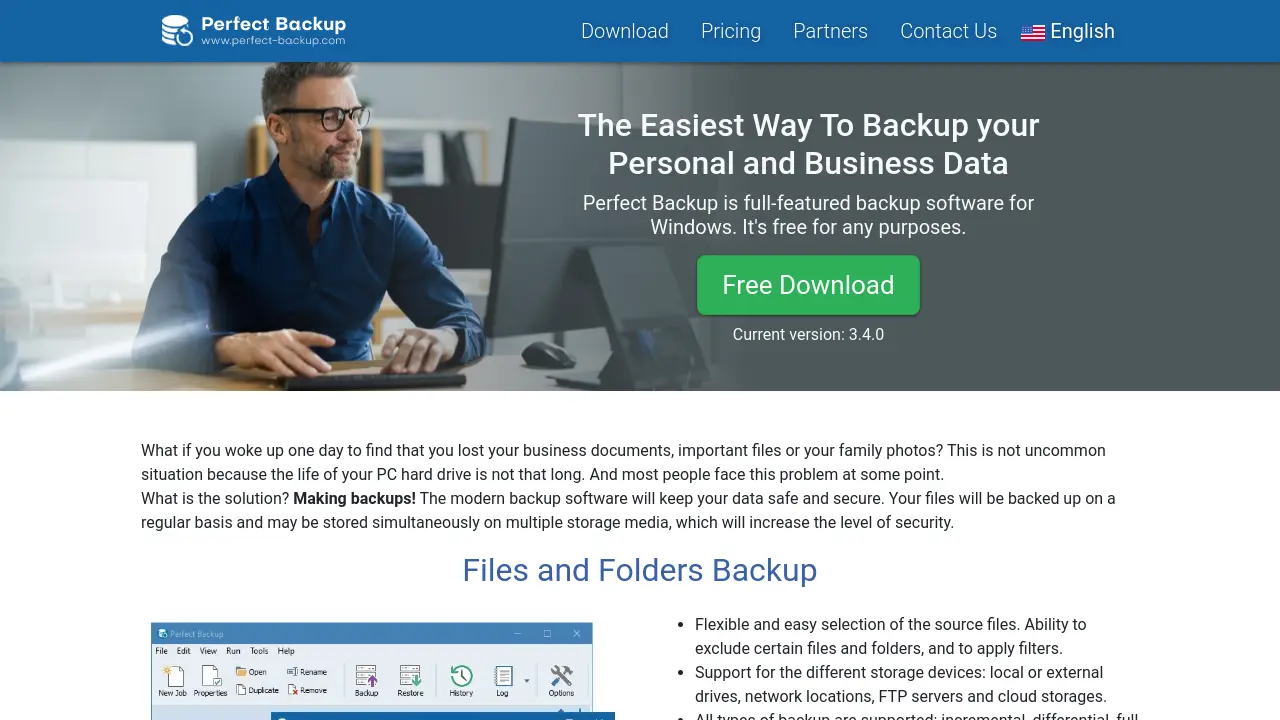
Perfect Backup offers a comprehensive backup solution for Windows users, ensuring the safety and security of personal, business, and application data. With an intuitive interface and advanced scheduling, users can automate backups to local drives, network locations, external devices, FTP servers, and cloud storage services.
The software supports multiple backup types and thorough data protection features like compression and encryption, making recovery fast and reliable. Perfect Backup enables seamless data restoration, helping users quickly recover from data loss, drive failure, or accidental deletions.
Key Features
- Files and Folders Backup: Choose source files and folders, apply filters, and exclude items as needed.
- Multiple Storage Support: Back up to local, external, network, FTP, and top cloud storage services including Google Drive, OneDrive, and Dropbox.
- Comprehensive Backup Types: Incremental, differential, full, and mirror backups are supported.
- Drive Image Backup: Backup of the operating system and complete disk images using virtual hard disks (VHD).
- Application Data Backup: Backup data and settings from 8,963 popular Windows applications, browsers, email clients, and PC games.
- Compression and Encryption: Secure backups with ZIP compression and data encryption.
- Automatic Backup Scheduling: Run backups on selected days or dates automatically.
- Accurate Restore: Restore files and configurations easily, even if the original backup configuration is lost.
Use Cases
- Automated backup of business documents
- Protecting personal files and family photos
- Creating system images for OS recovery
- Backing up application settings and browser data
- Saving PC and Steam game progress
- Regular cloud-based data backup
- Data recovery after hard drive failure
- Restoring files to a previous version
You Might Also Like

Quick Funeral
Usage BasedAn Easy way to Self Create and Print Funeral Program Templates and Printable Funeral Stationery

Trulience
FreemiumCreate your AI powered workforce

Equinox AI Lab
Contact for PricingCreative AI and Design Solutions for Digital Transformation

NoteX AI
PaidWhere AI Meets Your Notes

CoolFont.io
FreeTransform your text into stylish and unique fonts instantly.