
ReadStats
Instant, private Goodreads reading analytics.
Description
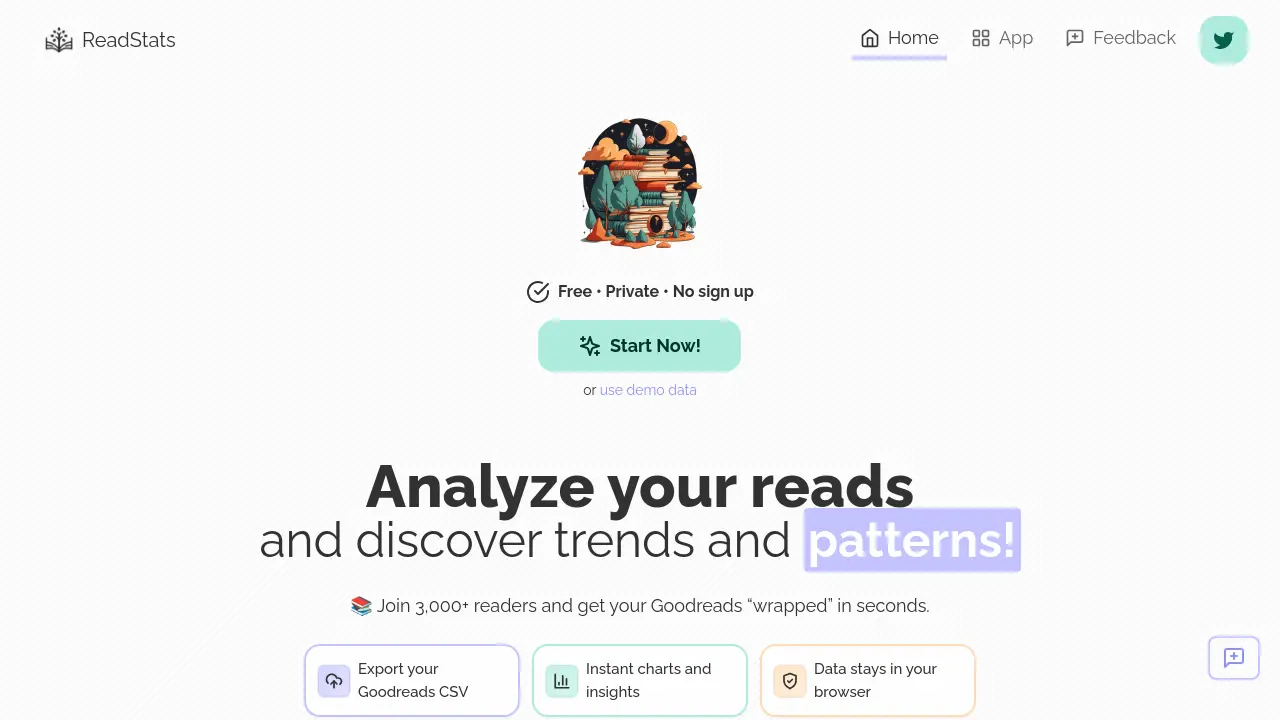
ReadStats enables book lovers to explore their Goodreads reading data in depth, generating instant analytics and captivating visualizations without any signup required. Users can simply export their Goodreads CSV, upload it directly in the browser, and immediately see trends, ratings, author breakdowns, and more.
All data processing occurs locally, ensuring complete privacy and security. ReadStats offers a seamless, fun, and insightful experience for readers interested in understanding their reading habits and discovering patterns across their literary journey.
Key Features
- Goodreads CSV import: Easily upload your Goodreads data export
- Instant charts and insights: Visualize reading statistics immediately
- Browser-based processing: Data never leaves your device
- Demo/sample data: Preview features without uploading personal data
- No sign up required: Use the tool anonymously
- Author analytics: Discover which authors you read most
- Rating distribution: Analyze your book ratings patterns
- Book length analysis: Explore preferences for book lengths
- Publication date breakdown: See trends by book release year
- Compare ratings: View how your ratings match up against community averages
Use Cases
- Visualizing reading activity and patterns over the years
- Discovering favorite and frequently read authors
- Examining trends in book ratings and lengths
- Obtaining a personalized reading 'wrapped' summary
- Sharing reading analytics with friends
- Gathering data insights for book reviews or blogging
Frequently Asked Questions
How secure is my data?
All operations occur on your device; your uploaded reading data is processed in your browser and never leaves your computer.
Do I need to create an account?
No account or sign up is required to use ReadStats.
Is this service free of charge?
Yes, ReadStats is completely free to use.
How can I share my ideas or give feedback?
You can connect and share feedback on Twitter at @Jera_Value or @Jera_Value_en.
I've encountered a bug, what should I do?
If you find a bug, please reach out to the developer via Twitter.
You Might Also Like

Overjet
Contact for PricingAI Platform for Dentistry Prioritizing Patient Outcomes

Entry Point AI
PaidThe modern AI optimization platform for proprietary and open-source language models.

OLMOCR
FreeTransform Images or PDF to Text with AI-Powered for Free

PopShort.AI
FreemiumTurn your inspiration into captivating short films in minutes.

MERIDIQ
Free TrialEfficient clinic management for patient care