
Salesflare
A simple yet powerful CRM for small and medium-sized businesses selling B2B.
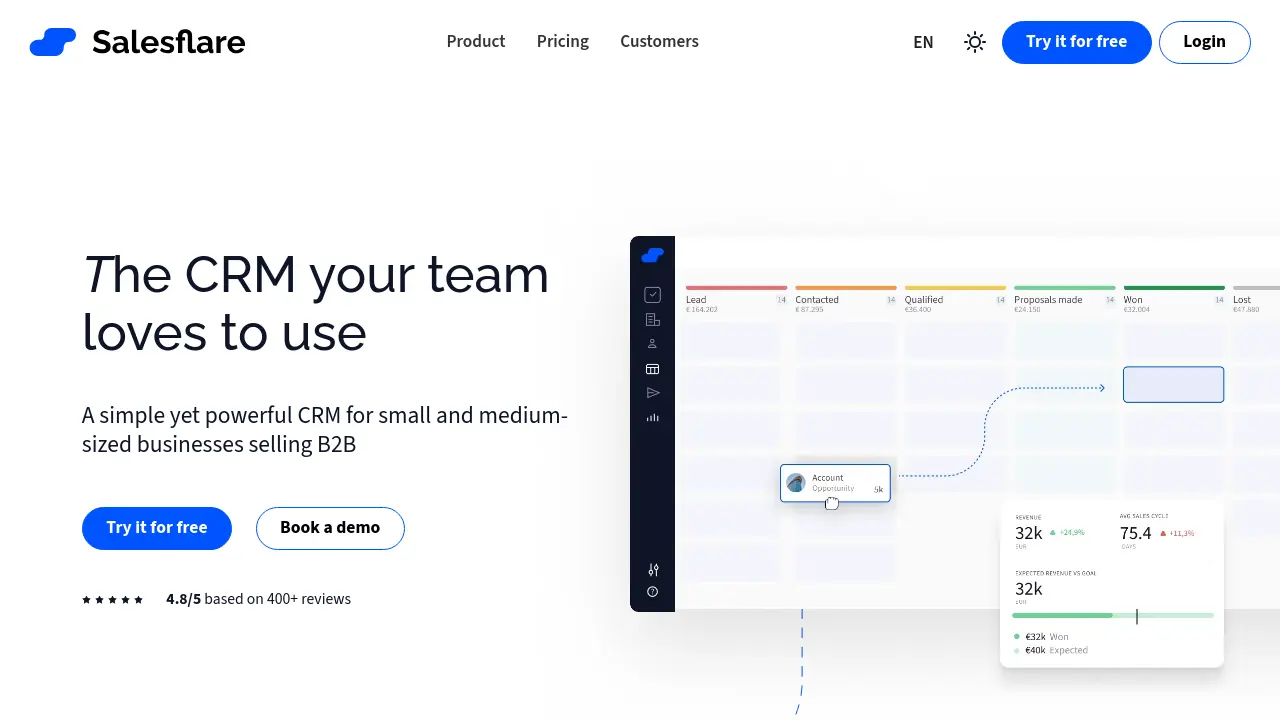
Description
Salesflare is a smart sales CRM built for small and medium-sized businesses engaged in B2B sales. By automating data entry, tracking leads and communications, and integrating seamlessly with platforms like LinkedIn, Gmail, and Outlook, it minimizes administrative work and maximizes sales effectiveness.
The CRM leverages artificial intelligence to proactively remind users to follow up, enrich contact information, and provide actionable sales insights. Its user-friendly interface and customizable dashboards enhance transparency and collaboration, enabling teams to manage relationships and pipelines with greater efficiency.
Key Features
- Automated CRM Data Input: Gathers contact and company info from emails, signatures, and social profiles, logging meetings and calls automatically.
- Sales Tracking: Monitors all sales activities and keeps leads organized throughout the pipeline.
- Email & Web Tracking: Tracks email opens, link clicks, and website visits for each lead.
- LinkedIn Integration: Provides a LinkedIn sidebar for direct CRM access and syncing.
- Customizable Dashboards: Allows creation of custom sales reports and dashboards for insights.
- AI Suggestions: Offers proactive reminders and suggestions to follow up and close more deals.
- Sales Intelligence & Relationship Intelligence: Unlocks metrics on customer relationships and team connections.
- Automated Email Sequences: Sends personalized email campaigns and workflows at scale.
- Lead Finder & Email Finder: Finds new leads and uncovers business email addresses directly from the CRM.
- Mobile App & Chrome Extension: Enables CRM access and features on mobile devices and within browsers.
Use Cases
- Managing B2B sales pipelines for small and medium-sized businesses
- Automating lead tracking and follow-up activities
- Personalizing and automating email campaigns to prospects and clients
- Enhancing team collaboration and sales transparency
- Discovering and enriching new leads through LinkedIn and email integration
- Analyzing sales performance with customizable dashboards and reports
Frequently Asked Questions
How do I get my team to use Salesflare?
You can invite your team via email from inside Salesflare. Setup takes just a few minutes, and Salesflare captures activity automatically so your team can continue their workflows seamlessly.
Can I purchase Salesflare for just one month?
Yes, Salesflare licenses can be billed monthly or annually, and there is always a free trial available.
Are there additional charges for onboarding?
No, Salesflare offers free onboarding and training to ensure you get started successfully, at no extra cost.
Are there any feature limits or extra charges beyond the plan?
All features and limits are clearly listed by plan, with no hidden or unexpected extra charges.
Are there limits to the number of contacts or emails in Salesflare?
There are no hidden limits on contacts, users, email templates, tracked emails, sent emails, custom fields, workflows, dashboards, or pipelines.
You Might Also Like

Alle-AI
FreemiumMeet The All-In-One AI Platform

Flowductive
OtherYour day, redesigned.

500agents
PaidConversational AI platform that adapts to your workflow.

WP Depo
PaidPremium WordPress Plugin and Theme Pack for only $12

SmartOne.ai
Contact for PricingHigh-Quality Human-in-the-Loop Data Labeling Services for AI