
Scene One
The Best Book Writing App
Description
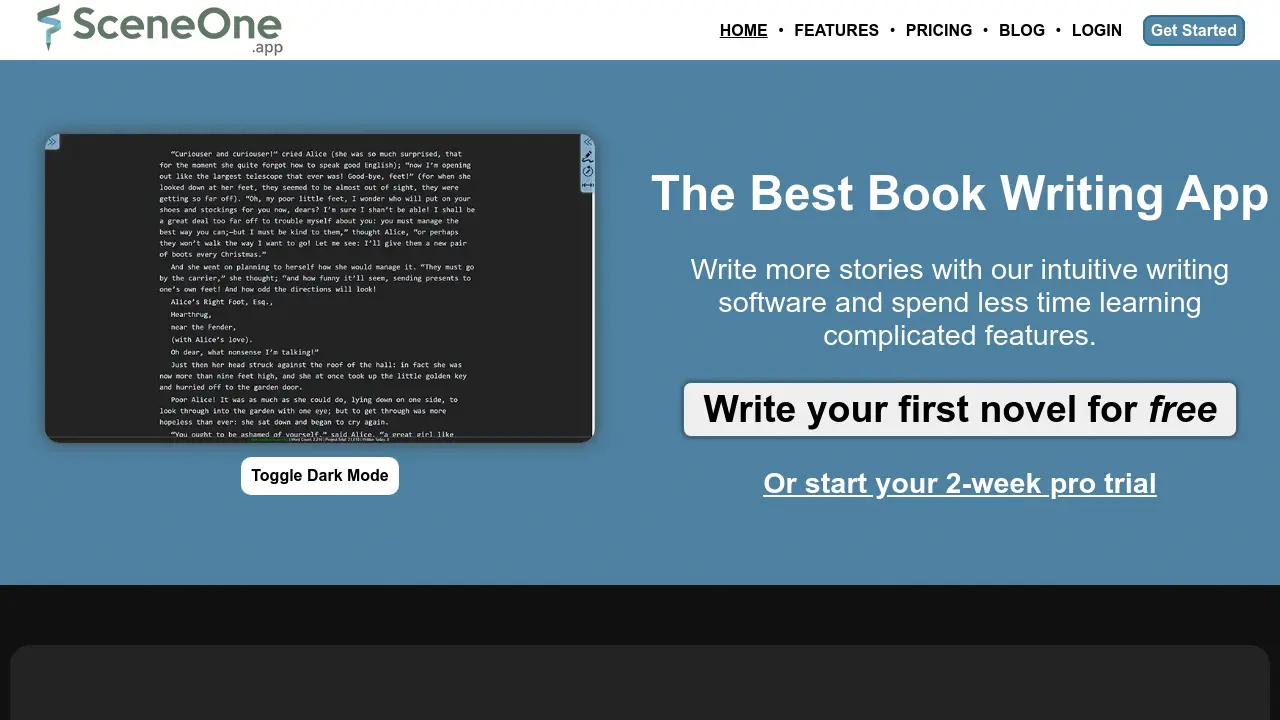
Scene One is a user-friendly, web-based writing application tailored for authors seeking a streamlined process for creating novels and stories. Its core design revolves around accessibility, running directly in any web browser which allows writers to work on their manuscripts from various devices including desktops, laptops, tablets, and phones. Automatic cloud saving ensures that work is always backed up and synchronized, enabling a seamless transition between devices without extra cost or hassle.
The platform offers robust organizational tools, allowing users to structure their work into scenes, chapters, or custom arrangements using drag-and-drop functionality and nested folders. A key feature is the integrated wiki system, enabling writers to meticulously track story elements like characters, locations, and items; the software automatically highlights mentions of these elements within the text for easy reference. Scene One also facilitates the revision process through granular note-taking attached to specific scenes or the entire project, all managed via a central Revision Board. Additional capabilities include story planning with beat sheets and exporting manuscripts to PDF and Word DocX formats (Word export requires a paid plan).
Key Features
- Cross-Device Writing: Runs in any web browser with automatic cloud saving, accessible on desktop, laptop, tablet, phone.
- Manuscript Organization: Structure stories as scenes, chapters, or snippets with drag-and-drop reordering and nested folders.
- Story Wiki: Build a wiki to track characters, locations, and items with automatic mention tracking and easy navigation.
- Granular Reminders: Attach notes and reminders to specific scenes or entire projects.
- Revision Board: Centralized view of all reminders grouped by scene, with filters for easy revision management.
- Export Options: Export manuscripts or parts to PDF and Word DocX formats (Word requires Standard plan).
- Story Planning: Includes a beat sheet manager (e.g., Save the Cat!) for outlining plots.
- Cloud Saving: Automatically saves work to the cloud.
- Dark Mode & Focus Mode: Interface options for different writing preferences.
Use Cases
- Writing novels and long-form stories.
- Organizing complex plot structures and large manuscripts.
- Tracking characters, settings, and plot elements across a story or series.
- Collaborating on writing projects (sharing available on paid plan).
- Planning and outlining stories using beat sheets.
- Managing revisions and edits efficiently.
- Writing seamlessly across multiple devices.
Frequently Asked Questions
What are the limitations of the Scene One free plan?
The free plan allows writing one story up to 100,000 words (including notes), offers PDF-only export, and makes wikis read-only after the initial 2-week trial of standard features.
Can I use Scene One on multiple devices?
Yes, Scene One runs in any web browser and saves automatically to the cloud, allowing you to write and switch between devices like desktops, laptops, tablets, and phones seamlessly.
What is the Revision Board?
The Revision Board is a feature that lists all notes and reminders attached to scenes or the entire project, grouped by scene, allowing writers to easily manage and tackle revisions.
You Might Also Like

tiktokaivoice.top
OtherView details...

NoozCraft
FreemiumNewsletters at the speed of AI.

QuickMail AI
Free TrialCraft professional emails in seconds with AI-powered technology

Buy IPTV
PaidTop-tier IPTV service for America and Europe

Headshots AI
Usage BasedThe Leading AI Headshot Generator for Professionals