SecurePass
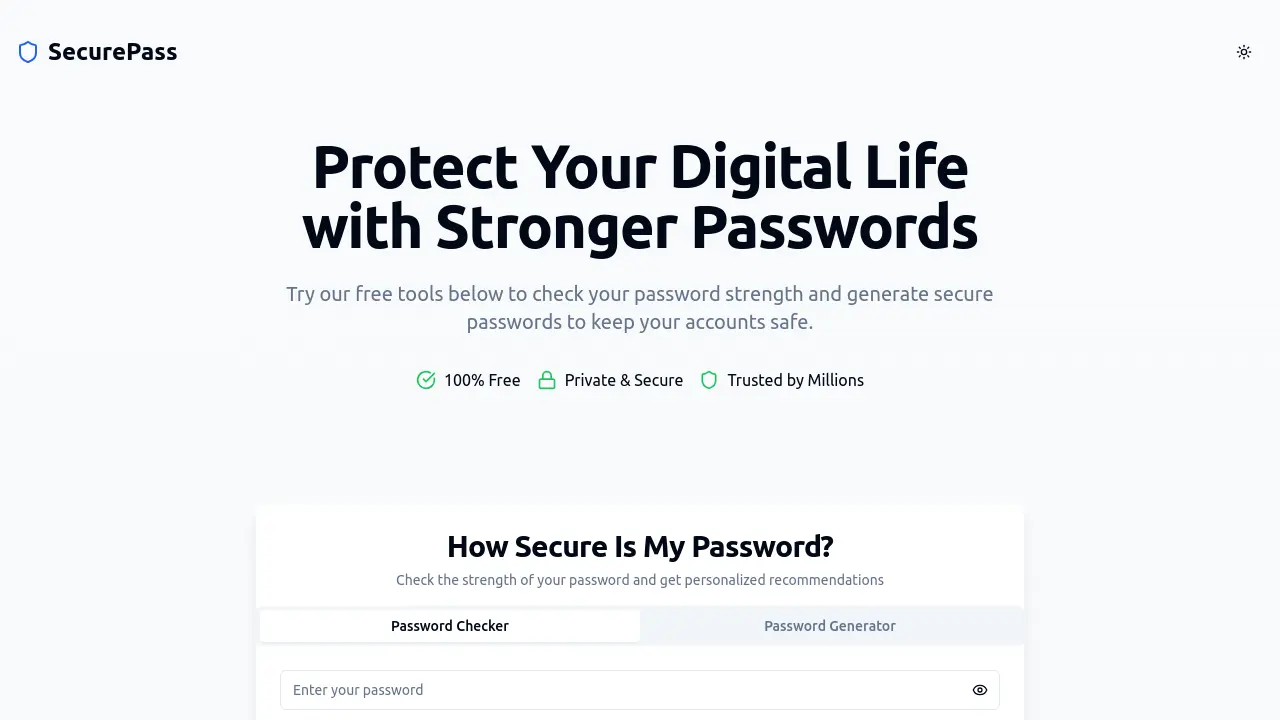
Protect Your Digital Life with Stronger Passwords
Description
SecurePass provides free, private tools designed to enhance password security and strengthen online protection. All password checks and generations are performed locally in the user's browser, ensuring that personal data and passwords are never stored or transmitted.
This platform enables individuals to assess the strength of their existing passwords and generate strong, unique passwords for new accounts or updates. SecurePass prioritizes user privacy, is trusted by millions worldwide, and is committed to helping users maintain safe and robust digital identities.
Key Features
- Password Strength Checker: Instantly evaluates the security of your password in your browser
- Password Generator: Creates strong, unique passwords that meet stringent security standards
- Private & Secure: No passwords are stored or transmitted; all functions are browser-based
- 100% Free: All tools are available at no cost
- Trusted by Millions: Used worldwide for personal and professional password protection
- Data Breach Awareness: Educates users on the risks of weak or reused passwords
- Password Security Education: Offers best practices and password management tips
Use Cases
- Assessing the security of existing passwords before use
- Generating strong passwords for new accounts or after a data breach
- Enhancing workplace password policies
- Personal online safety and privacy management
- Regularly updating account passwords
- Protecting sensitive business or financial accounts
Frequently Asked Questions
Is it safe to check my password on your website?
Yes, all password checks are performed locally in your browser. Your passwords are never stored, transmitted, or shared.
How does the password strength checker work?
The password strength checker analyzes your password based on length, complexity, and unpredictability, providing a security assessment and recommendations.
What makes a password strong?
A strong password uses 12–16 characters or more, includes a mix of letters, numbers, and special characters, and avoids common words or personal information.
How secure are the passwords from your generator?
Passwords generated by our tool are designed to meet strict security standards and are highly resistant to common cracking methods.
Should I use a different password for every account?
Yes, it is recommended to use unique passwords for each account to prevent a breach on one account from affecting others.
You Might Also Like

Keyword Metrics
PaidTurn hours of lucrative SEO work into minutes.

Journey
Free TrialPersonal AI companions that organize your Journey — from start to finish

Opermax
Free TrialOrganize your service business

SessionBox
Free TrialEffortless Multi-Account Browsing in One Window

Flux KI Bildgenerator
FreemiumTransform your ideas into impressive images with state-of-the-art AI technology based on Flux KI.