
SIMPLY MOBY
Organize and search DeepSeek chats with ease via Chrome.
Description
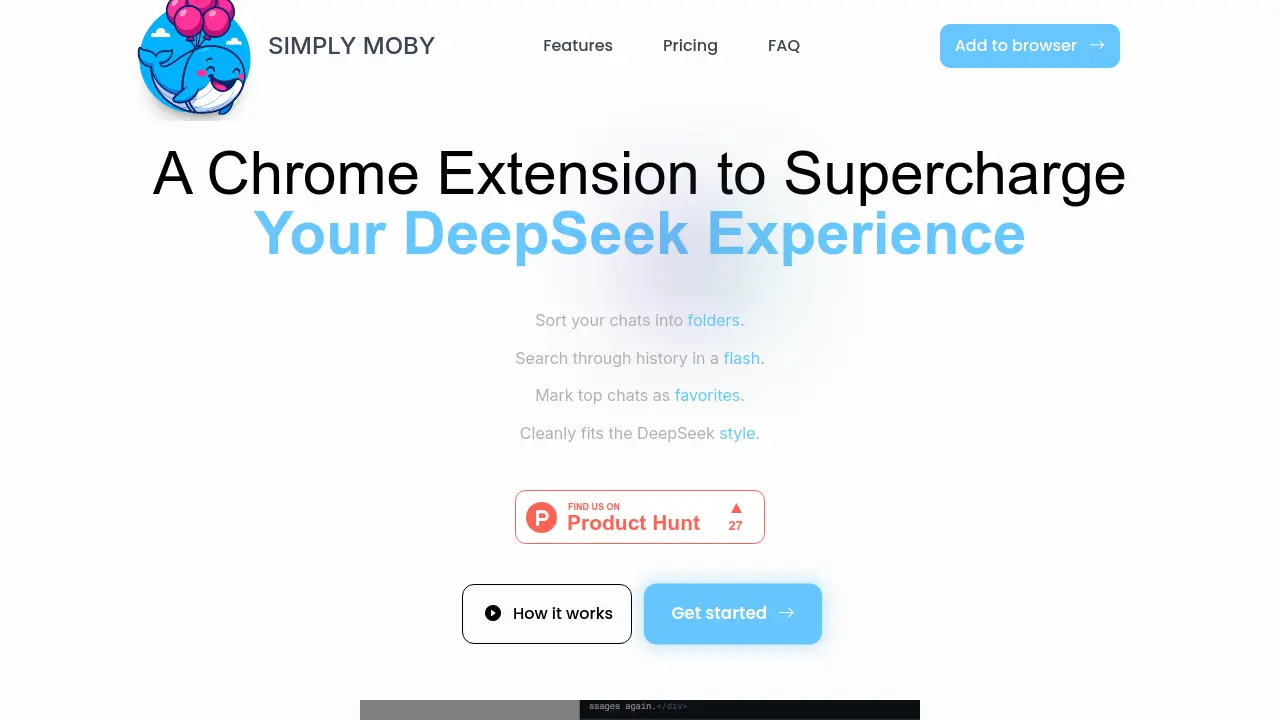
SIMPLY MOBY is a Chrome extension that streamlines the organization of DeepSeek chat conversations. Users can create custom folders and subfolders, pin important messages as favorites, and rapidly search chat history directly within DeepSeek’s familiar interface. All data is securely stored locally on the user's device, ensuring privacy and instant access.
The extension integrates seamlessly with DeepSeek, enhancing productivity by making it easy to categorize, locate, and manage chats. Flexible options like resizing the sidebar and right-click context menus further simplify chat management, while regular updates keep features current.
Key Features
- Organized Chats: Create folders and subfolders to keep DeepSeek chats structured
- Pin Favorite Chats: Mark important conversations as favorites to keep them accessible
- Quick Conversation Select: Assign chats to folders in just a few clicks
- Instant Chat Search: Search through entire chat history rapidly
- Resizing Sidebar: Adjust sidebar size to accommodate multiple subfolders
- Right-Click Context Menu: Use context menus for efficient chat management
- Seamless DeepSeek Integration: Clean, unobtrusive extension fits DeepSeek style
- Local Data Storage: User data never leaves their computer
- Unlimited Folders & Subfolders: Available with lifetime deal
Use Cases
- Organizing DeepSeek chats into structured folders
- Pinning key conversations for quick reference
- Rapidly searching chat history for previous discussions
- Improving workflow efficiency for DeepSeek power users
- Sorting work and personal chats separately within DeepSeek
Frequently Asked Questions
What is the Simply Moby extension?
It is a browser add-on that helps you organize your chats into custom folders and subfolders.
Is my data safe?
Yes, the data is stored on your local computer, meaning it never leaves your machine.
How do I use the extension?
To add a new folder, click the “+” button in the extension interface or use the right-click menu.
Is Deepseek Folder free to use?
Yes – we offer a 7 days free trial with no card information required.
You Might Also Like

Goast
Free TrialThe AI Assistant for Bug Fixing

ChatViz
Contact for PricingVisualize your data with AI

UbiOps
Free TrialSeamlessly manage your Private AI on any infrastructure.

LEOPDF
FreeFaster, Safer, Completely Free PDF Conversion Offline

Obenan
Contact for PricingAI visibility and discoverability. Built for physical businesses.