
SnapBG.ai
Remove background from images easily.
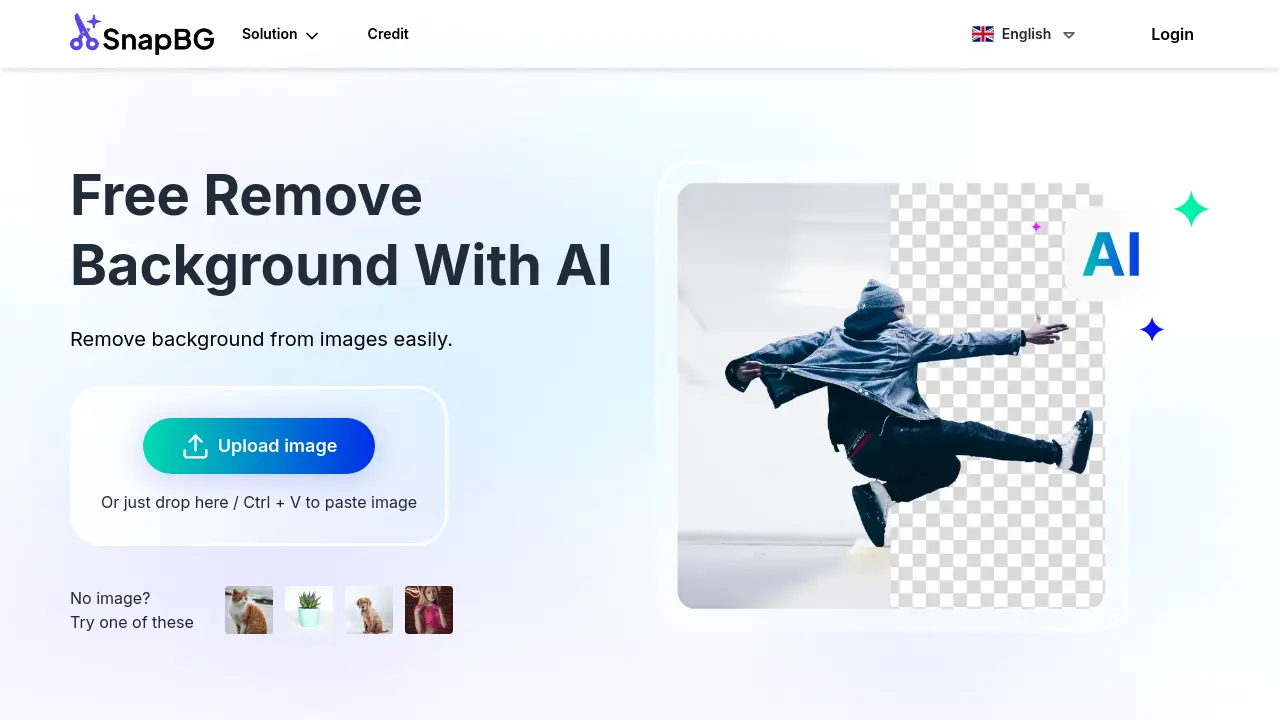
Description
SnapBG.ai offers an easy solution for removing backgrounds from images using artificial intelligence. Users can simply upload an image, and the tool automatically detects and removes the background within seconds, handling complex edges like hair and fur effectively. It eliminates the need for complex software like Photoshop or Canva for basic background removal tasks.
Beyond automatic removal, SnapBG.ai provides options for manual refinement using brush tools to achieve precise cutouts. Users can make the background transparent (saving as PNG), add a solid color, or choose from a library of over 100 background templates. The tool supports common image formats like JPG and PNG, ensuring high-definition output without compromising the original image quality. It is accessible via web browsers on any device, including smartphones, and also offers a dedicated mobile app.
Key Features
- Automatic AI Background Removal: Advanced AI detects objects and removes backgrounds automatically in seconds.
- Handles Complex Edges: Effectively processes tricky areas like hair and fur with improved algorithms.
- Manual Refinement Tools: Edit cutouts manually with erase and restore brushes for precise results.
- Transparent Backgrounds: Creates images with transparent backgrounds, saved in PNG format.
- Colored Backgrounds & Templates: Option to add solid color backgrounds or choose from 100+ templates.
- HD Quality Output: Retains the original image quality after background removal.
- Multi-Device Accessibility: Use online via web browser on any device (desktop, smartphone) without installation.
- Common Format Support: Works with PNG, JPG, and most other common image file types.
- Mobile App Available: Offers a mobile application for enhanced user experience.
Use Cases
- Removing backgrounds from photos of people, products, animals, cars, and graphics.
- Creating images with transparent backgrounds for various designs.
- Editing product photos for e-commerce catalogs.
- Designing banners, visual presentations, and graphics.
- Replacing image backgrounds with solid colors or templates.
- Quickly editing photos on smartphones or desktops without complex software.
Frequently Asked Questions
Is this a free background remover tool?
Yes, SnapBG.ai offers free background removal. There is a free plan available, though a Pro plan with additional features also exists.
Can SnapBG make a transparent background?
Yes, SnapBG.ai can cut the image background out completely, allowing you to save the image with a transparent background, typically in PNG format.
Can I delete the background image on iPhone / iOS devices?
Yes, the tool is web-based and allows users to remove and edit backgrounds on any device, including iPhones, without installation.
Can Android devices use this tool to erase background?
Yes, SnapBG.ai can be accessed and used on Android devices through a web browser to remove image backgrounds.
How can I change the background of a photo?
After removing the original background, you can make it transparent, add a new solid color background, or choose from over 100 provided templates.
You Might Also Like

Automatis.io
FreemiumAI Social Media Management for Enhanced Brand Engagement

Taximail
FreemiumDrive your business with email marketing and automation

TimelinesAI
Free TrialWhatsApp CRM Integrations and Unified Inbox

Talentigo
Free TrialStreamline Your Hiring with AI-Powered Assessments and Automation.

fakesocial.ai
FreeCreate something fun with friends