
SpyShelter
Expose and Block Hidden Spyware in Real Time
Description
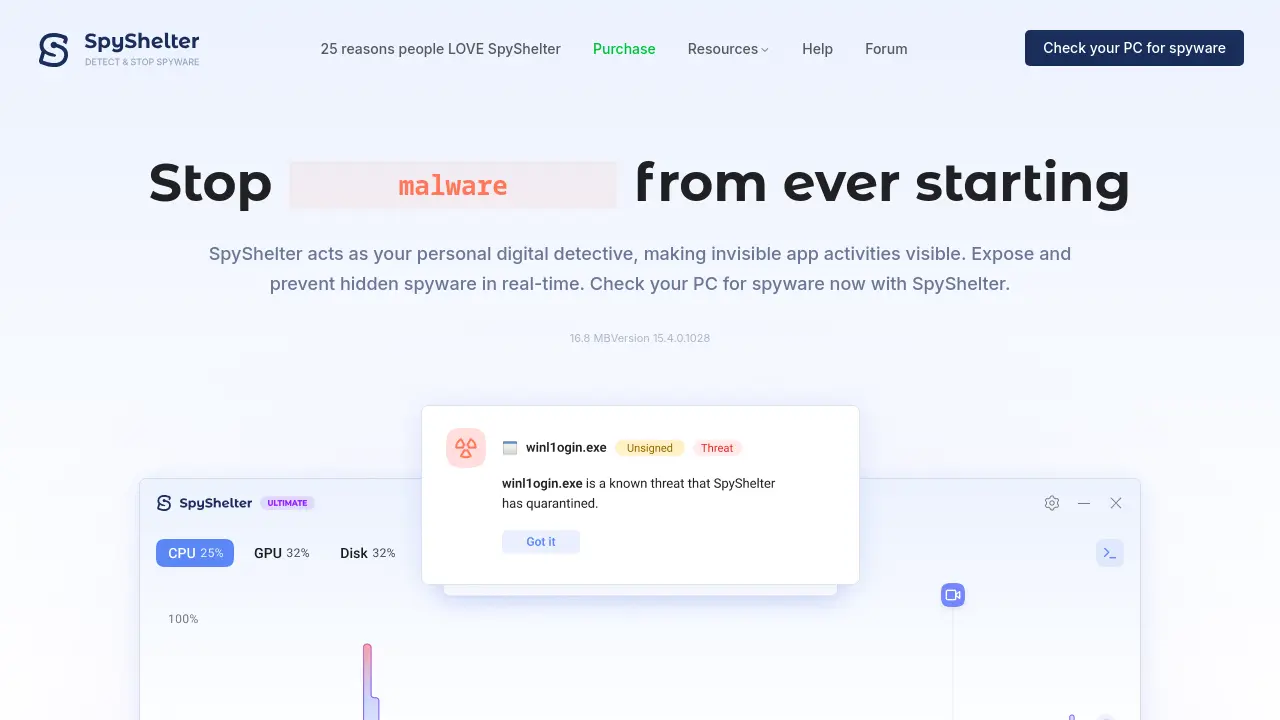
SpyShelter offers comprehensive protection for Windows PCs by monitoring and controlling executable applications in real time. It detects and blocks spyware before it can start, while also revealing hidden processes and helping users manage resource-intensive or privacy-invading apps.
With advanced features such as anti-screenshot technology, intrusion countermeasures, and compatibility with existing antivirus solutions, SpyShelter empowers users to maintain full control over their PC’s security and privacy, ensuring that only trusted applications have access to sensitive data.
Key Features
- Application Control: Decide which apps are allowed to run and manage their behaviors.
- Real-Time Spyware Detection: Instantly exposes and blocks threats as they attempt to start.
- Intrusion Countermeasures: Detects existing spyware and prevents unauthorized screenshots.
- Resource Hog Detection: Identifies and reveals hidden processes and apps that impact performance.
- Terminal Control: Provides full application management through the Windows Terminal.
- Compatibility: Runs alongside Windows Defender and other antivirus software without conflicts.
Use Cases
- Preventing spyware and malware infections on Windows computers
- Detecting and blocking suspicious executable activities
- Stopping unauthorized screen recording or screenshots
- Identifying and managing resource-heavy or privacy-compromising applications
- Enhancing visibility into application behavior for security auditing
Frequently Asked Questions
What is SpyShelter?
SpyShelter is a Windows security application designed to provide real-time protection against spyware, malware, and other threats by monitoring and controlling the behavior of executable programs.
How does SpyShelter differ from antivirus software?
SpyShelter is not an antivirus; it complements existing antivirus solutions by offering extra visibility into hidden application activities and providing advanced control and anti-spyware protection.
Does SpyShelter work with Windows Defender?
Yes, SpyShelter is designed to run alongside Windows Defender and other antivirus tools without causing conflicts.
Can SpyShelter prevent unauthorized screenshots?
Yes, SpyShelter includes anti-screenshot technology that prevents screen recording spyware from capturing any meaningful images.
You Might Also Like

Stability World AI
FreemiumWeb3 Generative AI Platform for Creative Content

PromptBros
FreemiumStep into a future of Human and AI interactions.

Superdash
Contact for PricingHandle 3x More Conversations Without Breaking a Sweat.

SubmitAI
FreemiumBoost Your AI Tool Traffic & Backlinks, Submit AI Tool Today!

Tailo
Contact for PricingEngage visitors, personalize experiences, and never miss a lead with a human-like AI sales agent.