
Tango
Turn workflows into instant guides and in-app automation.
Description
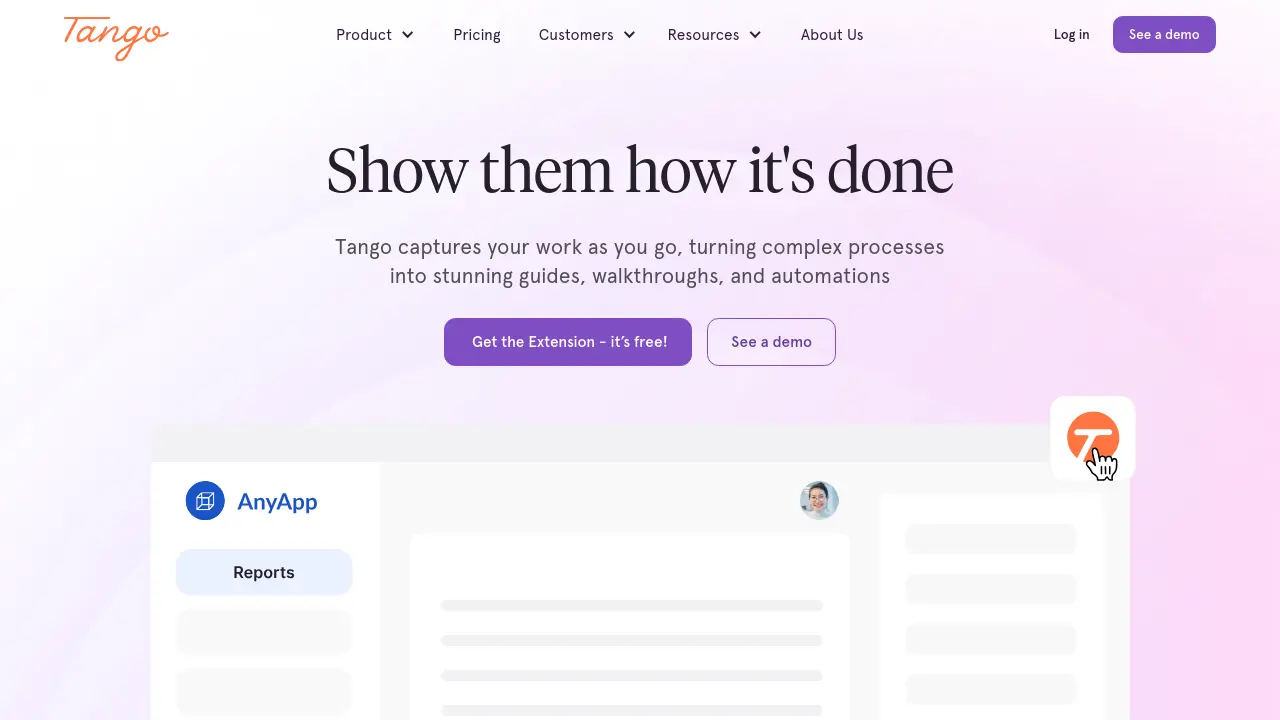
Tango streamlines process documentation and digital adoption by capturing your workflows in real-time as you navigate web and desktop applications. Through its browser extension and intuitive interface, teams can generate comprehensive guides complete with screenshots, highlights, and clear instructions—reducing training time and operational errors.
With features like in-app guidance, workflow analytics, and flexible integrations, Tango helps organizations of all sizes improve onboarding, support, and process consistency. Its secure, scalable platform empowers IT, Operations, HR, and support teams to boost productivity and drive ROI from their software investments.
Key Features
- Real-Time Process Capture: Instantly document workflows through browser or desktop extensions.
- Automated Guide Generation: Creates how-to guides with screenshots, highlights, and step descriptions.
- In-App Guidance: Pin walkthroughs, reminders, and resources exactly where users need help.
- Workflow Automation: Automate repetitive tasks and standardize processes.
- Advanced Analytics: Track adoption, completion rates, and identify process bottlenecks.
- Branded Outputs: Customize workflows and exports with company branding.
- Data Privacy Features: Automatic blurring of sensitive information (PII) during capture.
- Role-Based Permissions: Define workspace roles and advanced access controls.
- Flexible Integration: Embed guides into knowledge bases, ticketing, LMS, and chat systems.
- Secure Cloud Hosting: Host all documentation securely and manage user access centrally.
Use Cases
- Rolling out new software and driving adoption
- Standardizing processes across teams or departments
- Onboarding new employees and reducing ramp time
- Supporting customers with self-service resources
- Reducing errors in complex enterprise workflows
- Minimizing ad-hoc support requests
- Improving documentation and knowledge transfer
Frequently Asked Questions
Is there a free version of Tango?
Yes, Tango offers a free plan that includes up to 15 shared workflows, browser capture, basic exports and sharing for up to 10 users per workspace.
What features are included in the Pro plan?
The Pro plan includes unlimited workflows, browser and desktop capture, branded outputs, and advanced viewership insights.
How does Tango ensure data privacy and security?
Tango provides secure cloud hosting, automatic PII blurring during capture, SSO, SCIM, advanced permissions, and supports deployment via Microsoft Active Directory or Google Identity Services.
Does Tango require integration with other applications to work?
No, Tango’s browser extension works across thousands of web-based tools without requiring integrations or API setup.
Can Tango help with onboarding new employees?
Yes, Tango helps ramp up new hires faster by providing them with instant, in-app guides and standardized process documentation.
You Might Also Like

IndieSuggest
FreeDiscover Free and Affordable SaaS Alternatives

RolePlai
FreemiumAdvanced Ai RolePlay Chatbots

Dotsfy
Contact for PricingBuild AI Agents for a Better and Efficient World

AIQuire
FreemiumUnlock Hidden Insights & Make Smarter Decisions with AIQuire

RingConnect
Contact for PricingAI-Powered Phone Calls for Autonomous Customer Outreach