
Toyify Me
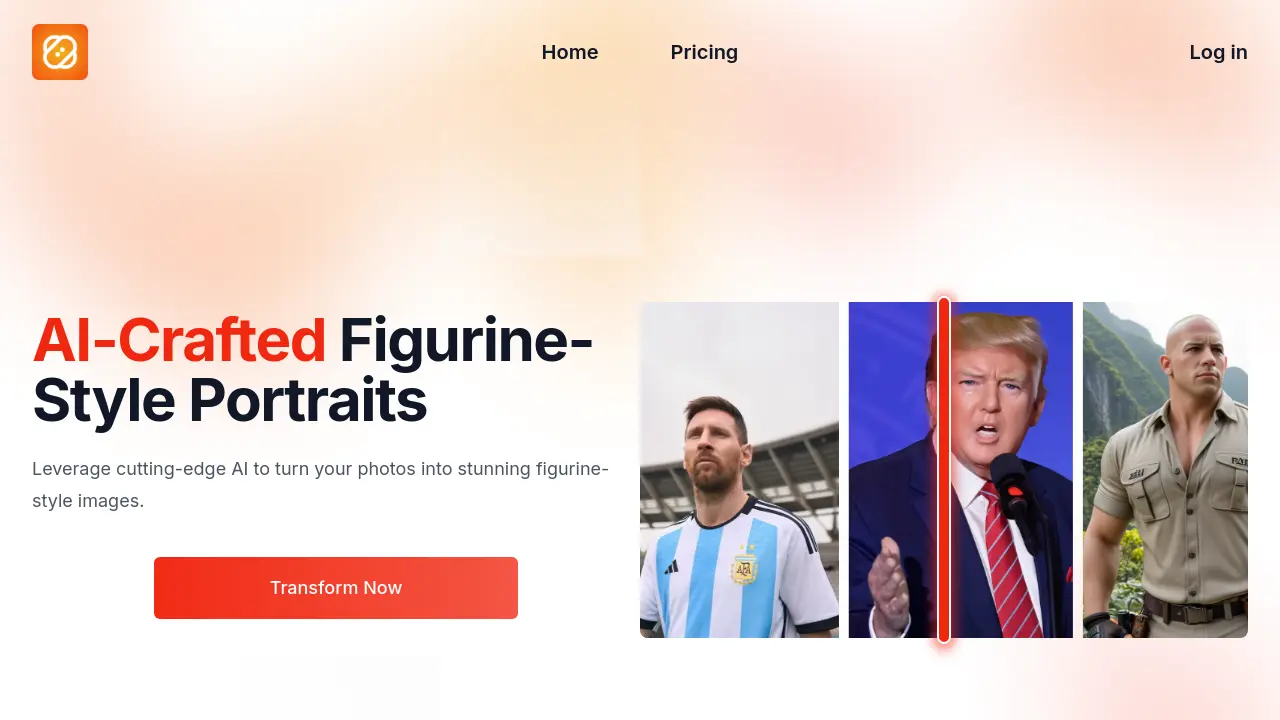
AI-Crafted Figurine-Style Portraits
Description
Toyify Me leverages advanced artificial intelligence to reimagine your photos as vibrant figurine-style portraits. Its secure web-based platform accepts a wide range of image types—from portraits to landscapes and everyday moments—and delivers high-fidelity transformations with vivid colors and fine detail.
With a user-friendly, intuitive interface, Toyify Me streamlines the creative process, enabling users of any skill level to achieve professional results quickly. All photo processing is conducted with privacy in mind, and images are rendered efficiently, making it easy to turn your favorite pictures into unique figurine masterpieces.
Key Features
- All-Around Photo Compatibility: Works with any type of photo, including portraits, landscapes, and objects.
- Enhanced Color Fidelity: Delivers vivid and accurate color reproduction in figurine-style images.
- Secure and Efficient Processing: Ensures privacy and processes images quickly.
- Easy-to-Use Interface: Designed for effortless navigation and application of effects.
- Fast & High Quality Generation: Produces figurine-style images within seconds.
- No Watermark: Generates images without watermarks on all plan tiers.
- Flexible Credit-Based Pricing: Offers free, starter, and pro plans with varying credits.
Use Cases
- Creating figurine-style portraits from selfies
- Transforming object and landscape photos into figurine images
- Designing unique social media avatars
- Crafting personalized gifts or memorabilia
- Reimagining favorite characters in figurine style
Frequently Asked Questions
How does the AI convert my photo into a figurine-style image?
Toyify Me uses advanced algorithms to analyze your photo and apply figurine-style effects that mimic the textures and aesthetic details found in PVC figurines.
Can I transform photos that are not portraits, like landscapes or objects?
Yes, Toyify Me is capable of transforming any type of photo, including landscapes, objects, and more, into figurine-style images.
How long does it take to transform a photo?
The transformation process typically completes within a few seconds, depending on the image's complexity and current server load.
What file formats are supported for uploading photos?
The tool supports common photo file formats including JPG, PNG, and WEBP.
What is the difference between free and paid plans?
Free users receive 3 credits, while paid users can purchase additional credits as needed. Each figurine-style image creation requires 1 credit.
You Might Also Like

WordHero
PaidThe Best AI Writer for Effortless Blog Writing

BeetleLabs.Ai
Free TrialRevolutionize Your Business With Intelligent, Human-Like Interactions.

MooseMail
Free TrialFind verified leads, send targeted emails, and track your results - all in one place.

SEO PowerSuite
FreemiumRankings, on-page, backlinks, and reports — all in one easy-to-use toolkit.

Forloop
FreemiumThe no-code platform for external data automation.