
UFS Explorer
Professional software suite for advanced data recovery from all storage types
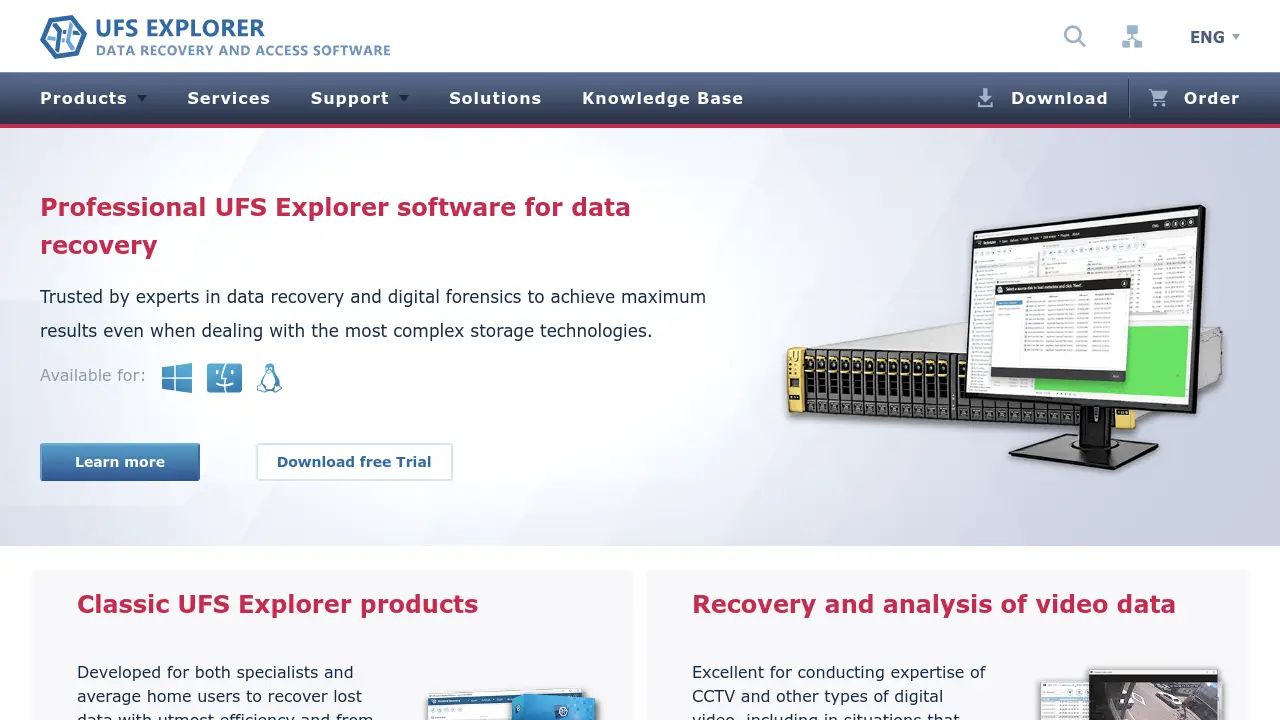
Description
UFS Explorer is a professional-grade data recovery software suite engineered to recover lost, deleted, or inaccessible data from various storage devices, including PCs, laptops, USB drives, memory cards, hard drives, NAS boxes, RAID arrays, and virtual machines. Its advanced technology makes it suitable for both individual users and data recovery specialists, enabling effective restoration from complex storage systems and multiple file systems.
The software is trusted in the fields of data recovery and digital forensics, offering extended support for encrypted, damaged, or formatted media, and is enhanced with tools for file system reconstruction and data analysis. UFS Explorer stands out with its adaptability to different scenarios, making it an essential solution for a wide range of data loss situations.
Key Features
- File System Reconstruction: Restores damaged or corrupted file systems for data recovery
- Multiple Scan Types: Offers five scanning methods for thorough data retrieval
- Pause and Resume Recovery: Enables pausing, resuming, and saving recovery sessions
- Preview File Support: Provides preview of common file types before recovery
- Advanced Search with Filters: Locates specific files quickly using search filters
- Bulk File Copy: Allows copying large numbers of recovered files at once
- Encrypted Storage Support: Handles BitLocker, LUKS, FileVault 2, APFS encryption
- Comprehensive RAID Compatibility: Recovers data from standard, nested, and custom RAID configurations
- Virtualization Support: Works with VMware, Hyper-V, XEN, ESX, VirtualBox, QEMU, and more
- Customizable Disk Imaging: Includes highly configurable imaging tools and defect mapping capabilities
Use Cases
- Recovering files deleted by mistake from HDDs or SSDs
- Restoring data from formatted USB drives or memory cards
- Reconstructing files from failed or degraded RAID systems
- Retrieving lost video footage from digital CCTV or surveillance storage
- Accessing data on physically damaged drives
- Recovering files from virus-infected storage media
- Analyzing and editing disk data for forensic investigations
- Recovering data from encrypted volumes and virtual disks
You Might Also Like

Oversecured
Usage BasedAutomatically find mobile app vulnerabilities that are really exploitable

Rewired Graphics
PaidYour design department on demand

TalentAsk
FreemiumEmpower TikTok Creation & Marketing

Athennian
PaidAI-powered entity management for modern organizations.

Datum Workstation
Contact for PricingAdvanced Software for Geospatial Analysis