
wpCentral
Centralized WordPress Site Management Made Easy
Description
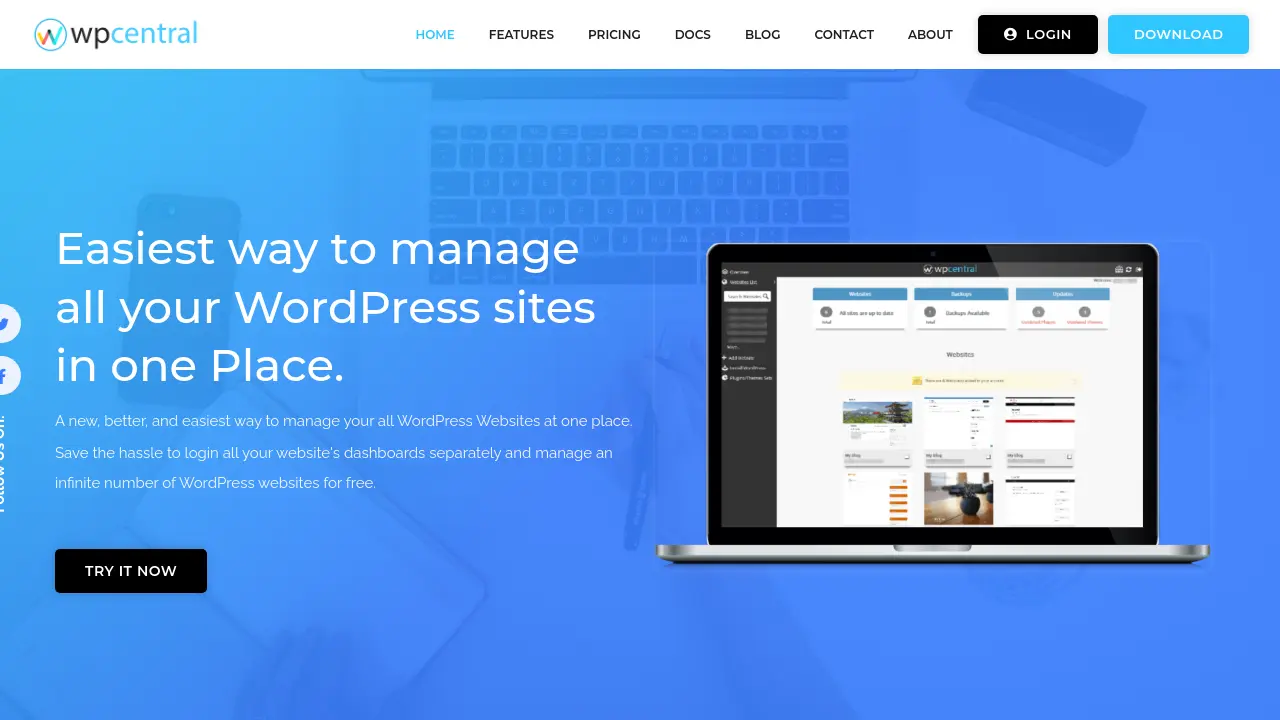
wpCentral is a comprehensive platform for managing multiple WordPress websites from one easy-to-use dashboard. Users can perform bulk updates, install or manage plugins and themes, schedule and restore backups, and maintain website security without logging into each site individually. The centralized panel provides instant admin access, automation of routine tasks, and detailed reporting, optimizing workflow and saving valuable time.
With wpCentral, users can operate and monitor their WordPress sites from any device, anywhere, leveraging integrated tools like Softaculous for streamlined site deployments. Designed for scalability and efficiency, this solution is trusted by over 100,000 WordPress sites worldwide.
Key Features
- Intuitive Dashboard: Manage unlimited WordPress websites from one panel
- Bulk Operations: One-click updates for plugins, themes, and WordPress core
- Single Login Access: Direct access to the admin panels of all your websites
- Automated & Secure Backups: Perform and schedule local or remote backups and restore sites easily
- Security Checks: Routine monitoring to protect your sites' data
- Integrated Softaculous: One-click WordPress installation, staging, and deletion
- Detailed Reports: Get centralized analytics and reporting for all managed sites
Use Cases
- Agencies managing multiple client WordPress sites
- Developers handling several web projects
- Bloggers with multiple online properties
- Businesses centralizing website oversight
- IT managers streamlining site update routines
- Webmasters simplifying plugin and theme deployments
- Service providers offering site maintenance
- Automating backups and security across several sites
Frequently Asked Questions
Is there a free plan available for wpCentral?
Yes, wpCentral offers a free plan that supports unlimited WordPress websites with essential management features.
What features can I manage with wpCentral?
wpCentral allows you to bulk update, install, or remove plugins and themes, perform local and remote backups, restore sites, manage admin access, and monitor security for all your WordPress websites.
How does admin access work in wpCentral?
You can access the WordPress admin panel of each connected website with a single click directly from the wpCentral dashboard.
Can I upgrade to manage more than 100 websites?
Yes, for plans above 100 websites, users are advised to contact wpCentral support for customized options.
Will my wpCentral account be created when subscribing?
If you do not have a wpCentral account, one will be created automatically when you subscribe.
You Might Also Like
Span AI
PaidAll AI models. One app.

Vabro
Free TrialAI-powered all-in-one work management platform

AIScreenwriter
Free TrialSupercharge Your Screenplay!

Database Sensei
Free TrialGenerate arduous database queries in a snap

Apt
PaidUnlock your potential with the ultimate Al-powered career test and career coach