
Youka
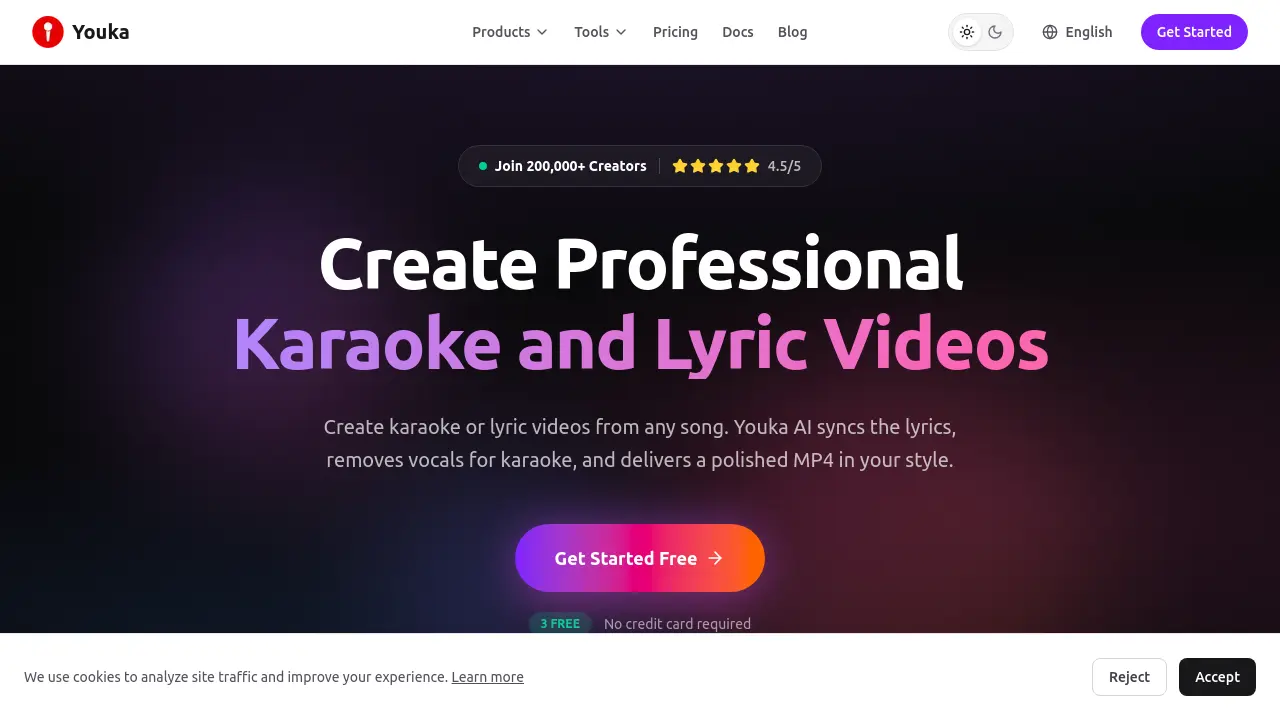
Create Professional Karaoke and Lyric Videos
Description
Youka enables musicians, creators, and enthusiasts to transform any song into a karaoke or lyric video using advanced AI technology. The platform supports a wide range of audio and video formats, instantly removing vocals, synchronizing lyrics, and offering intuitive editing tools in both browser and desktop versions.
With full customization options for backgrounds, fonts, and layouts, users can easily produce polished MP4 exports suited for sharing and branding. Additional features include duet mode, chord track for learning, and regular updates, making Youka a complete solution for creating engaging music videos.
Key Features
- AI Vocal Removal: Instantly separates vocals from instrumentals for any song.
- Automatic Lyric Syncing: Uses AI to synchronize lyrics to music timing.
- Karaoke & Lyric Video Maker: Generates karaoke or lyric videos with customizable visuals.
- 1080p MP4 Export: Exports high-definition karaoke and lyric videos.
- Full Customization: Personalize backgrounds, fonts, layouts, and add branding elements.
- Duet Mode: Sync and style multiple voices for group performances.
- Sync Editor: Fine-tune lyric timing with an intuitive editor interface.
- Chord Track: Generates synced chord progressions for interactive music practice.
- Supports Multiple Formats: Accepts MP3, WAV, FLAC, MP4, MOV, AVI, MKV for upload.
- Browser & Desktop Access: Available as an online tool or desktop application for Windows and macOS.
Use Cases
- Creating karaoke videos from any song
- Producing lyric videos for music releases
- Converting YouTube or MP3 files into karaoke tracks
- Separating vocals and music for practice or remixing
- Making duet or group karaoke performances
- Customizing branded lyric or karaoke videos
- Generating chord tracks for music education
Frequently Asked Questions
Do I need to install any software to use Youka?
No software installation is required to get started with Youka. Youka Online works in your browser, and the Youka Extension is optional for certain features.
Which file formats can I upload?
Youka supports all popular audio formats including MP3, WAV, FLAC, AAC, and video formats such as MP4, MOV, AVI, and MKV.
How does the credit system work?
Each karaoke track costs between 5 to 10 credits to generate, depending on whether lyrics are provided. Once created, tracks can be exported and manually synced multiple times without additional credits.
Which languages does Youka support?
Youka supports over 50 languages, including English, Spanish, French, German, Portuguese, Russian, Japanese, Korean, Chinese, and Arabic.
Can I still play karaoke after my subscription ends?
Yes, you can continue to access and play the karaoke files in your library, but generating new tracks requires an active subscription.
You Might Also Like

Wash It
Contact for PricingAutomate and Scale Your Laundry Business

InvoiceOCR.co
Free TrialInvoice OCR Software That Handles Every Vendor Format

ImgGood
FreemiumYour Smart AI Photo Editor

Growfin
Contact for PricingThe Smartest Way to Manage Receivables

MAX Credit Union
OtherSmart money, made simple.