
Augment Code
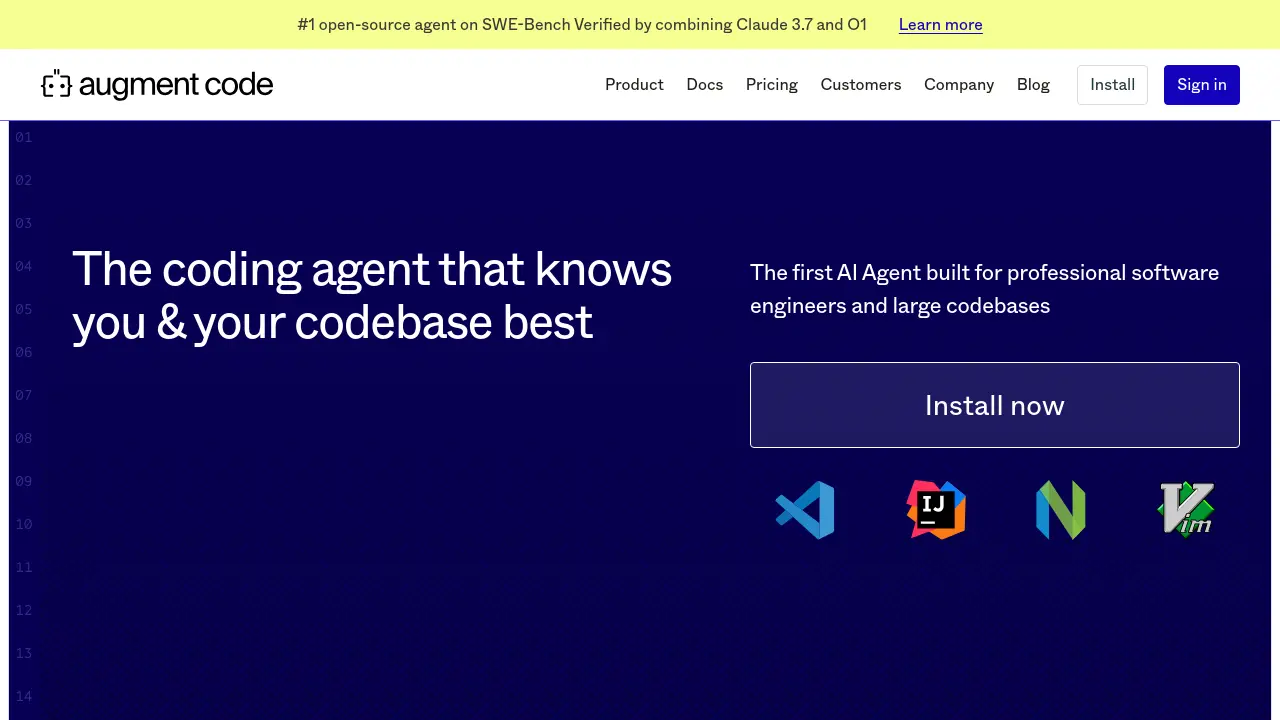
The coding agent that knows you & your codebase best
Description
Augment Code positions itself as the premier AI agent tailored for professional software engineers dealing with large and complex codebases. It leverages a real-time context engine to analyze entire repositories, ensuring that code completions, instructions, and chat interactions are informed by the full project scope. This deep understanding allows the agent to generate code that aligns with existing styles and patterns.
The tool enhances the development workflow through features like persistent memories that adapt to individual coding styles over time and code checkpoints for safe experimentation with AI-generated changes. It supports multimodal inputs, allowing developers to use images or design files for debugging and implementation tasks. Augment Code integrates with various IDEs and popular development tools like GitHub, Jira, and Slack, aiming to streamline processes from issue tracking to pull request creation.
Key Features
- Context Engine: Analyzes the entire codebase in real-time for context-aware assistance.
- Persistent Memories: Learns user coding style and preferences across sessions.
- Native Tool Integrations: Connects with 100+ tools including Github, Jira, Notion, Linear, Sentry, Supabase.
- Code Checkpoints: Automatically saves workspace snapshots during agent implementation for easy reversion.
- Multimodal Input: Accepts screenshots and Figma files for debugging and UI tasks.
- Multi-repo Code Context: Understands dependencies and context across multiple repositories.
- IDE Compatibility: Works within VSCode, JetBrains, Vim.
- #1 SWE-Bench Ranking: Top-performing open-source agent on the verified SWE-Bench leaderboard.
- Slack Integration: Available for enterprise teams.
Use Cases
- Automating SDK migrations.
- Refactoring complex code sections.
- Generating code documentation automatically.
- Explaining unfamiliar or intricate code.
- Debugging code using visual aids like screenshots.
- Implementing UI elements based on Figma designs.
- Streamlining development workflow from issue creation to pull request.
- Querying external services like Sentry or Supabase directly from the IDE.
Frequently Asked Questions
What is an Agent Request?
An Agent request is considered a message sent by the user to the agent or the agent using a tool (like Edit files, Terminal, Search, Native tools, MCP, etc.). For example, a user prompt followed by the agent using context, editing files, running tests, and summarizing counts as multiple requests.
Do you train on my data on a paid plan?
No. Developer and Enterprise plans exclude any AI training on your data as part of the Enterprise Terms of Service.
Why do you train on my data on the community plan?
The free community plan is offered because real-world usage and data help improve the AI models. If you prefer not to have your data used in training, paid plans are available.
What happens at the end of the trial?
At the end of your 14-day Developer trial, you can choose to upgrade to the Developer or Enterprise plan, switch to the free Community plan (which allows AI training on data), or stop using the extension. Your data remains private unless you opt into the Community plan.
How are you Handling Security & Compliance?
Security is handled through rigorous encryption, access controls, and annual SOC 2 audits. More details are available on the Security page and Trust Center.
You Might Also Like

Amazely
FreemiumGrow your reviews and online presence automatically.

Dotsfy
Contact for PricingBuild AI Agents for a Better and Efficient World

Remention AI
Free TrialAI-powered social monitoring from billions of online conversations.

Langley AI
Free TrialYour AI language learning partner

Zipurch
Contact for PricingDiscover what products people are buying across the United States