
Axialis
Professional Icon Tools and Packs for Developers
Description
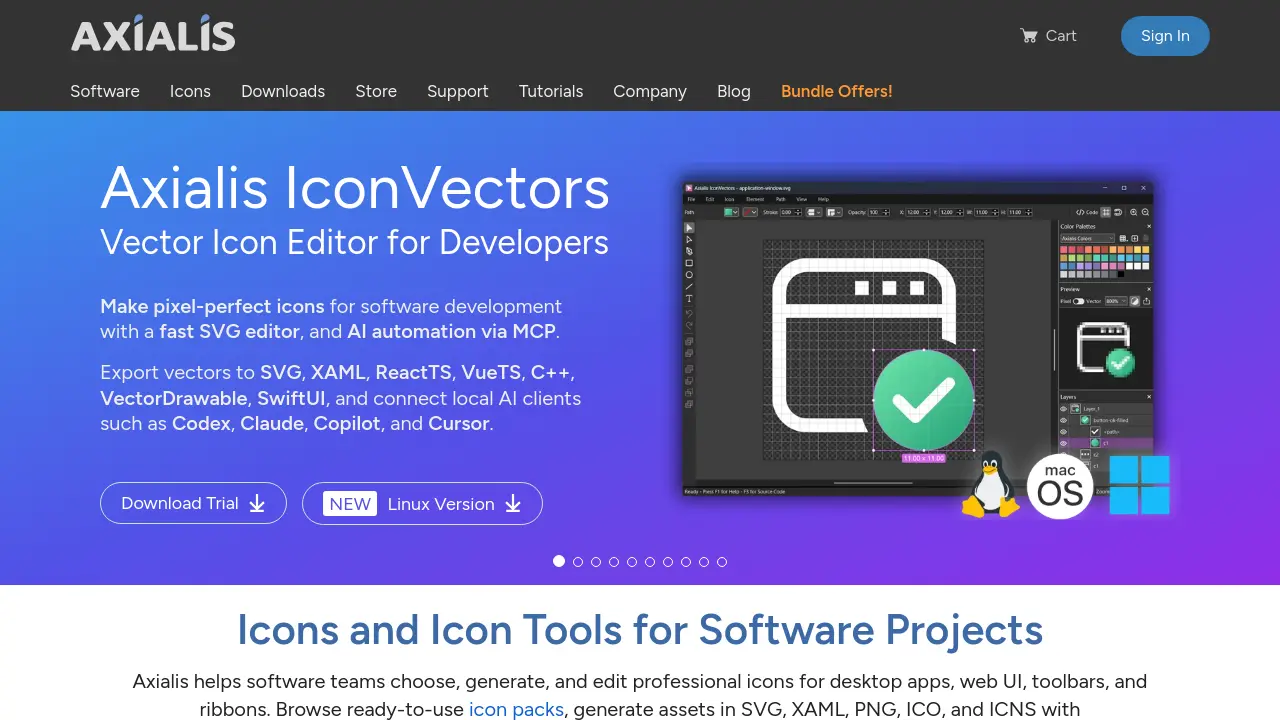
Axialis offers an advanced suite of icon creation and editing tools tailored for software developers, UI designers, and product teams. With instant access to vector and bitmap icon editors, icon pack generators, and thousands of ready-made icons for Windows, web, and mobile applications, Axialis streamlines the icon design process while ensuring pixel-perfect results.
The platform supports export to major formats including SVG, XAML, PDF, PNG, ICO, and more, with integration options for popular developer frameworks. AI-powered automation, seamless plugin support, and detailed customization features make Axialis an ideal solution for efficient, professional icon workflow.
Key Features
- SVG Icon Editor: Fast, lightweight vector editor optimized for developers
- AI Automation: Integration with local AI clients such as Codex, Claude, Copilot, and Cursor
- Wide Export Formats: Supports SVG, XAML, ReactTS, VueTS, C++, VectorDrawable, SwiftUI, PNG, ICO, ICNS, PDF, EPS, PS, fonts, and more
- Professional Icon Packs: Extensive ready-to-use icon collections for Windows, Office, Universal, Flat, and Line styles
- Pixel-Perfect Output: Icons aligned to standard grids for crisp rendering in ribbons, menus, and toolbars
- Icon Generation Tool: Produce custom icons in seconds from icon databases using IconGenerator
- Customizable Icons: Apply overlays, badge states, colorization, and size adjustments for each icon
- Plug-in Support: Integrations with Photoshop, Illustrator, and Visual Studio IDE
- Batch Processing: Generate and export icons in multiple sizes and formats in a single workflow
- Cross-Platform Compatibility: Export icons suitable for Windows, macOS, iOS, Linux, web, and mobile apps
Use Cases
- Designing icons for desktop and mobile applications
- Creating custom icon sets for web UI, ribbons, and toolbars
- Generating vector and bitmap icon assets for software projects
- Editing and optimizing SVG icons for developer frameworks
- Customizing icon colors, overlays, and states for branding
- Batch exporting icons in various sizes and formats
- Integrating AI workflows into icon creation and editing
Frequently Asked Questions
What file formats do Axialis icons support?
Axialis icons are available as vector formats (SVG, XAML, PDF, EPS, PS, web fonts) and bitmap formats (PNG, BMP, JPG). Windows ICO and macOS ICNS formats are also provided for desktop applications.
Can I customize icons to fit my app UI?
Yes. You can use IconGenerator to recolor, apply overlays for states or actions, and export the same icon in multiple sizes and formats. Deeper edits can be done with the IconVectors editor.
Do you provide free icons to try?
Free sample packs are available for each icon family, such as Fluent System icons, Office Pro icons, and Universal Pro icons.
Are Axialis icons suitable for ribbons, toolbars and menus?
Yes. Axialis vector icons are designed specifically for ribbons, toolbars, and menus, aligned to pixel grids (16×16, 24×24, 32×32), ensuring crisp rendering at standard UI sizes.
You Might Also Like

Spacewalk
Free TrialConnect talent to opportunities, effortlessly

Assista
FreemiumStop Doing. Start Delegating.

Potpie
FreemiumYour codebase, supercharged by AI agents

FoodDocs
Free TrialComply Easily with Intuitive Food Safety Software

FheID
FreemiumProof of Human Identity Without Compromising Privacy