
Blur It
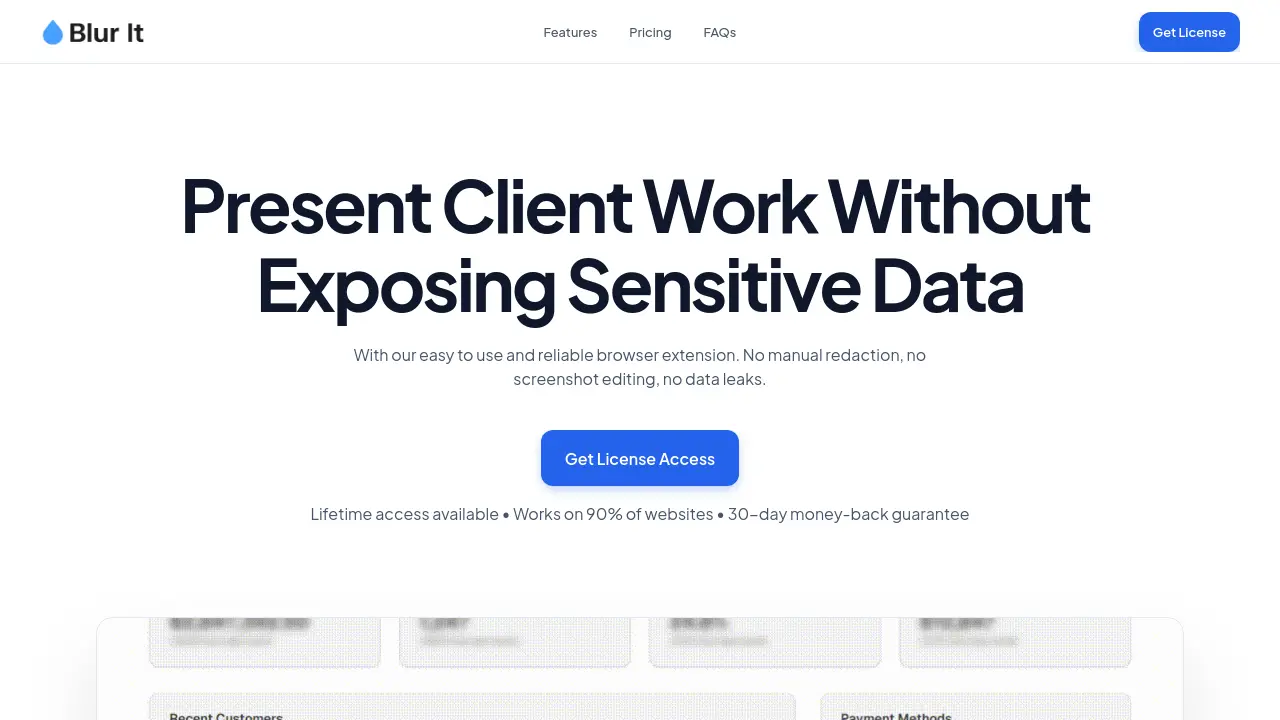
Present Client Work Without Exposing Sensitive Data
Description
Blur It is a browser extension designed to help professionals securely present client work without exposing confidential data. By enabling quick, precision blurring and automatic redaction directly within the browser, it eliminates the risk of human error and data leaks during screen shares or demos. The extension operates locally on your device with no data ever sent to external servers, ensuring complete privacy and security for sensitive information.
Easy to use and compatible with all major Chromium-based browsers and screen recording tools, Blur It allows users to selectively protect elements on web pages without any coding or manual editing. With reliable automation, unlimited manual blurs, and a lightweight footprint, it streamlines the process of preparing presentations while maintaining the full context of the content.
Key Features
- Unlimited Manual Blurs: Blur as many elements as needed during sessions
- Universal Compatibility: Works on all major Chromium-based browsers including Chrome, Edge, Brave, Opera, and Arc
- Precision Selector: Instantly select and blur specific page elements such as rows, photos, or names
- No Code Required: Simple click, drag, or highlight interaction with no technical skills needed
- Works With Screen Recording Tools: Compatible with Zoom, Google Meet, Loom, and similar platforms
- Auto-Blur Automation: Automatically detects and redacts sensitive data such as emails or credit card numbers
- Keep Blurs on Refresh: Maintains blurs even after page reloads
- Unlimited Active Browsers: Activate your license on multiple browsers
- Lifetime Updates: Receive all future updates at no extra cost with lifetime license
- Local Data Processing: Runs locally on your browser, with no data sent to external servers
Use Cases
- Hiding sensitive information during live screen shares or demos
- Presenting financial or client data without exposing personal details
- Redacting confidential elements in screenshots for tutorials or documentation
- Protecting revenue milestones or communication details during presentations
- Preventing accidental data leaks during team meetings or sales calls
Frequently Asked Questions
Is my data safe? Does the extension read my emails?
Absolutely. The extension runs locally on your browser. No data (emails, credit cards, or text) is ever sent to external servers. Your privacy is our business model.
Does it work on Arc, Brave, or Edge?
Yes! It works on all Chromium-based browsers including Google Chrome, Microsoft Edge, Brave, Opera, and Arc.
How do I receive and activate my license?
Immediately after purchase, a unique License Key is emailed to you. Click the extension icon, paste the key into the pop-up menu, and your Pro features will unlock automatically.
Is it easy to use?
Yes. Blur It was designed for speed and simplicity. Click, drag, or highlight to blur elements instantly. No technical skills are required.
Will this slow down my browser?
No. The extension is extremely lightweight and works only when activated, creating zero lag in your browsing experience.
You Might Also Like

Capybara Affirmations AI
FreemiumClinically-Backed Positivity. Powered By AI. And Capybaras.

Lingogram
FreemiumAny language, Translate instantly.

Voisi AI Toolkit
PaidMulti-AI Voice & Language Toolkit Accessing Top Providers

Leaflet
FreeOpen-source JavaScript library for interactive maps.

MyBizFinder
FreemiumFind More Clients and Secure More Deals