
ExpressPCB
Free, easy-to-use PCB CAD design and ordering software
Description
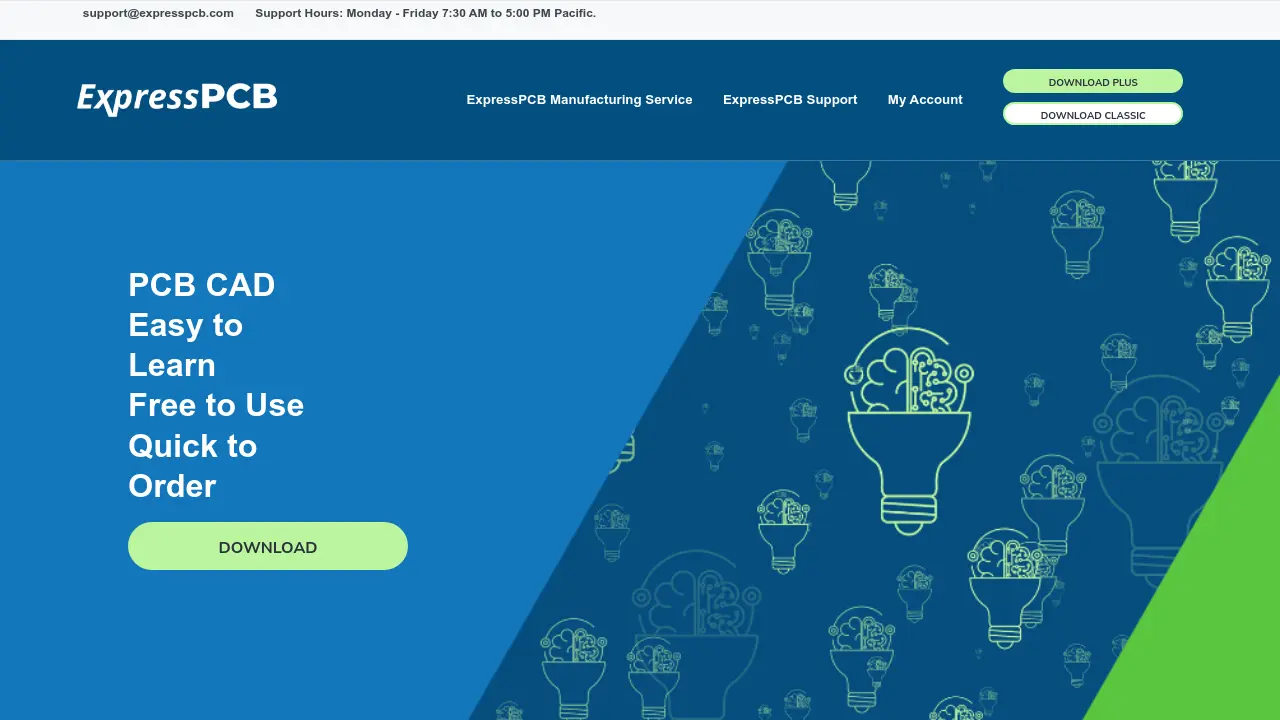
ExpressPCB provides a streamlined, free PCB CAD software solution for designing printed circuit boards with ease. The tool combines schematic capture, layout creation, and a direct manufacturing ordering process to support both professionals and students in their electronics projects.
With advanced features such as SnapEDA integration, built-in design rule checking, and high traceability, ExpressPCB ensures efficient, high-quality designs and fast prototype turnaround, all backed by responsive US-based support.
Key Features
- Free to Use: No cost PCB CAD software with full access
- Up to 6 Layers: Supports complex board designs
- Plane, Signal, or Mixed Inner Layers: Flexible layer stack-up
- Wide Range of Hole Sizes: 0.006”–0.250” drilling options
- Editable Soldermask: Customize PCB mask layers
- Top & Bottom Silkscreen: Comprehensive labeling support
- Integrated Design Rule Check (DRC): Ensures manufacturability
- SnapEDA Integration: Expand parts library and get part previews
- Schematic Link and Netlist Validation: Connect layouts with ExpressSCH
- Expanded Pad Shapes: Include oblong, octagon, offset drills
- Multiple Undo: Enhanced editing control
- Design Notes and Bill of Materials: Comprehensive documentation
- Integrated Quote & Order System: Seamless transition to manufacturing
Use Cases
- Designing PCB schematics and layouts for new electronics projects
- Rapid prototyping and manufacturing of circuit boards
- Educational purposes for students learning electronics design
- Quick turnaround on professional PCB orders
- Creating and editing bills of materials for hardware projects
- Testing concepts with easy-to-iterate PCB designs
Frequently Asked Questions
What support is available for ExpressPCB users?
ExpressPCB provides email support to all users, with responses typically given the same day or within a few hours during support hours (Monday-Friday 7:30 AM to 5:00 PM Pacific).
How do I contact ExpressPCB for help or order inquiries?
You can reach ExpressPCB regarding their CAD software, manufacturing services, orders, or payments by emailing [email protected]
How do I update the pricing file in ExpressPCB?
Use the 'Update Pricing File' command in the ExpressPCB layout program or download the file manually and place it in the user data directory.
Is there a difference between ExpressPCB Plus and ExpressPCB Classic?
ExpressPCB Plus is the newest release with enhanced symbol support, upgraded features, and SnapEDA integration, while Classic refers to the original version.
You Might Also Like

Demodesk AI Agents
Free TrialTurn Conversations Into Revenue

designbase
Contact for PricingWebflow Solutions for B2B SaaS Growth

Rocket Money
FreemiumThe money app that works for you

Open Knowledge Maps
FreeYour guide to scientific knowledge

Resume Build
Free TrialImpressive Resumes Easy Online Builder