
Grok Automation
Batch-process Grok image and video prompts on autopilot
Description
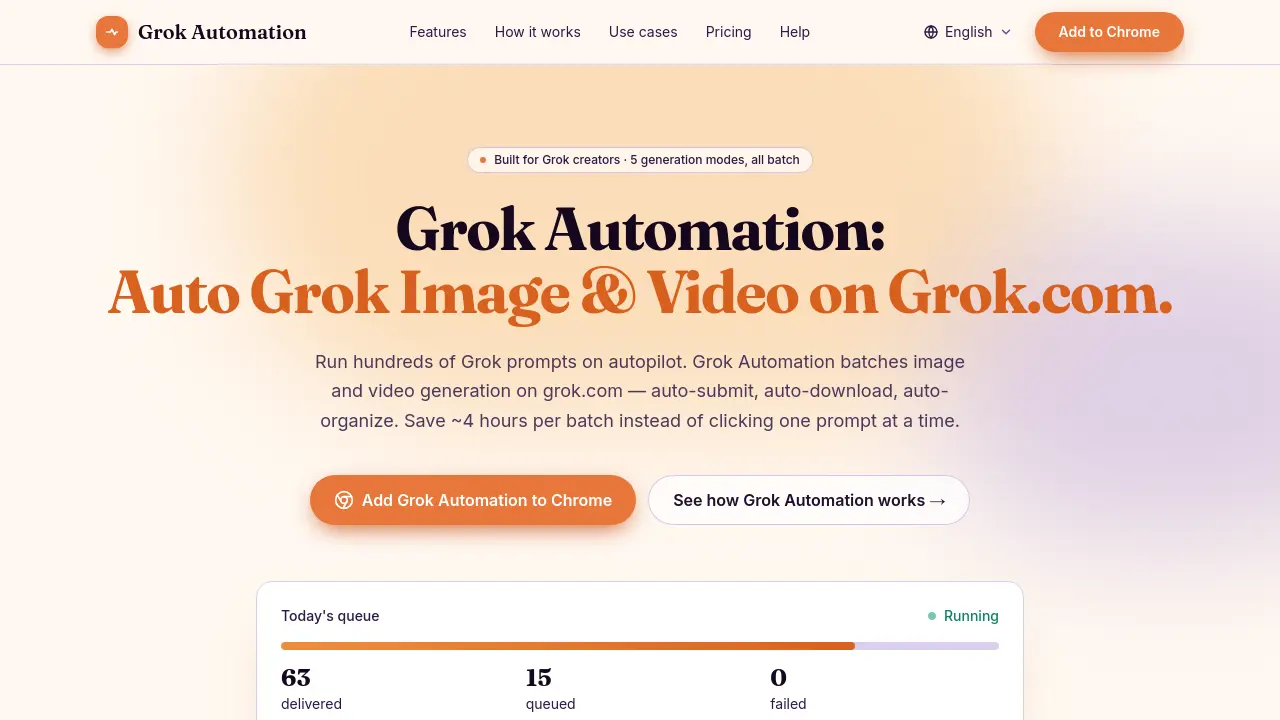
Grok Automation is an independent Chrome extension designed to automate batch image and video generation on the grok.com platform. By handling prompt submission, downloads, and organization locally within your browser, it eliminates repetitive manual work and protects your data privacy—nothing ever leaves your machine.
With support for five Grok generation modes and multi-language UI, Grok Automation accelerates creative workflows for content creators, marketers, and developers, making large-scale media production efficient and secure.
Key Features
- Batch Prompt Submission: Queue and submit dozens or hundreds of prompts in one run
- Five Generation Modes: Supports Text-to-Image, Text-to-Video, Frame-to-Video, Ingredients-to-Video, and Image-to-Image
- Image-to-Image Batch Transforms: Restyle entire folders of reference images
- Multiple Aspect Ratios: Automated batching for 16:9, 9:16, 1:1, 2:3, and 3:2 formats
- Text-to-Video with Concat: Chain clips into longer video sequences within a batch
- Auto-Download & Upscale: Results are automatically downloaded and upscaled
- Project Folders & Auto-Match: Outputs organized by media type and aspect ratio with filename matching
- Concurrent Prompt Submission: Run up to 6 prompts in parallel adjusted to Grok account tier
- Smart Delay System: Automatically handles rate limits, pauses, and resumes queues
- Local Privacy: Prompts and outputs never leave your device; no server or telemetry
- Real-Time Queue Monitor: Live progress bar with status, ETA, and history
- Six-Language UI: Interface available in English, Vietnamese, Chinese, Korean, Japanese, and Spanish
Use Cases
- Batch-generating YouTube thumbnail variations
- Producing multiple short-form video clips for social platforms
- Creating large asset libraries for indie games or apps
- Developing bulk marketing and ad creative variations
- Automating repetitive Grok prompt workflows for content production
Frequently Asked Questions
How is Grok Automation different from Grok Tasks?
Grok Automation batches image and video generation on the grok.com UI itself, queuing hundreds of prompts in parallel, whereas Grok Tasks is xAI’s built-in feature for scheduling chat tasks on a trigger or timer.
What happens when Grok rate-limits me mid-batch?
Grok Automation detects rate-limits, pauses the queue, saves your progress locally, and automatically resumes once your quota returns.
Is Grok Automation affiliated with xAI?
No, Grok Automation is an independent browser extension and is not affiliated with, sponsored by, or endorsed by xAI Corp.
What data does Grok Automation have access to?
The extension only accesses data visible in your Grok browser tab; it never uploads prompts or outputs, keeping all data local to your device.
Which browsers are supported?
Grok Automation currently supports Chrome, and general compatibility exists with other Chromium-based browsers, though formal support is only for Chrome.
You Might Also Like

AiTattoo Ink
OtherAI Tattoo Generator for Unique Designs

Everday
Free TrialMaximize your workforce’s potential

Agent Onrise
PaidTurn Cold Leads into Sales-Ready Appointments with AI

FlareLane
FreemiumDesign Your Own Customer Journey That Moves Users

CYTK
Contact for PricingActivating Technical Data with AI