
InstaCheckin
Modern iPad Visitor Check-In App
Description
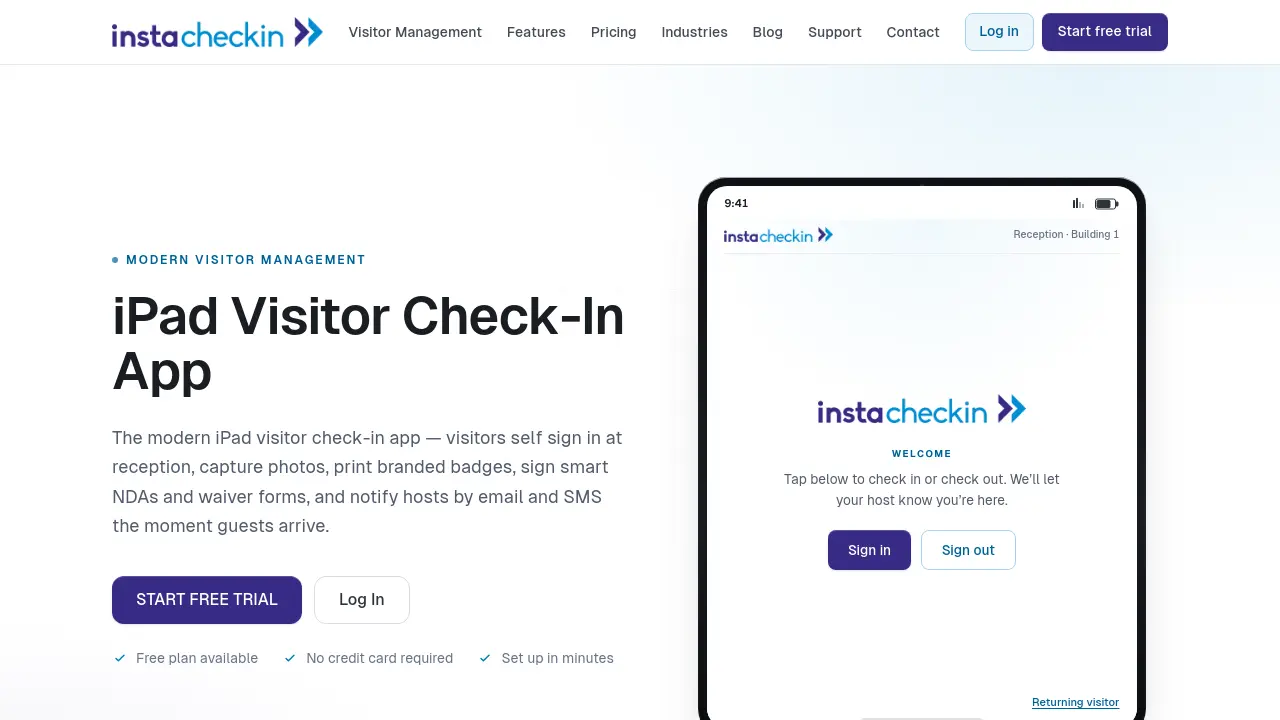
InstaCheckin provides a seamless digital alternative to traditional paper sign-in sheets, enabling visitors to self-register using an intuitive iPad app at reception. The platform enhances security and efficiency by capturing visitor photos, automating host notifications via email and SMS, and supporting digital signing of NDAs and waiver forms.
Fully cloud-hosted, InstaCheckin eliminates the need for on-site servers and complex maintenance, offering real-time analytics and customizable reporting to help organizations manage and analyze visitor data efficiently. The system supports branded badge printing, protects sensitive information, and fits various industries including offices, schools, and manufacturing facilities.
Key Features
- iPad Visitor Self Sign-In: Visitors can check in and out at reception using an intuitive iPad interface.
- Photo Capture: Seamlessly capture visitor photos for enhanced security and host recognition.
- Instant Host Notifications: Notify hosts by email and SMS as soon as guests arrive, customizable per host.
- Digital NDAs and Waiver Forms: Collect legally binding signatures during the sign-in process.
- Branded Badge Printing: Automatically print visitor badges with custom branding and details.
- Cloud-Based Deployment: Fully managed SaaS without the need for local servers or IT maintenance.
- Privacy and Data Protection: Safeguard confidential visitor information and control data visibility.
- Visitor Analytics and Reports: Analyze visit history, frequent guests, visit types, and generate custom reports.
- Customizable Check-In Fields: Tailor check-in forms to capture all necessary visitor data.
- Unlimited Visitors Support: No visitor caps across all plans, supporting scaling organizations.
Use Cases
- Office visitor sign-in automation
- School front desk registration
- Manufacturing facility access management
- Event or trade show attendee tracking
- Collecting signed NDAs at reception
- Digital replacement for paper visitor logs
Frequently Asked Questions
How do I cancel or downgrade my subscription?
To cancel or downgrade your subscription, contact InstaCheckin support. Your subscription will be canceled or downgraded at the end of your current billing period.
Do you issue refunds?
Refunds are not processed or issued. Cancellations or downgrades will take effect at the end of the current billing period.
Is hardware included in the subscription cost?
No, the subscription covers only the software. Hardware must be purchased separately, although recommendations are provided and US customers can buy hardware directly from InstaCheckin.
How does InstaCheckin define a location?
Each separate physical building is considered a different location. Up to 5 iPad kiosks can be used per location, with separate subscriptions required for each location.
How does pricing work?
Pricing depends on the number of locations to be managed and the number of employee contacts. Plans scale with business needs.
You Might Also Like

Daily Haloha
OtherA simple daily routine to help you feel a little more connected to yourself and the rest of humanity.

Baiby
FreeAI-Powered Baby Name Generator

BackupMyCalendar
FreemiumAutomated, secure backups for your online calendars.

ImagesArt.ai
FreemiumComplete suite of AI image generators and prompt tools for perfect AI art creation

Ai Form Filler
FreeAI-Powered Auto Form Filler for Chrome