
Kome
Your all-in-one browser assistant for summarizing, bookmarking, and creating content.
Description
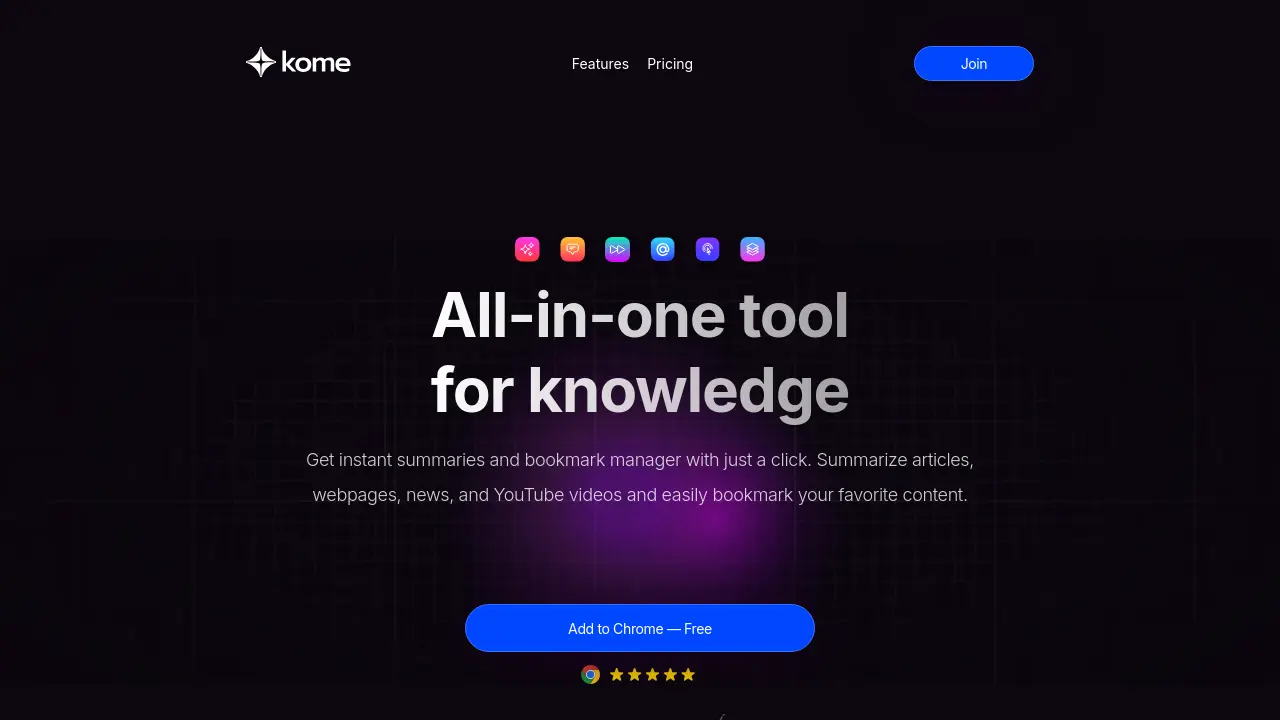
Kome is designed to enhance your web browsing experience by providing instant summaries of articles, news, YouTube videos, and more directly within your browser. This extension also serves as a robust bookmark manager, allowing users to organize, search, and access their saved content with ease.
With AI-assisted writing features, Kome enables users to generate emails, tweets, and blog posts using their bookmarked content. Compatible with major browsers, it streamlines content organization and boosts productivity for anyone seeking a smarter way to navigate the web.
Key Features
- AI-Powered Summarizer: Instantly summarizes articles, news, YouTube videos, and websites.
- Bookmark Manager: Captures, organizes, and enables easy search of bookmarked content across websites.
- Smart Compose: Generates emails, tweets, and blog posts using your bookmarks and AI capabilities.
- YouTube Transcript Generator: Summarizes YouTube video content.
- PDF to Text Convert: Extracts and summarizes text from PDF files.
- Extract Emails: Identifies and copies email addresses from any webpage.
- Extract Colors: Retrieves and saves color palettes from any website.
- Self-Organizing Bookmarks: Automatically organizes saved content for quick access.
Use Cases
- Summarizing lengthy articles and news reports
- Summarizing YouTube videos for quick understanding
- Bookmarking and organizing online resources
- Generating tweets, emails, and blogs from saved content
- Extracting email addresses from websites
- Capturing and saving website color palettes
- Organizing research notes from webpages
Frequently Asked Questions
What is Kome?
Kome is an AI-powered browser extension that enhances your online experience by offering instant summarization, bookmarking, and AI-assisted content creation from any webpage.
Which browsers are compatible with Kome?
Kome works seamlessly with Chrome, Edge, Opera, Brave, and Arc browsers.
What features does Kome offer?
Kome provides instant article, video, and PDF summarization, smart bookmarking, AI-powered content composition, email and color extraction tools, and efficient organization of online content.
How can I access Kome?
You can add Kome to your browser by searching for 'Kome AI' in your browser's extension marketplace and following the installation instructions.
How does Kome enhance online browsing?
Kome acts as a personal online assistant, helping users condense long content, organize online resources, and create new material efficiently, all from within the browser.
You Might Also Like

RevContent
Contact for PricingMonetization and Recommendation Engine for Advertisers and Publishers

ImagesArt.ai
FreemiumComplete suite of AI image generators and prompt tools for perfect AI art creation

MailAgent.ai
FreemiumBetter Emails, Less Time

OpusClip
Freemium#1 AI Video Clipping Tool: Turn Long Videos into Viral Shorts 10x Faster

Everseen
Contact for PricingTransforming retail and operationalizing AI at scale with Vision AI.