
MySignature
Free Email Signature Generator to Boost Your Personal Brand
Description
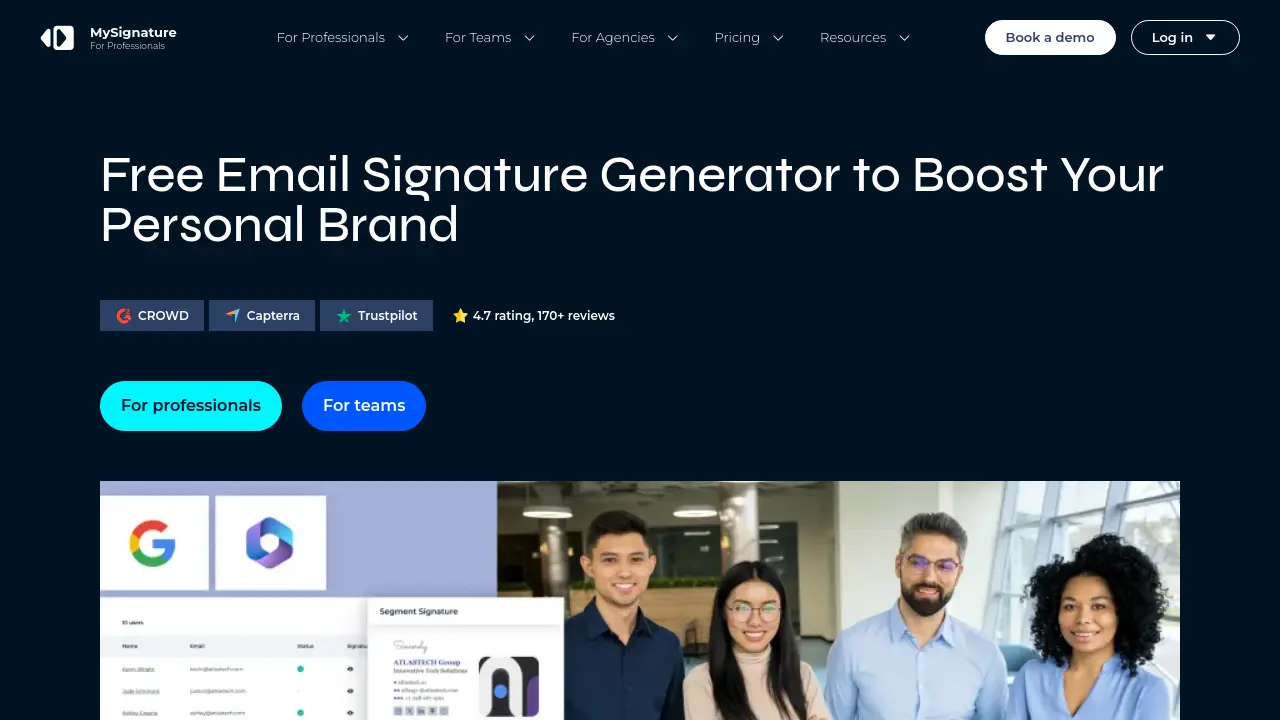
MySignature is an advanced solution for creating, managing, and deploying professional email signatures and digital business cards across various email clients and devices. Designed for individuals and businesses, it provides a centralized platform to ensure brand consistency, streamline signature updates, and enable effective communication in every email sent.
The platform supports integration with Gmail, Outlook, Apple Mail, and Thunderbird, offering mobile-friendly templates, customizable banners, and analytics to track engagement. With built-in AI enhancements, MySignature optimizes signature layouts and helps users promote their brand effortlessly, making it an essential branding tool for modern professionals.
Key Features
- AI-Powered Signature Generator: Automatically enhances and optimizes signature design and layout using artificial intelligence.
- Centralized Management: Deploy and update email signatures for all employees or teams from a single platform.
- Directory Sync: Automatically synchronizes employee details for Google Workspace and Microsoft 365.
- Customizable Templates: Wide selection of professionally designed, mobile-optimized email signature templates.
- Email Tracking: Tracks email opens and link clicks via an email tracker extension for Gmail.
- Signature Analytics: Provides detailed performance reports including link, banner, and button clicks.
- Banner Campaign Management: Enables promotional banners and marketing campaigns directly in email signatures.
- Alias Support: Signature works on both main and alias email addresses.
- Digital Business Card Generator: Create and share digital business cards with QR code integration.
- Online Bio Link: Manage all links and contact details in a single, shareable profile page.
Use Cases
- Maintain brand consistency across all team email signatures
- Promote events, products, or content through email banners
- Track email open rates and link clicks for sales and outreach
- Provide easy access to multiple contact methods and social links
- Create and share digital business cards for networking
- Deploy and update email signatures for large organizations
- Run campaign analytics for marketing teams
- Share content and products via bio links on social platforms
Frequently Asked Questions
What is an email signature?
An email signature is a block of text, images, and/or links automatically appended to the end of an email, typically including the sender's name, job title, company name, and contact information.
What is an email signature maker?
An email signature maker is a tool that allows users to easily create professional email signatures with various design templates and corporate management features, supporting major email clients such as Yahoo Mail, Apple Mail, Gmail, and Outlook.
What is an HTML email signature?
An HTML email signature uses simple HTML and CSS code to create a visually appealing and interactive block at the bottom of email messages, offering more customization compared to plain text or image signatures.
How do I set up a mobile-friendly email signature?
A mobile-friendly email signature should be simple, use responsive design, limit width to no more than 600 pixels, and utilize icons for visual appeal on small screens. A responsive generator can help ensure compatibility across devices.
Is an email signature the same as an electronic signature?
No, an email signature is used to provide contact information and branding in emails, whereas an electronic signature is a legally binding way to sign documents and agreements online.
You Might Also Like

ChatDev
FreePersonalize your AI Town and build your GPTs with PromptIDE

magical.so
FreemiumAI-Powered Meeting Assistant for Enhanced Productivity

FMX
Contact for PricingThe easiest-to-use facilities and maintenance management solution.

REES AI
Contact for PricingGenerate Exclusive Seller Leads

Flanco
PaidFlexible office app & commercial property management platform