
Photoroom
AI photo and design editor for businesses
Description
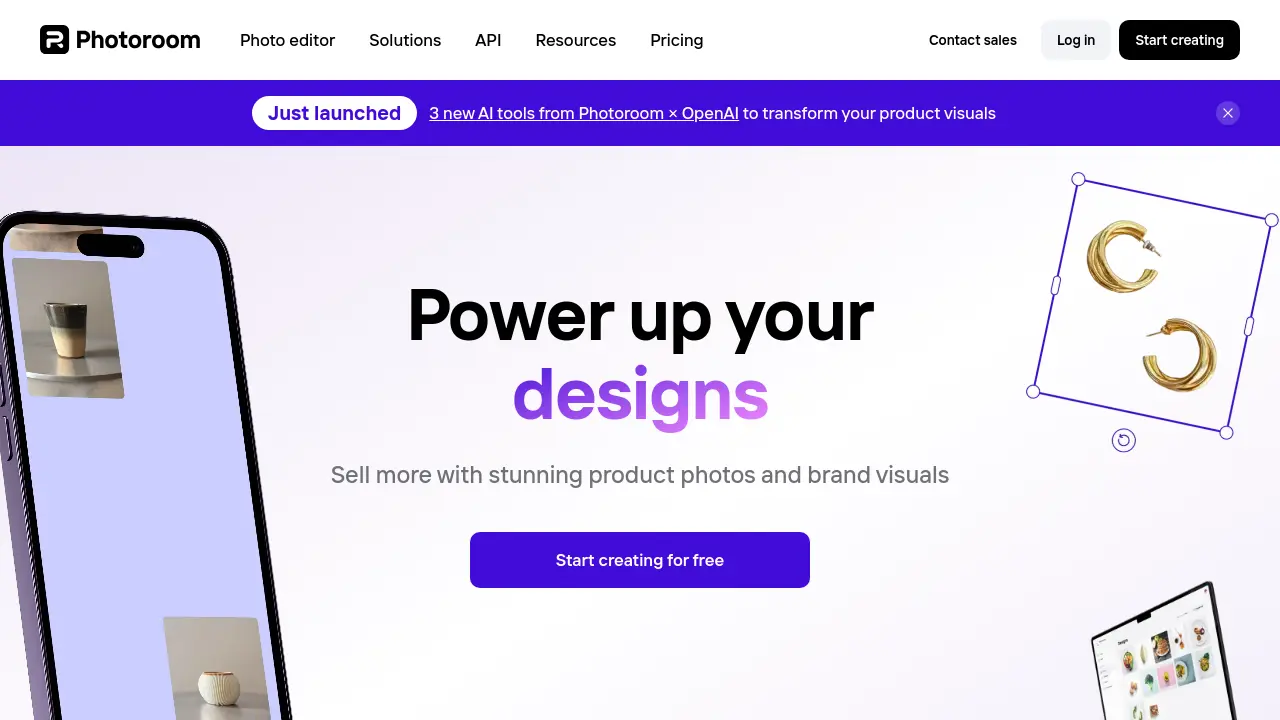
Photoroom provides an AI-driven photo and design editing platform specifically built for commerce. It enables users to create high-quality visuals aimed at increasing sales, engaging customers, and reducing acquisition costs without needing extensive design skills.
The tool simplifies the process of creating professional-grade images, allowing anyone to produce compelling content. Key functionalities include automatic background removal, AI-powered background generation, object retouching, smart resizing for various platforms, and efficient batch editing capabilities, streamlining visual content workflows for businesses of all sizes, from solo creators to large enterprises.
Key Features
- AI Background Remover: Automatically removes image backgrounds.
- Magic Retouch: Removes unwanted people or objects with a swipe.
- AI Backgrounds: Generates realistic AI backgrounds instantly.
- AI Images: Creates images using AI generation.
- AI Expand: Expands image canvases using AI.
- AI Logo: Generates unique logos powered by AI.
- Batch Editing: Edits multiple images simultaneously (e.g., background removal).
- Smart Resize: Resizes images optimally for different platforms.
- Brand Kit: Creates and manages consistent brand assets (Teams plan).
- Templates: Offers a library of pre-designed templates for various uses.
- API Access: Provides APIs for automated image editing workflows.
Use Cases
- AI product photography creation
- E-commerce image editing
- Advertising asset generation
- Maintaining visual consistency
- Automating post-production workflows
- Developing marketing campaigns
- Creating social media posts
- Building brand kits
Frequently Asked Questions
What is included in the Free plan?
The Free plan provides access to features like the background remover, adding text, various templates, up to 250 exports per month without a watermark, and the Retouch tool.
What is included in the Pro plan?
The Pro plan includes everything in the Free plan, plus unlimited exports, access to AI Backgrounds and other AI tools, Batch Mode editing, high-resolution exports, and access to all Photoroom templates.
What payment methods do you accept?
Credit cards are accepted for payments on the website. For mobile app subscriptions, payments are processed through the method set up in the Apple App Store or Google Play Store.
How do I cancel my Photoroom subscription or trial?
You can cancel your subscription or trial by going to your account settings within the app and clicking on 'Manage Subscriptions'.
What is your refund policy?
Photoroom offers refunds up to one week after purchase. The specific process for requesting a refund depends on the platform used for the subscription.
You Might Also Like

PNGAI
FreemiumFree Online AI PNG Generator Powered by Flux

FridgeGuide Ai
FreemiumTrack Groceries, Get AI Recipes, Save Money & Time

ViralReply
FreemiumCraft respectful LinkedIn & X replies in seconds

Stoplight
FreemiumDesign, document, and build APIs faster.

Question AI
FreemiumAI Homework Solver That Solves Any Question in Seconds