
PrintOnly
Restrict Document Printing to Physical USB Printers
Description
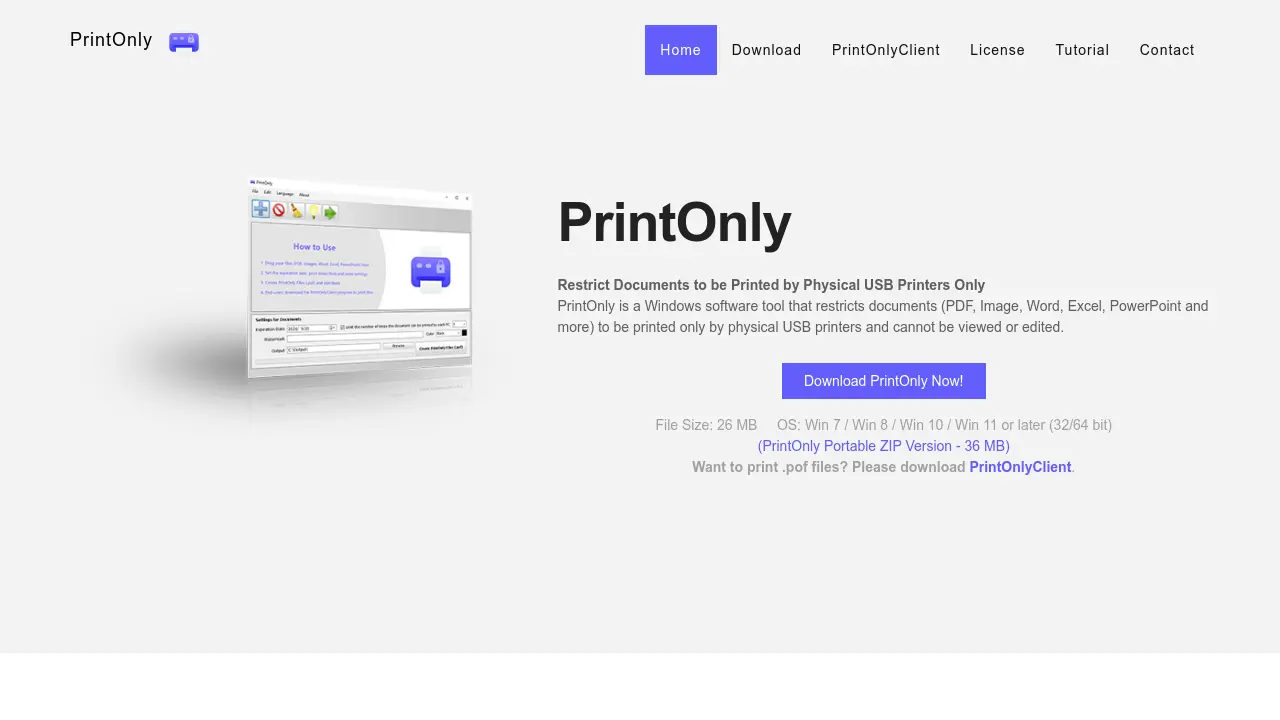
PrintOnly is specialized Windows software designed to safeguard sensitive documents by allowing them to be printed exclusively through physical USB printers. By supporting a wide range of document formats and introducing a proprietary, non-viewable .POF file format, it ensures that confidential files cannot be edited, copied, or intercepted by virtual printers before printing.
This tool empowers organizations and individuals to exercise granular control over document printing. Features like configurable print limits, watermark support, and print expiration dates enhance traceability and security, making PrintOnly valuable for compliance, data protection, and internal control.
Key Features
- Restrict Printing: Allows documents to be printed only via physical USB printers.
- Prevent Modification: Protects files from being edited or modified before printing.
- Print Limits: Enables limiting the number of prints per computer.
- Watermark Support: Adds watermarks for enhanced traceability and security.
- Expiration Dates: Sets document print expiration dates for time-based control.
- Multi-format Support: Converts popular formats (PDF, DOCX, XLSX, images, and more) to secure .POF files.
- Proprietary Format: Generates .POF files that cannot be viewed or edited.
- Virtual Printer Block: Blocks printing through virtual printers to prevent interception.
Use Cases
- Protecting confidential business documents during printing
- Ensuring compliance with secure print workflows
- Controlling exam or sensitive file printing in educational institutions
- Limiting print outputs within organizations
- Preventing unauthorized duplication or leaks of printed materials
- Enforcing secure document distribution
- Watermarking printed documents for traceability
Frequently Asked Questions
Which operating systems does PrintOnly support?
PrintOnly is compatible with Windows 7, Windows 8, Windows 10, Windows 11, and later (both 32 and 64 bit).
Which document formats does PrintOnly support?
PrintOnly supports PDF, MS Word, Excel, PowerPoint, images (JPG, PNG, BMP, TIF, TIFF, GIF), TXT, CSV, ODF, ODT, RTF, ODS, ODP, and PSD.
Why would I restrict documents to print-only access?
Restricting print access protects documents from unauthorized editing or leaks, ensuring only physical copies can be produced and traced.
Can PrintOnly limit how many times a document is printed?
Yes, PrintOnly allows you to set a limit on the number of times a document can be printed per computer.
What is the .POF file format used by PrintOnly?
The .POF format is a proprietary, protected file type that cannot be viewed or edited and can only be printed via authorized physical USB printers with the PrintOnlyClient software.
You Might Also Like

Stacks
Contact for PricingUnleash The Power Of Performance Marketing

AIM Forecasting
Free TrialAccurate Customer Service Forecasting for Workforce Management Professionals

Rasa
Contact for PricingBuilding high-trust Conversational AI experiences

Wyzard.ai
Contact for PricingEngage, interact, and convert visitors with relentless AI agents, working 24X7.

Bottomless
Usage BasedNever run out—automatic reordering when you need it.