Right Inbox
Supercharge Gmail productivity with powerful automation and tracking.
Description
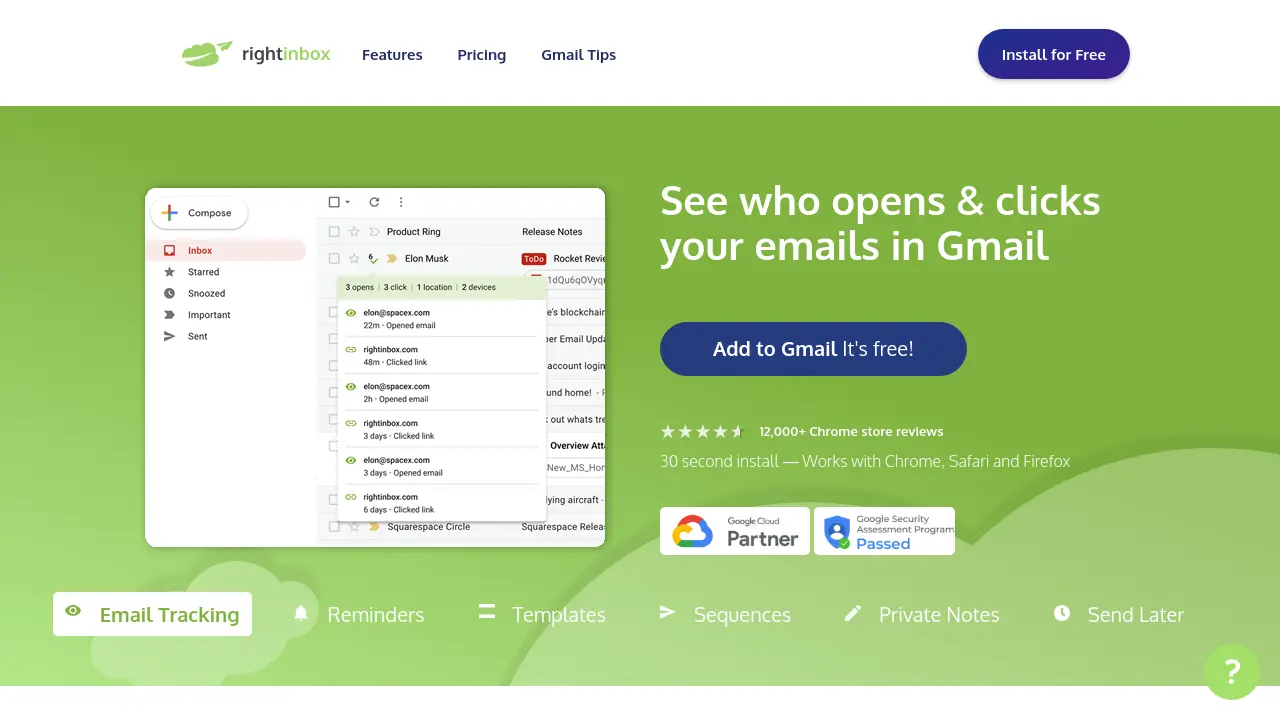
Right Inbox is a browser extension designed to enhance the Gmail experience by introducing advanced productivity features. Users can automate follow-ups, schedule emails to be sent later, set reminders, use email templates, and track email opens and clicks—directly from within Gmail’s familiar interface.
The extension also supports recurring emails, personalized signatures, mail merge, CRM integration, and private notes for emails. With quick installation and compatibility with Chrome, Safari, and Firefox, Right Inbox empowers individuals and teams to work more efficiently in their inbox.
Key Features
- Email Tracking: Get real-time notifications when emails are opened or links are clicked.
- Reminders: Set automatic reminders for important emails and conversations in Gmail.
- Templates: Create and insert reusable email templates with one click.
- Sequences: Schedule automated follow-up emails that cancel if the recipient replies.
- Private Notes: Attach visible-only-to-you notes to email threads for extra context.
- Send Later: Write emails now and schedule them to send at an optimal time.
- Recurring Emails: Automate the sending of daily, weekly, or monthly emails.
- Embedded GIFs: Easily add animated GIFs to your emails for better engagement.
- CRM Sync: Push important conversations to your CRM without leaving Gmail.
- Smart Link Previews: Generate visual link previews inside your emails.
- Mail Merge: Personalize and scale outreach using mail merge capabilities.
- Inbox Pause: Temporarily pause your inbox to eliminate distractions.
- Email Encryption: End-to-end encryption to secure your messages.
- Email Summarizer: Instantly generate AI-powered email summaries.
- Signatures: Manage and insert multiple email signatures quickly.
Use Cases
- Automated sales outreach and follow-up.
- Managing team email productivity.
- Tracking client/customer engagement in Gmail.
- Sending personalized cold email campaigns.
- Saving time on repetitive communications with templates.
- Coordinating communication across time zones.
- Internal collaboration with private email notes.
- Automated scheduling for recurring reminders and newsletters.
Frequently Asked Questions
What browsers are supported by Right Inbox?
Right Inbox works with Chrome, Safari, and Firefox browsers.
What features are available on the free plan?
The free plan includes limited usage of core features such as email tracking, reminders, templates, send later, private notes, and signatures—up to 5 uses per month.
Can Right Inbox be used by teams?
Yes, Right Inbox offers a Team plan that allows unlimited team members to access all features for improved collaborative email productivity.
Does Right Inbox integrate with CRM tools?
Yes, Right Inbox allows users to sync important email conversations with their preferred CRM directly from Gmail.
Is priority customer support available?
Priority customer support is included with paid Professional and Team plans.