
ScreenClip
Capture, edit, and collaborate on screenshots online.
Description
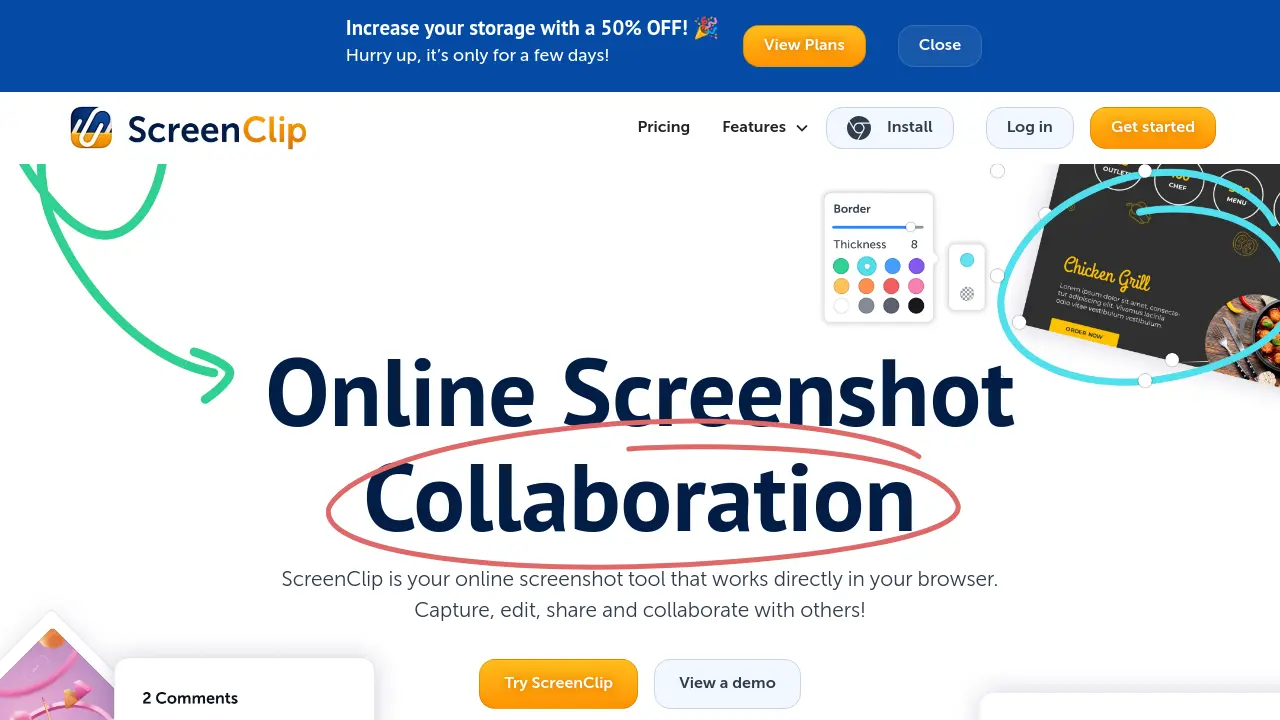
ScreenClip, formerly known as Clipular, is a powerful online screenshot tool designed to work directly in your browser. Users can capture anything on the web, from partial to full-page screenshots, and easily edit, annotate, blur sensitive areas, and add comments with an intuitive set of tools.
The platform supports efficient visual collaboration through online whiteboards, editable annotations, and team sharing features—including the ability to retain the source link of every screenshot. With integrated storage, Google Drive connectivity, and seamless migration from Clipular accounts, ScreenClip enables easy organization, access, and teamwork on visual content.
Key Features
- Browser Extension: Capture screenshots and web pages directly within your browser.
- Advanced Annotation Tools: Draw, add arrows, blur, highlight, and insert text to images.
- Online Whiteboard: Collaborate visually on screenshots and create moodboards.
- Scrolling Screenshot: Capture entire web pages in one go.
- Comment Markers: Leave and reply to comments within screenshots for team feedback.
- Organize with Folders: Store and manage all screenshots efficiently in folders.
- Shareable Screenshot Links: Share images as links with edit and feedback options.
- Editable Annotations: Modify existing notes and annotations collaboratively.
- Cloud and Google Drive Storage: Seamless storage options including Google Drive integration.
- Clipular Migration: Import images and clips from previous Clipular accounts.
Use Cases
- Visual collaboration on project screenshots
- Design feedback and iteration
- Sharing annotated documents with teams
- Creating moodboards for creative projects
- Blurring sensitive information in shared images
- Organizing and archiving website screenshots
- Teaching with annotated visuals
- Providing customer support with image instructions
Frequently Asked Questions
How can I request a refund?
ScreenClip offers a 100% satisfaction guarantee. To request a refund within 30 days, you can use the chatbox after logging in, or email the support team with your reason for the refund request.
Will I be informed before the subscription renewal?
Yes, ScreenClip sends an email notification seven days before your subscription is set to renew.
What kind of support does ScreenClip provide?
You can contact ScreenClip support via email, help desk, or live chat through their chatbox.
How can I cancel my subscription?
You may cancel your subscription at any time through the subscription portal, by contacting support via chatbox, or by sending an email to the support team.
How can I update my billing information or payment method?
You can update your billing information and payment methods in your account settings via the subscription portal.
You Might Also Like

DirectoryStack
Pay OnceModular Next.js 15 & TypeScript template for AI-powered directories

Superb
FreemiumOne app to run your restaurant

Somi AI
FreeDiscover AI tools & hacks for AI entrepreneurs, by AI entrepreneurs.

Narratize
Contact for PricingAI Writing Platform Bridging R&D, Product, and Marketing

UniFab AI
Free TrialNext-level Video & Audio Enhancer