
Typeface
Powerful Font Manager for Mac
Description
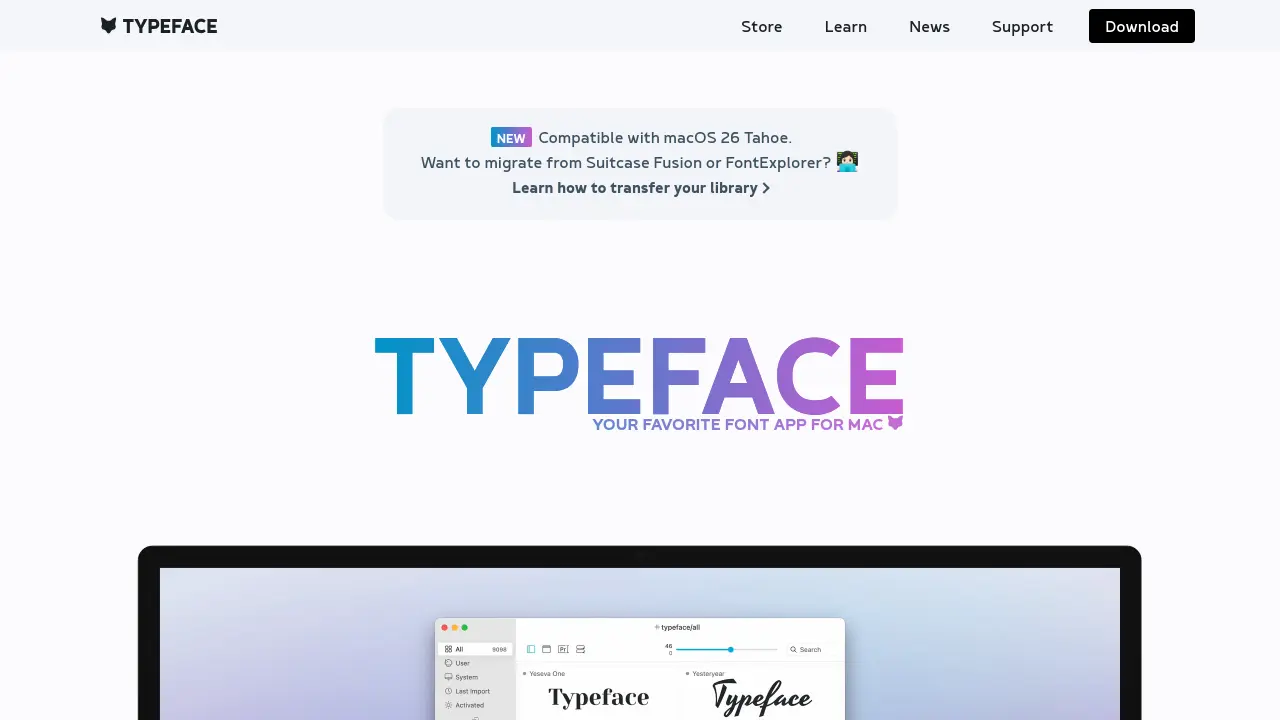
Typeface is a dedicated font management app crafted exclusively for Mac users, providing a refined solution for organizing, browsing, and activating large font libraries. Its streamlined interface allows users to focus entirely on typography, featuring customizable previews, live activation, and comprehensive metadata insights for every font.
With advanced capabilities like tagging, syncing with folders, Google Fonts integration, and flexible preview options, Typeface elevates the process of font selection and management. The application supports variable fonts, Unicode character exploration, and seamless export, making it an invaluable companion for designers seeking efficiency and precision in their creative workflows.
Key Features
- Customizable Font Previews: Flexible grid and detail views with live text, size, and color adjustments.
- Advanced Tagging System: Create, nest, combine, invert, and filter tags for powerful organization.
- Folder Sync: Automatically imports and updates fonts from designated folders, supporting cloud services.
- Duplicate Detection: Quickly find and remove duplicate fonts from your library.
- Google Fonts Integration: Access and sync over 5,000 free fonts directly from Google Fonts.
- Font Activation: One-click persistent, temporary, and auto-activation options for efficient workflow.
- OpenType & Unicode Support: Inspect OpenType features and Unicode characters, including export and comparison tools.
- Quick Collection: Temporarily mark and compare candidate fonts during selection.
- PDF Export: Share curated font selections and previews as exportable PDFs.
- Dark/Night Mode: Comfortable viewing with a dedicated night theme.
Use Cases
- Organizing large professional or personal font libraries on Mac
- Selecting the right font for creative projects or branding
- Comparing and previewing fonts for web and print design
- Migrating and managing fonts from Suitcase Fusion or FontExplorer
- Synchronizing fonts across multiple Macs via cloud storage
- Cleaning up duplicate or unused fonts from collections
- Exporting curated font selections for client presentations
- Exploring advanced OpenType and variable font features
Frequently Asked Questions
Is Typeface compatible with Apple Silicon and the latest macOS versions?
Yes, Typeface offers native support for Apple Silicon and is compatible with recent macOS versions, including macOS 12 and later.
Can I migrate my font library from Suitcase Fusion or FontExplorer to Typeface?
Yes, Typeface provides guidance on transferring your library from Suitcase Fusion or FontExplorer to ensure a smooth migration.
Does Typeface support cloud syncing for fonts across multiple Macs?
Yes, Typeface can sync fonts via cloud storage services by linking to imported folders, allowing access across multiple Macs.
Can I preview advanced font features like OpenType and variable fonts?
Typeface enables detailed inspection and live tweaking of variable fonts and OpenType features, including ligatures, alternates, and character variants.
What font activation options are available in Typeface?
Typeface offers persistent, temporary, and auto-activation modes to fit various workflow needs, ensuring fonts are available when and where needed.
You Might Also Like
Wondershare Virbo
FreemiumCreate Engaging AI Avatar Videos Easily

Guestara
PaidAI-powered guest management for modern hospitality businesses.

Komiko
FreemiumCreate comics, manhwa, manga, and animations with AI

Syndie
Free TrialAI-powered LinkedIn lead generation & automation

Gitless
FreeA simple, Git-compatible version control system