
Ultimaps
Create custom static and interactive maps in seconds
Description
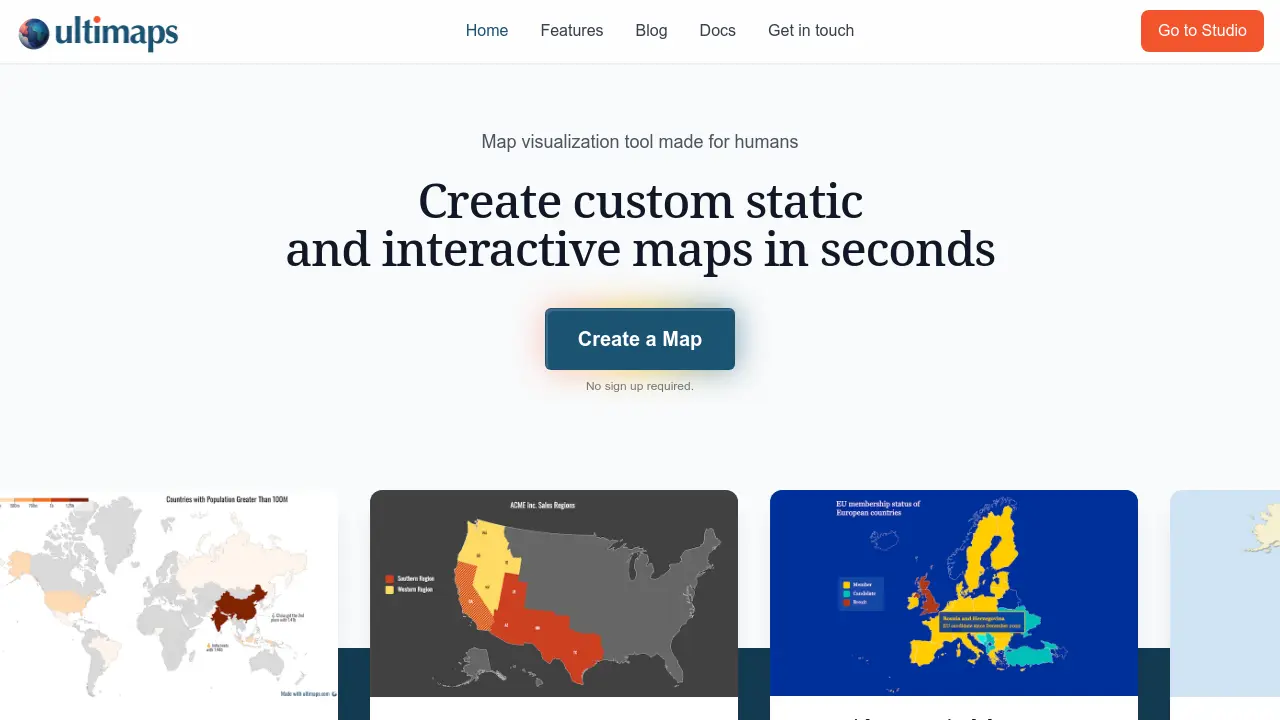
Ultimaps is a user-friendly map visualization tool designed to help individuals and businesses create custom static and interactive maps effortlessly. It simplifies the process of transforming raw data, such as spreadsheets or text prompts, into clear and insightful visualizations without requiring any design or coding skills. The platform intelligently handles data analysis, color optimization, scaling, and legend creation, making map generation accessible to everyone.
Users can easily import their data or use AI-powered prompts to generate maps. The tool offers robust customization options, allowing for tweaks to styles, colors, fonts, and the addition of annotations. Finalized maps can be exported in various formats (PNG, SVG, PDF) or published as interactive visualizations, embeddable on websites and viewable on any device, facilitating effective data communication and presentation.
Key Features
- Smart Map Coloring: Transforms messy spreadsheets into self-explanatory maps with optimized colors, scales, and legends.
- AI-Powered Prompts: Create maps by writing a natural language prompt to define data and styling.
- Intelligent Data Handling: Automatically fixes inconsistent location data, applies smart scaling for data breaks, and picks optimal color palettes.
- Customization & Annotation: Fine-tune colors, fonts, add pins, text, lines, and shapes using a visual editor.
- Interactive Map Builder: Create interactive maps with tooltips and popups without writing any code.
- Multiple Export Options: Download maps in PNG, SVG, and PDF formats.
- Embed & Share: Publish and share maps via a link or embed them on websites, responsive on all devices.
- Data Import: Supports importing data directly from files like spreadsheets.
- Legend & Value Formatting: Automatically builds legends and formats values appropriately (e.g., currency, percentages, decimals).
- Templates & Themes: Apply pre-designed themes for presentation-ready maps or use Bucket Fill for manual coloring.
Use Cases
- Visualizing sales data on a map
- Creating sales territory maps
- Mapping numerical or categorical data distributions
- Plotting locations with pins on a map
- Developing presence maps for businesses or services
- Generating map-based illustrations for reports or presentations
You Might Also Like

PeerClick
Free TrialYour all-in-one solution for ad tracking and e-commerce!

Milmot
FreemiumBring your words to life

Focal
FreemiumOnline video creation software that helps you tell stories using AI.

Rev
FreemiumThe #1 Platform for Recording, Transcribing, and Analyzing Speech

FindMyOdds.com
FreeAccurate Bet Calculator and Expert Betting Tips