
Twistly
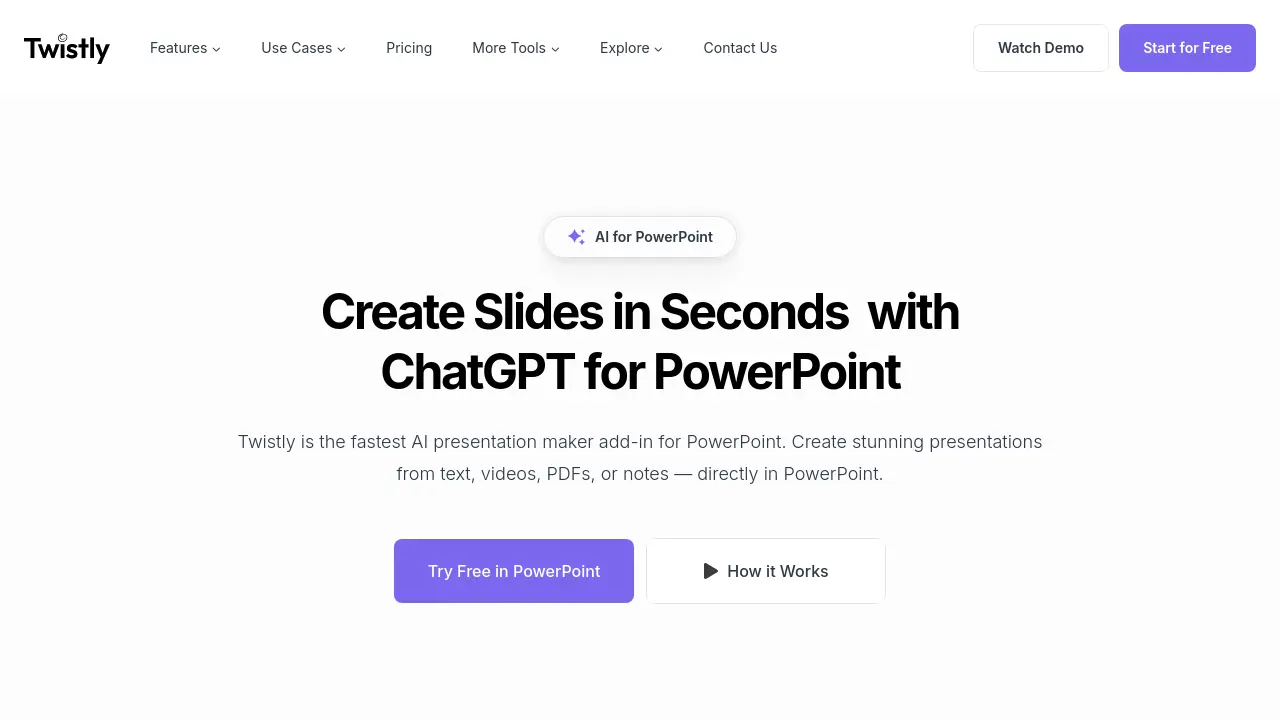
Create Slides in Seconds with ChatGPT for PowerPoint
Description
Twistly is an advanced AI add-in designed for Microsoft PowerPoint, allowing users to generate complete slide decks or individual slides directly within the familiar PowerPoint interface. By leveraging ChatGPT, it transforms text, PDFs, documents, and YouTube videos into polished presentations with AI-generated images and speaker notes.
This tool is optimized for speed and ease of use, eliminating the need to switch between different applications or manually format slides. Ideal for students, educators, and professionals, Twistly streamlines slide creation, translation, and content improvement tasks for efficient presentation workflows.
Key Features
- PowerPoint Integration: Works as a native add-in directly inside Microsoft PowerPoint
- Multi-format Conversion: Generates slides from text, PDFs, DOCX, YouTube videos, and notes
- ChatGPT-Powered Slide Creation: Uses ChatGPT to generate, edit, and improve slide content
- AI Image Generation: Creates unique visuals for slides within PowerPoint
- Speaker Notes Automation: Produces professional speaker notes for any or all slides
- Slide Translation: Instantly translates slides into multiple languages
- One-Click Text Improvements: Polishes slide content quickly with AI tools
- Single Slide Generation: Lets users add individual AI-generated slides to any presentation
- Template Library: Offers a range of ready-to-use, AI-optimized PowerPoint templates
Use Cases
- Rapid creation of school or university presentations
- Generating business pitches and sales decks
- Preparing training and educational materials
- Translating presentations for multilingual audiences
- Designing research or project decks with data conversion
- Quickly updating or enhancing existing presentations
Frequently Asked Questions
What makes Twistly the best AI presentation maker?
Twistly is a powerful AI add-in that operates directly within Microsoft PowerPoint, enabling faster and smarter presentation creation using ChatGPT without the need to switch between tools.
Is Twistly the fastest AI presentation generator?
Yes, Twistly is designed for speed and can generate over 95% of presentations in under 30 seconds, making it ideal for real-time PowerPoint results.
Can I use ChatGPT inside PowerPoint with Twistly?
Absolutely. Twistly brings ChatGPT functionality directly into PowerPoint, allowing users to write slides, summarize content, and generate speaker notes without leaving their presentations.
What file types does Twistly convert into PowerPoint slides?
Twistly supports generating slides from text, PDFs, DOCX files, YouTube links, Google Docs, and more, transforming various content formats into professional slides.
Is Twistly suitable for beginners?
Yes, Twistly is designed for easy use by anyone, requiring no design experience or technical skills to create high-quality presentations.
You Might Also Like

ComeHome.ai
Contact for PricingAI-Powered Lead Generation and Photo Surveys for Moving Companies

Talent Llama
Free TrialAI-Powered Interview and Recruitment Platform

Aiwo
Contact for PricingCustomer Contact Intelligence

Activepieces
FreemiumAI-first, no-code & open-source automation software

SnoozyStory
FreemiumTransform Bedtime with AI-Powered Personalized Stories