
Closed Caption Creator
Broadcast-Quality Closed Captioning Made Simple
Description
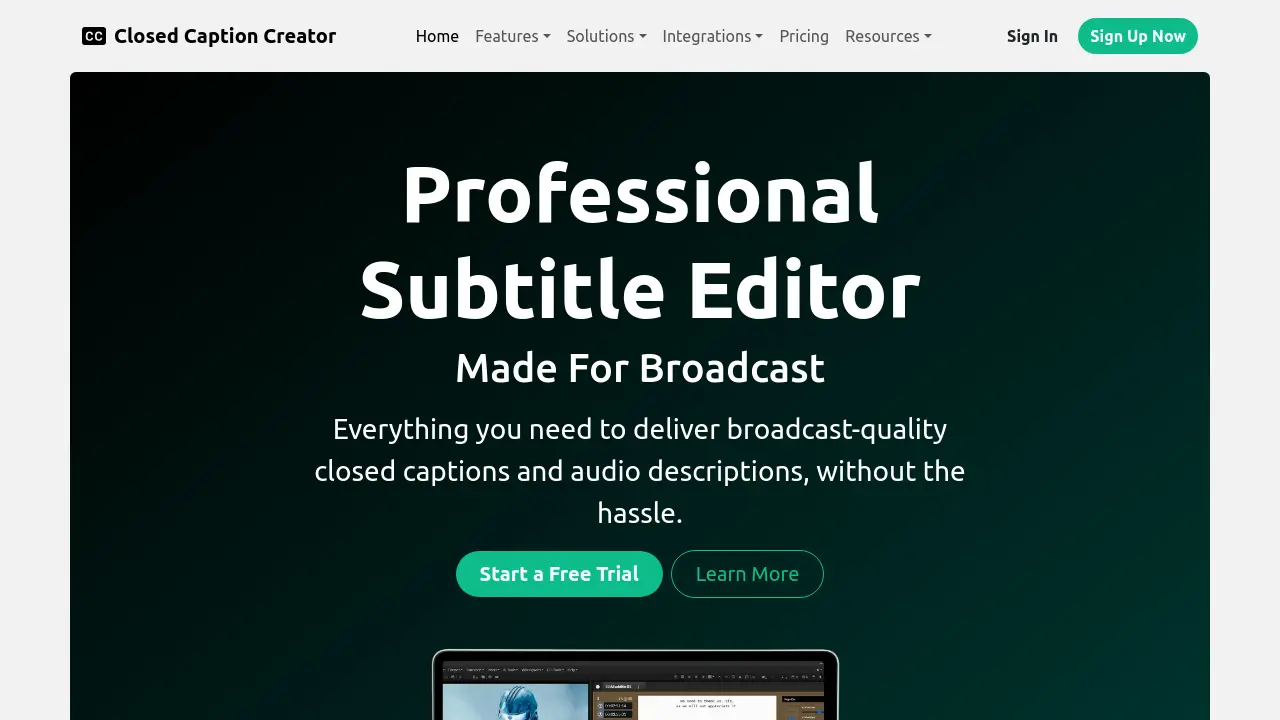
Closed Caption Creator is a comprehensive subtitle and captioning platform designed for broadcast and professional video workflows. Leveraging advanced AI for transcription, automation, and error detection, the tool simplifies the creation, editing, localization, and export of accessible media.
Users benefit from multi-format support, real-time quality control, integrated translation, and built-in collaboration features, ensuring efficient delivery of accurate, high-quality captions, subtitles, transcripts, and audio descriptions across various video projects.
Key Features
- Automatic Captioning & Sync: Generate accurate captions using leading AI transcription services
- Machine Translation: Translate subtitles and captions into over 70 languages
- Custom Keyboard Shortcuts: Personalize shortcuts to boost productivity
- Batch Editing: Edit multiple caption events simultaneously
- Realtime Error Detection: Instantly alert users to caption issues with RED alerts
- Custom Style Guides: Enforce technical and editorial standards automatically
- Tags, Notes, and Approvals: Add metadata and approval states for every caption event
- Multi-format Export: Output to over 30 caption and subtitle file types
- Burnt-In Subtitles: Export videos with open captions in customizable styles
- Team Collaboration: Share projects and enable multi-user workflows
Use Cases
- Creating closed captions and subtitles for broadcast and streaming video
- Translating and localizing subtitles for multilingual audiences
- Generating transcripts and dialogue lists from video content
- Producing descriptive video transcripts and audio descriptions for accessibility
- Converting and exporting caption files in various formats
- Collaborative captioning and quality control in media teams
- Reviewing and correcting caption files for broadcast compliance
Frequently Asked Questions
Is it compatible with Mac, Windows, and Linux?
Closed Caption Creator offers both a desktop and web application, compatible with Mac, Windows, and Linux operating systems.
Can Closed Caption Creator run in a web browser?
Yes, the tool is fully compatible with Chrome for browser-based access.
Does Closed Caption Creator offer an offline mode?
An offline version is available that can be installed on any desktop and does not require an internet connection.
What file formats are supported for export?
Closed Caption Creator supports over 30 closed caption and subtitle formats including SRT, VTT, TTML, XML, SCC, as well as Microsoft Word, CSV, and plaintext transcripts.
Does Closed Caption Creator support live captioning?
Live captioning is not currently supported, but it is on the roadmap for a future release.
You Might Also Like

mysheetAI
FreemiumUnlock the full potential of Excel and Google Sheets with our AI formula bot.

CostTracker
Free TrialEasy-to-use purchase order system for 100% cost control

BotUp
Free TrialCreate multi-channel chatbots with a no-code visual flow builder to automate engagement.

Coxwave Align
Contact for PricingThe Analytics Engine For Your Gen-AI Product

123apps
FreemiumEdit, Convert, Create with Online Tools